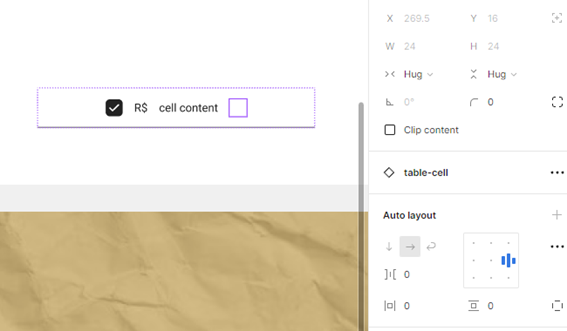
Hey All, sorry for the lack of acknowledgement here!
Back in 2022, when the 1st topic was shared, the forum was primarily run by the community. With that being said, this a feature limitation at the moment, due to how a Frame keeps its size from a Main Component, once it no longer has any content within it. There is no guarantee on if or when the team will improve upon this behavior.
There’s a bit of a workaround you can do with a Group, but it does cause issues where the Group isn’t taking up space like a Frame. But it will create the space between objects to be there.
In these types of situations, the only true workaround for this would be to add a Component Property that has the Frame hidden entirely, or depending on your design, you can make variants.
The workaround may vary depending on your file, so if this doesn’t help, please reach out to the support team directly via this form for help: https://help.figma.com/hc/en-us/requests/new
Be sure to use your Figma account email, include a link to your file, and share edit access with support-share@figma.com, so the team can take a closer look.