Vozhegov Ivan
New Member
August 18, 2026
Question

Figma folders

  • August 18, 2026
  • 44 replies
  • 806 views

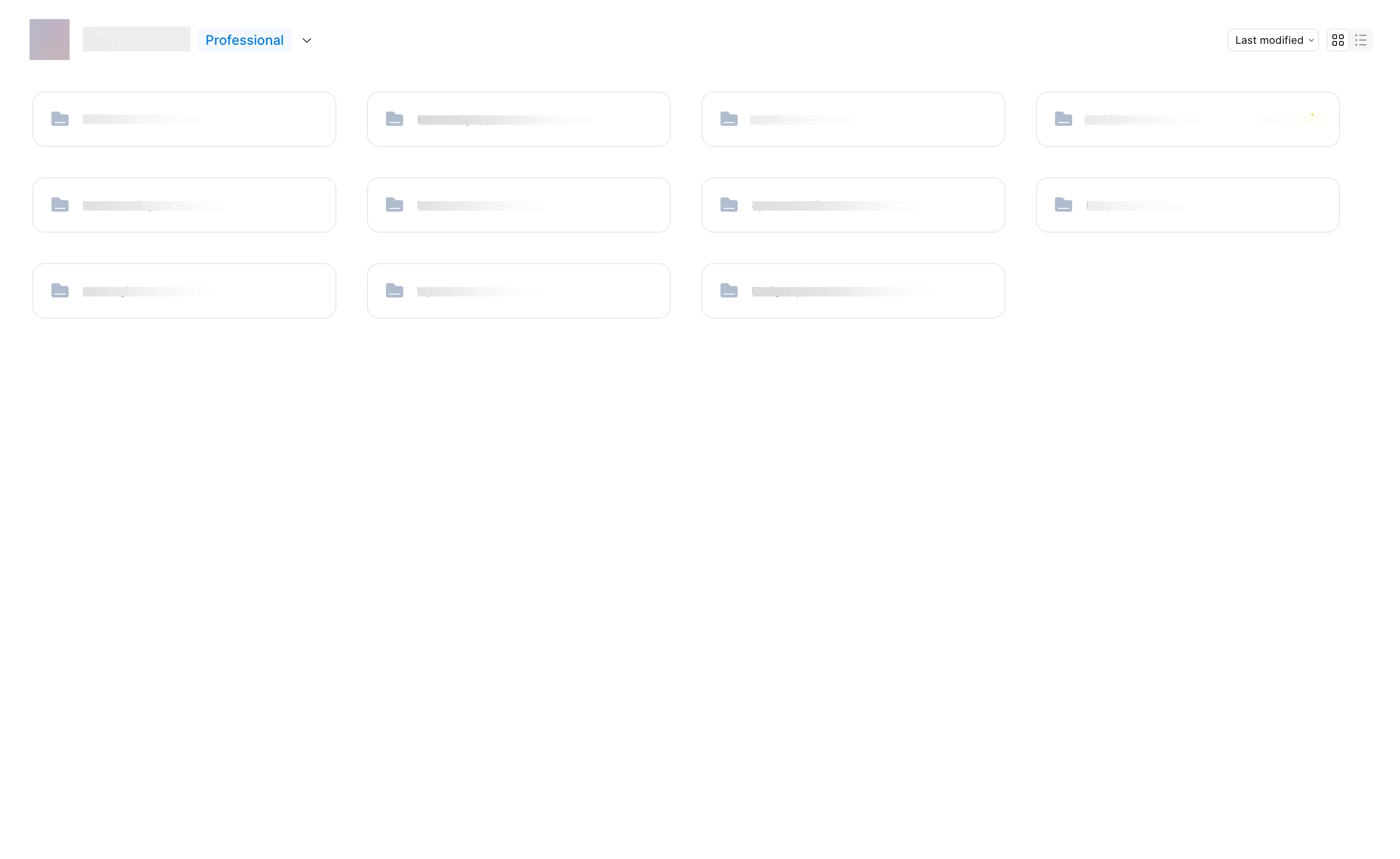
I’m working with a team on a large project, and we have a complex file structure. Removing the file previews has made it much harder to navigate our file system. Each group of files has its own color; previously, you could just glance at the main screen and understand where to go or see the file name in the preview. With only the folder icon and name, it’s much harder to remember where something is located. Please give us the option to revert to the previous interface with clear file previews.



44 replies

Joe Marnen
New Member
August 28, 2026

Agreed with all the comments here. This roll out is a miss and has been a huge pain point for not only me, but key stakeholders accessing files. This should be rolled back until it’s properly fixed. 

nolansmits
New Member
August 31, 2026

The previous thumbnail previews were a significantly better UX than the new folders, for several reasons. The only issue I had with the previous thumbnails, was that it would sometimes add extra padding to the preview images. Please go back to the way that it was.

Anna Wu
New Member
September 10, 2026

Yes please, this update is a nightmare. If not the thumbnail previews or icons, at least give us custom folder colors so we can up the contrast on these default desaturated colors. 

marindalynn
New Member
September 14, 2026

This has greatly hurt navigation for the huge group of folks that need to access my projects. I was shocked when all of the sudden our beautiful thumbnails became tiny folder icons. As others have said, the colors are not accessible either. Please revert ASAP. Maybe in the future you could offer the option for icons/emojis or thumbnails? Team thumbnail by a long shot over here.