Solved

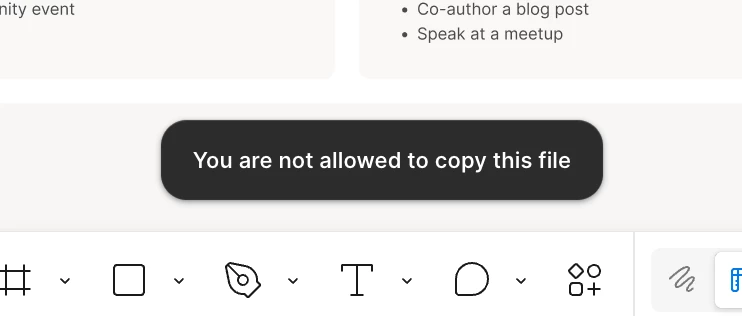
"You are not allowed to copy this file" error message

  • July 27, 2026
  • 13 replies
  • 280 views

Carolyne Gardener

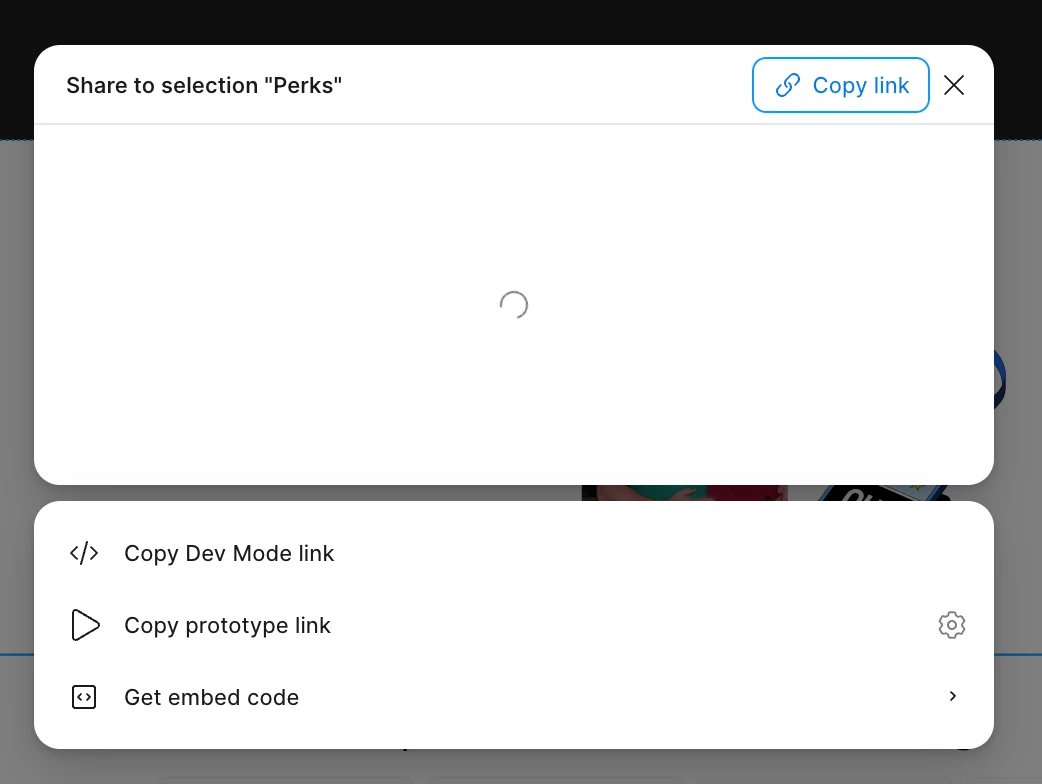
I just updated to the most recent version of figma and now I keep getting the error message, "You are not allowed to copy this file," whenever I try to copy something. This is happening in every file, no matter if I own it or someone else does. It’s even happening in my drafts. I’m using the desktop app, not the web app. I tried restarting figma, logging out of my account, and resetting my computer. Nothing has fixed the issue. Whenever I try to open the share settings for a file, I see a loader for a minute and then the modal closes on it’s own. Has anyone else experienced this or have a solution?


Best answer by djv

Hey All, thanks for flagging this issue! 

We understand how this must have slowed down your workflow. Our team has already pushed out a fix, if you’d like to please refresh your tabs. Please do let us know, if you run into any further issues. 

13 replies

Dani Dunn
  • New Member
  • July 27, 2026

The same thing is happening to me...


Cristina Keane

Experiencing the same issue


Scott Blanton

We are experiencing the same thing - just happened about 15 mins ago while working in multiple files. If the file was open we didnt have a problem. if you closed it and came back into it, the problem starts. any file we opened after same problems. I am the owner and admin for the who platform. So I have no restrictions. And its happening to all user levels now.


Vesperi
  • New Member
  • July 27, 2026

Happening to me too despite following existing posts about it like going to incognito and relogging in


Buja
  • New Member
  • July 27, 2026

The same, cannot work.


Noelle Ingrisano

also happening to me as well 


Chris_Boggs
  • New Member
  • July 27, 2026

Same here. 


How about a feature that allows us to roll back to prior version?


Ikbal_Efe
  • New Member
  • July 27, 2026

Same here. While working on a file that I own, I have updated and started to having this error message. Tried to log-out, log-in both on browser and desktop versions, nothing changes.


RayC
  • New Member
  • July 27, 2026

same here, any solutions?


Carolyne Gardener

The issue is resolved on my end! I didn’t do anything, it just started working again. 


Scott Blanton

magically fixed itself 2 mins ago. anyone else?


RayC
  • New Member
  • July 27, 2026

Looks like they fixed it. Case closed.


djv
Figmate
  • Community Support
  • Answer
  • July 27, 2026

Hey All, thanks for flagging this issue! 

We understand how this must have slowed down your workflow. Our team has already pushed out a fix, if you’d like to please refresh your tabs. Please do let us know, if you run into any further issues.