Carolyne Gardener
New Member
July 27, 2026
Solved

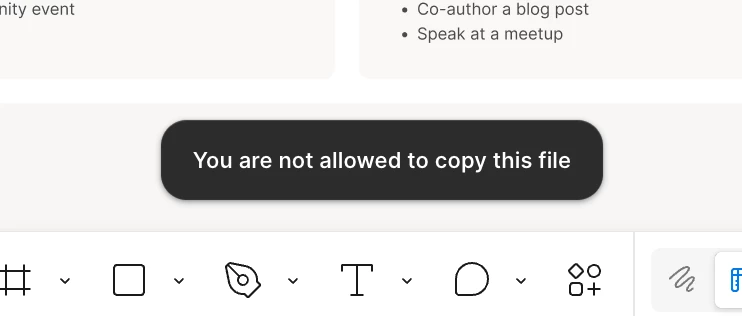
"You are not allowed to copy this file" error message

  • July 27, 2026
  • 13 replies
  • 362 views

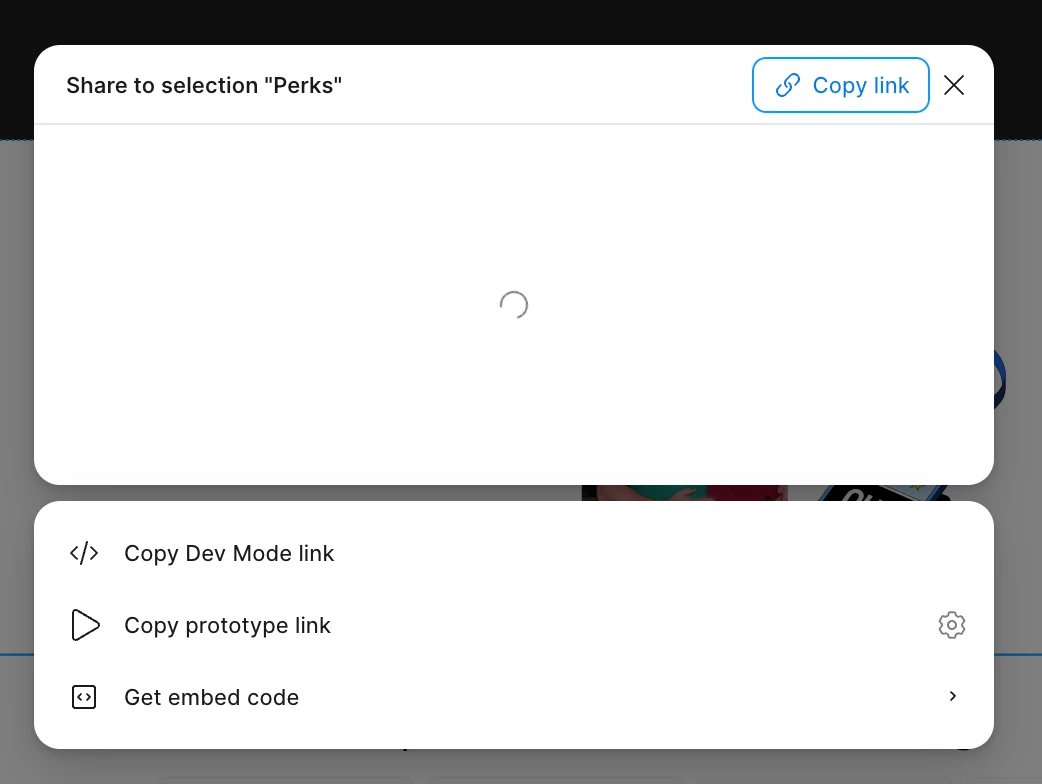
I just updated to the most recent version of figma and now I keep getting the error message, "You are not allowed to copy this file," whenever I try to copy something. This is happening in every file, no matter if I own it or someone else does. It’s even happening in my drafts. I’m using the desktop app, not the web app. I tried restarting figma, logging out of my account, and resetting my computer. Nothing has fixed the issue. Whenever I try to open the share settings for a file, I see a loader for a minute and then the modal closes on it’s own. Has anyone else experienced this or have a solution?


    Best answer by djv

    Hey All, thanks for flagging this issue! 

    We understand how this must have slowed down your workflow. Our team has already pushed out a fix, if you’d like to please refresh your tabs. Please do let us know, if you run into any further issues. 

    13 replies

    Scott Blanton
    New Member
    July 27, 2026

    magically fixed itself 2 mins ago. anyone else?

    RayC
    New Member
    July 27, 2026

    Looks like they fixed it. Case closed.

    djv
    Figmate
    djvAnswer
    Community Support
    July 27, 2026

    Hey All, thanks for flagging this issue! 

    We understand how this must have slowed down your workflow. Our team has already pushed out a fix, if you’d like to please refresh your tabs. Please do let us know, if you run into any further issues.