Question
Unable to open files in Figma
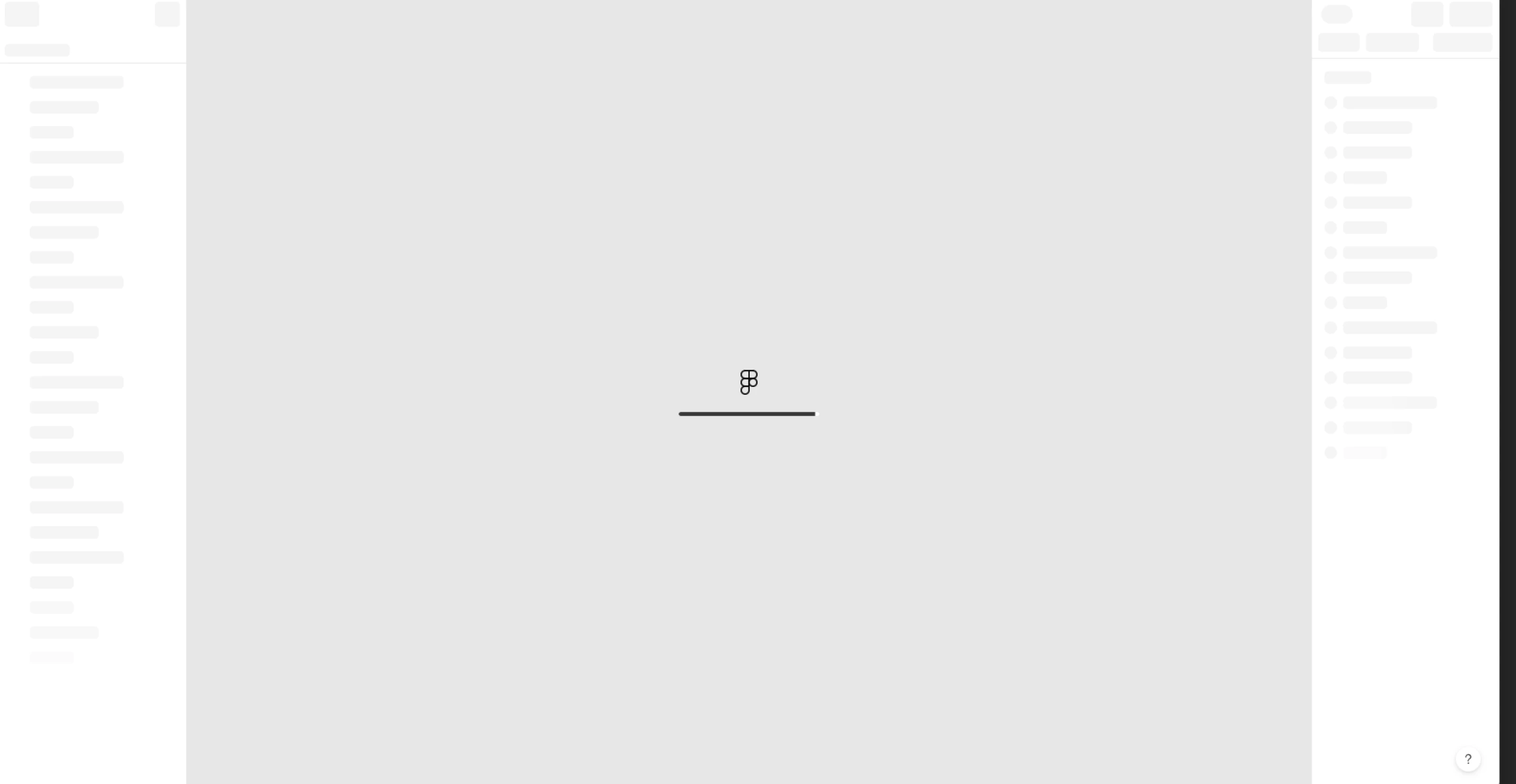
Since yesterday I’ve been unable to open any files in Figma. Any file I try to open gets stuck on loading, like in the screenshot attached.
These are the things I’ve tried:
-
Quit Figma, restart Mac
-
Uninstall Figma using
brew uninstall figma, clear caches usingsudo dscacheutil -flushcacheand thensudo killall -HUP mDNSResponder, reboot Mac in Safe Mode, reinstall Figma. It opened one file, then after restarting in normal mode no files opened again. -
Followed the instructions in this page, ran
rm -rf "$HOME/Library/Application Support/Figma/"{Desktop,DesktopProfile}
None of these steps have solved the problem.