

Typography/Size Variables: Styles don't respect applied mode for variables
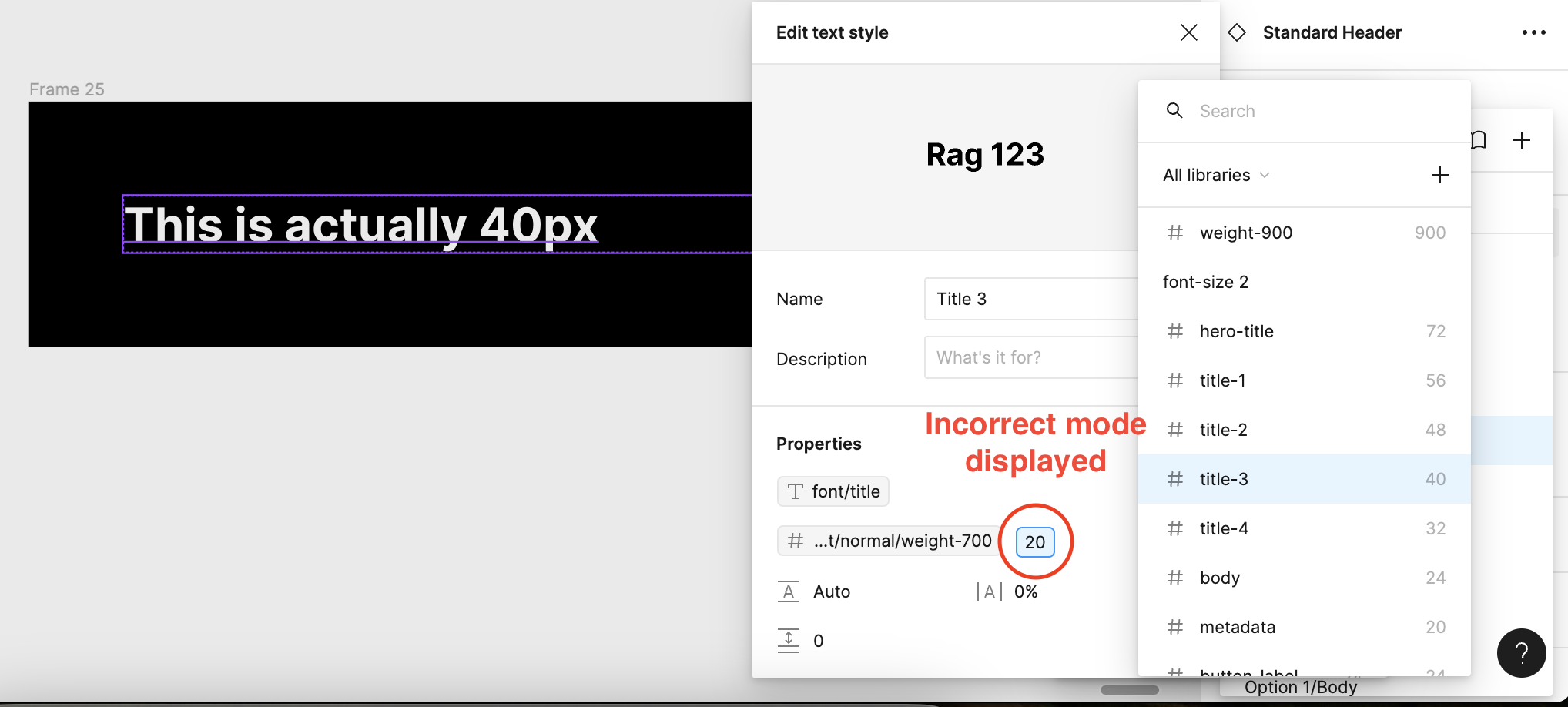
When applying text styles that have associated variables attached the values presented do not respect the applied mode. For instance I have a title that has a mode for Mobile (20px), and a mode for TV (40px), when i open up the style, the default mode (in this case mobile) is displayed instead of the TV mode size.
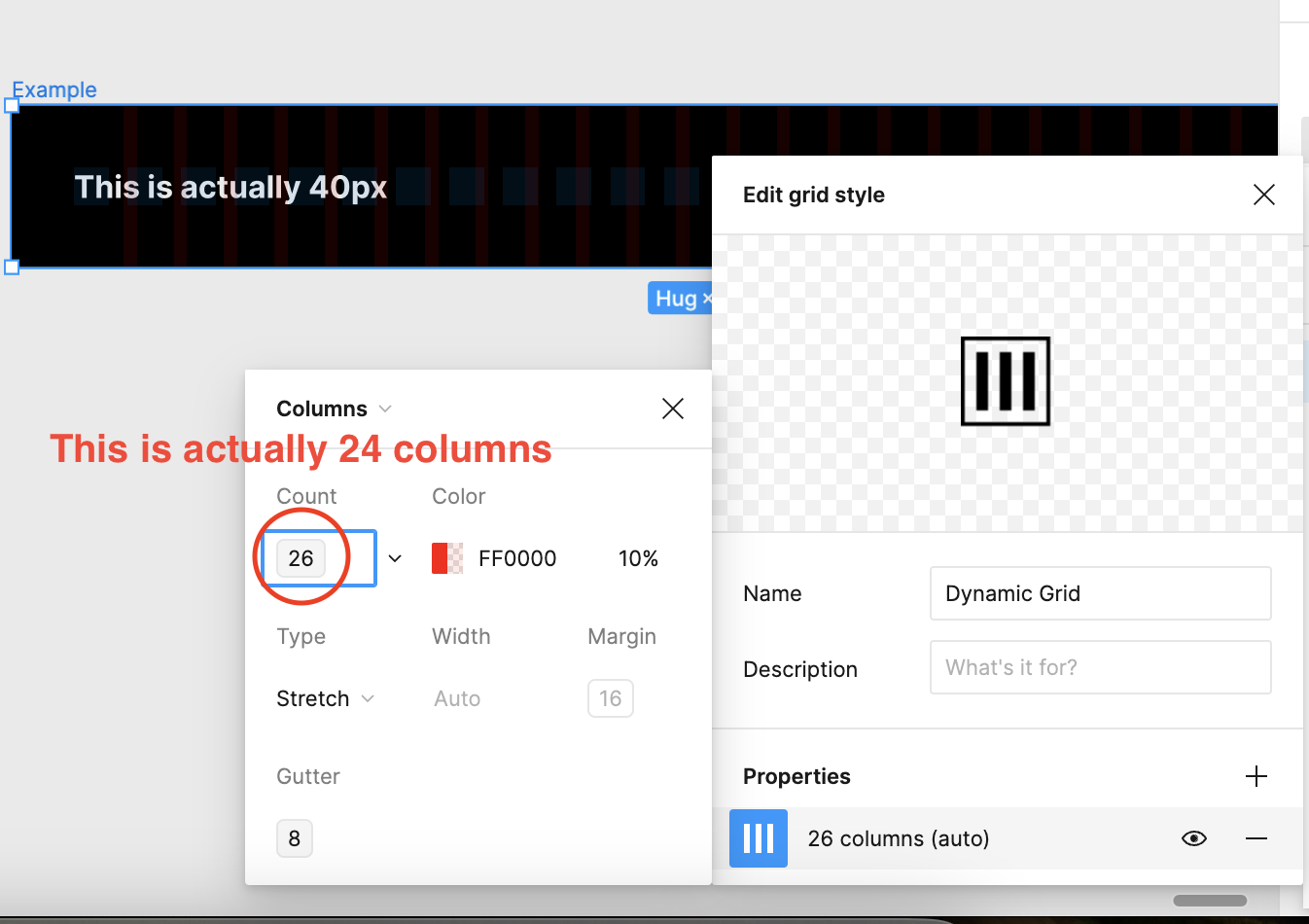
I have also observed this within grid layouts when applied it shows the default mode (26 columns). When in reality it is actually 24 columns, if you then detach the style it shows the correct number.
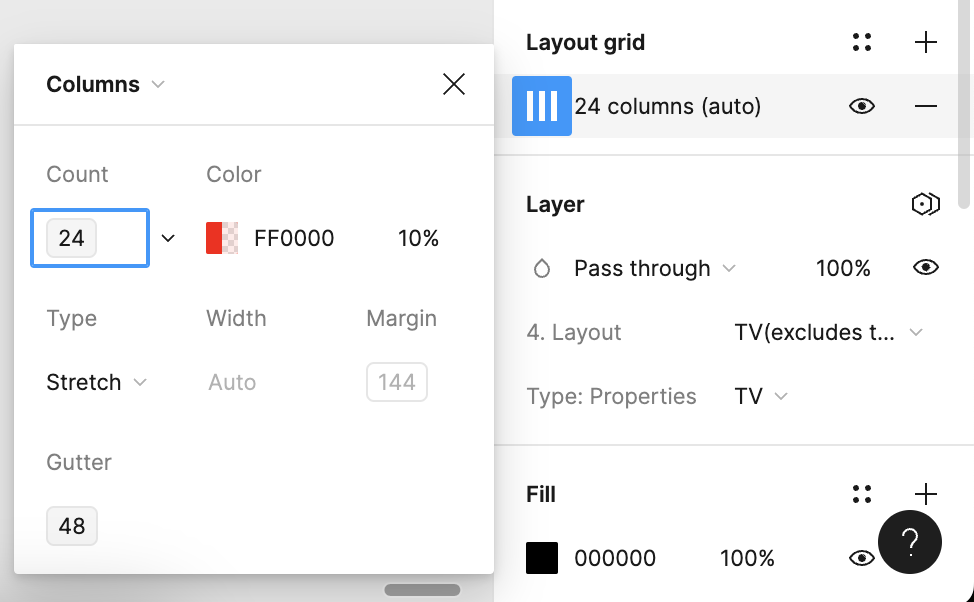
And when detached you can see it shows the correct value
Seems this was a major oversight, as it makes applying size variables pretty time consuming, as I have to check if I’ve chosen the correct size by clicking and opening up the variable list.
In short it seems to default to the first default mode, instead of respecting the chosen mode. It also only seems to affect styles.
Anyone else found this to be an issue?