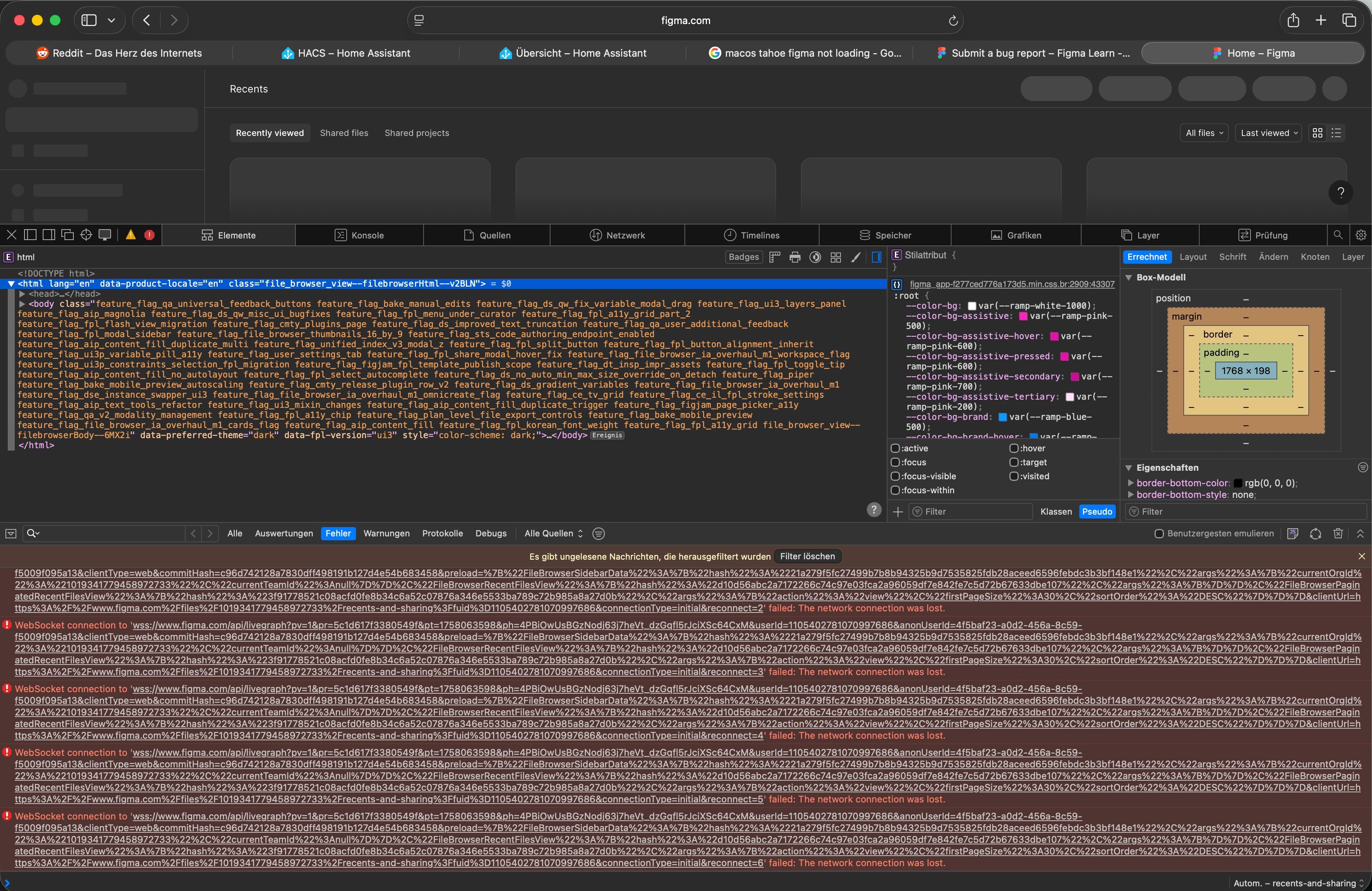
Hi @Ben Fitter-Harding ,
Thanks for following up, I completely understand how inconvenient this is, especially since Private Relay used to work fine before!
Our team has identified that this issue originates on Apple’s end and can occur when using Safari on macOS Tahoe with iCloud+ Private Relay enabled. This Apple-side issue affects websocket connections, which can prevent Figma from loading properly in Safari.
Apple is expected to include a fix for this issue in the upcoming Safari 26.1 update, after which it should no longer occur.
In the meantime, you can try one of these temporary solutions:
-
Disable Private Relay in your iCloud settings
-
Use another browser (like Chrome or Firefox) or the Figma Desktop app
-
Revert to an earlier version of Safari, if possible
These steps should help restore access and allow you to continue working without interruption.
I’ve also marked my reply as the “Best Answer” so that others who run into the same issue can easily find it, thanks!