Solved

[Monitoring] Copy file and export issue

  • July 27, 2026
  • 47 replies
  • 67 views

Erasmus

Hi everyone

Figma file I’ve been editing for days and months as file owner.
Now I can’t seem to be able to copy elements on it, share the file, rename it etc. And this started immediately after an update.

I can design on the file but i can’t use AI features

Please can someone help me urgently? thank you!

[Moderator note: This post’s title was changed from Figma no working properly, after an update to [Bug] Copy file and export issue on 27-Jul-2026.]

Best answer by Tom Reem

Hi ​@Jeyson Lopez — thanks for reporting this, and I've got some good news.

I checked in with our Engineering team, and they've pushed a fix. Copying and exporting should be working as expected now.

Give your tab a refresh and let me know how it goes.

I'm continuing to monitor reports and will follow up if anything changes.

47 replies

Melisa Moreu
  • New Member
  • July 27, 2026

I can’t paste images since Friday, I can see the blue outline square but no image, I’ve restarted the program several times and is still the same, a co-worker in a different country reported the same, anyone else having this problem?

[Merged by Moderator 7/27/2026]


Yuliia Stanko

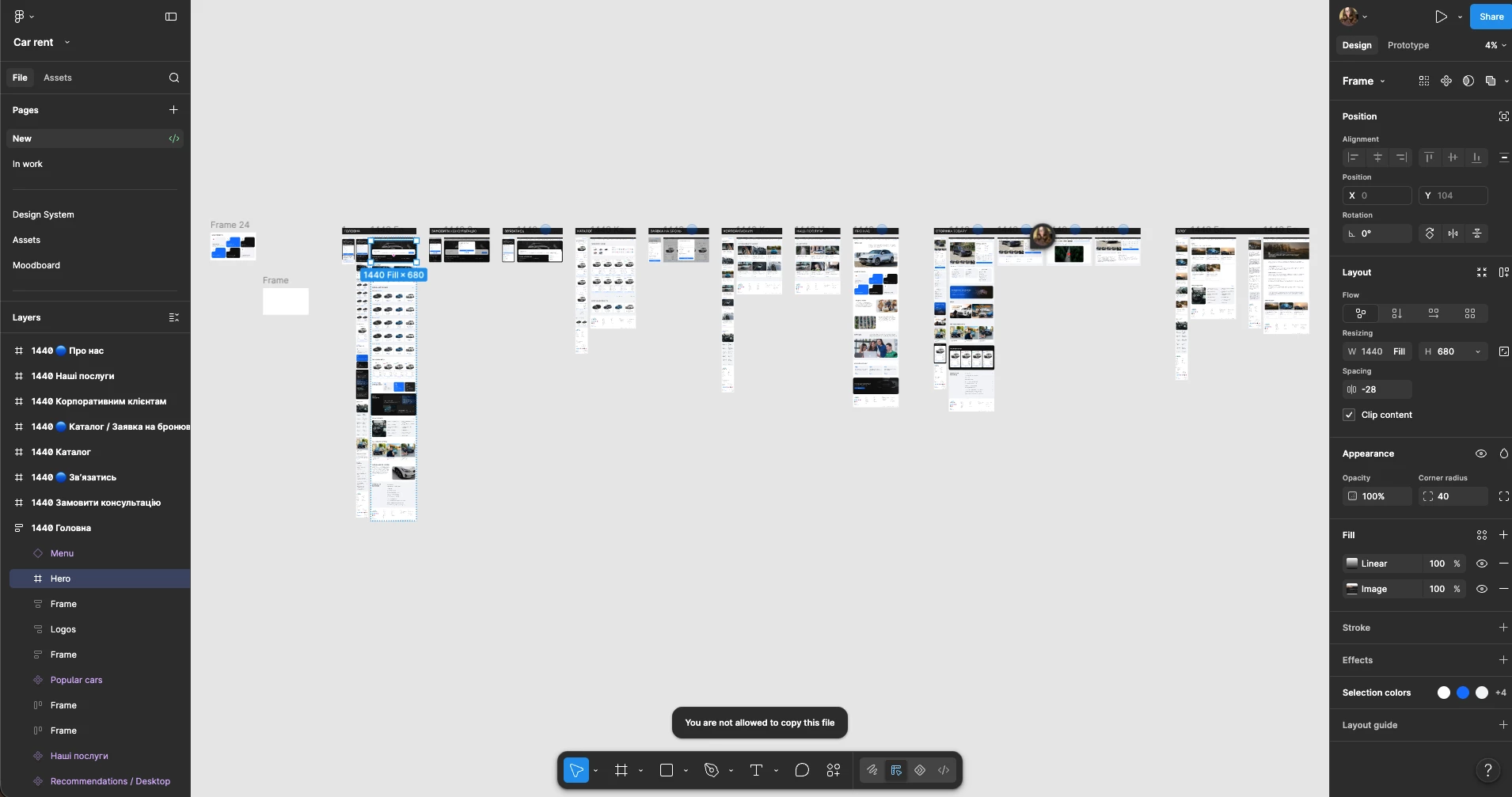
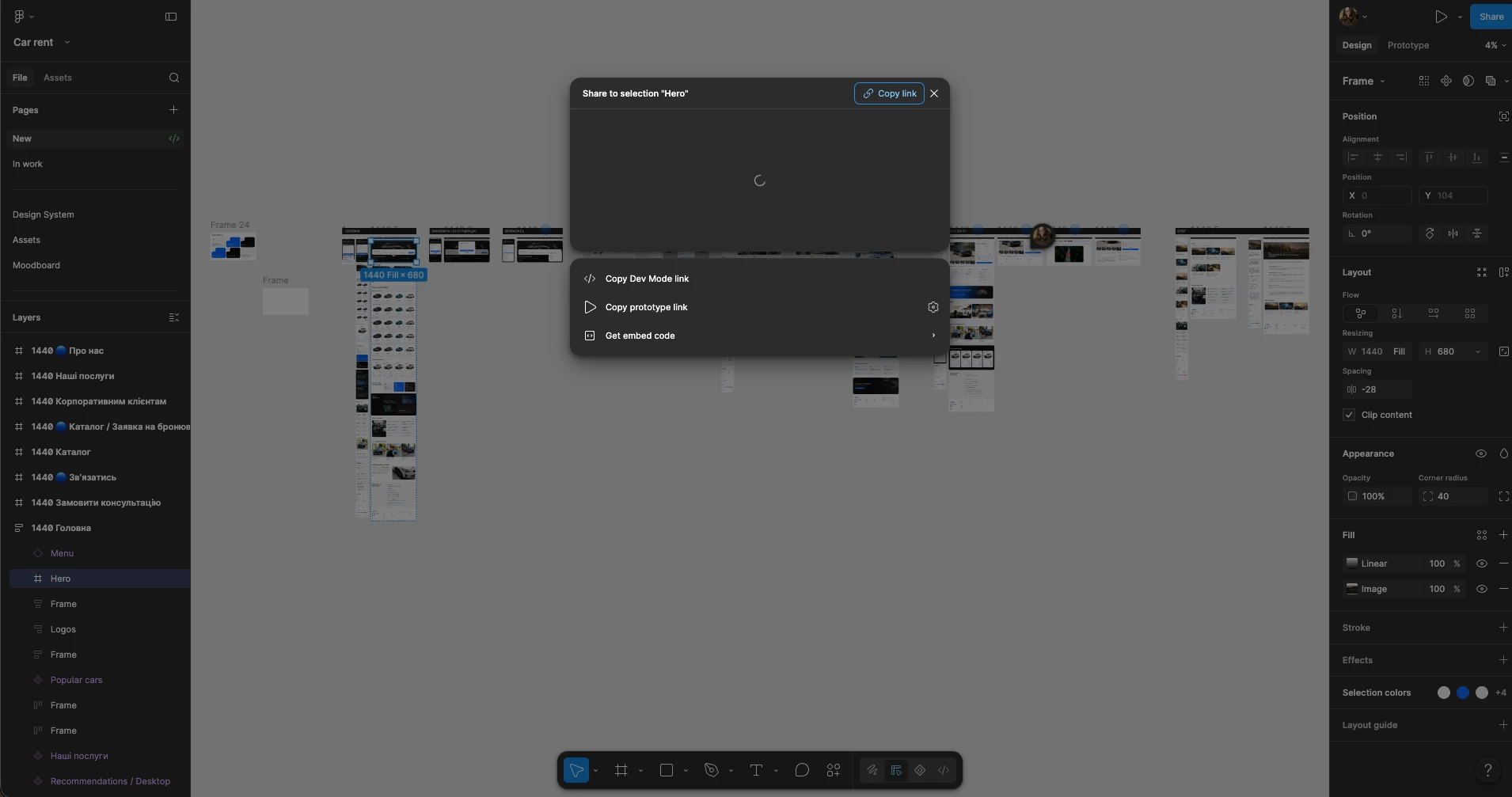
I am logged in a correct profile, all files are located in my own team drafts and I can edit them, but can’t copy anything. There is also trouble accessing “Share” window, it just doesn't load and disappears after some time.

HELP!!!

[Moderator note: This post was merged from I cannot copy anything in my own files (but can edit) into Copy file and export issue on 27-Jul-2026.]


Molly Mellinger

I am having the exact same issue . I’ve logged in and out, updated figma, even restarted my computer. ALL my files are doing this!

[Moderator note: This post was merged from I cannot copy anything in my own files (but can edit) into Copy file and export issue on 27-Jul-2026.]

Kara Rivenbark

Copy and paste is broken within all my files. I can still edit and do everything else. I imagine this is a bug that came up in Figma, as this happened to my coworker also, and none of our sharing permissions were changed. 

[Moderator Note: Merged from “I cannot copy and paste in my files”]


Trent Warner
  • New Member
  • July 27, 2026

Same problem! Hope I dont need to increase my subscription to be able to copy and paste

[Moderator note: This post was merged from I cannot copy anything in my own files (but can edit) into Copy file and export issue on 27-Jul-2026.]

Yuliia Stanko

upd. I tried to empty caches and restart Figma from the Help menu, it didn’t help.

[Moderator note: This post was merged from I cannot copy anything in my own files (but can edit) into Copy file and export issue on 27-Jul-2026.]


Anna Konson
  • New Member
  • July 27, 2026

same issue! have opened and closed, logged out and in, nothing is working!
edit 3:25est - fixed now!

[Moderator note: This post was merged from I cannot copy anything in my own files (but can edit) into Copy file and export issue on 27-Jul-2026.]


Morris Marketing

Same Exact Issue Here

[Moderator note: This post was merged from I cannot copy anything in my own files (but can edit) into Copy file and export issue on 27-Jul-2026.]


Thomas_B_
  • New Member
  • July 27, 2026

Glad to hear I’m not the only one.

[Moderator note: This post was merged from I cannot copy anything in my own files (but can edit) into Copy file and export issue on 27-Jul-2026.]


Andrew_Lefurge

Same exact behavior here, has been happening for about the last 30min

[Moderator note: This post was merged from I cannot copy anything in my own files (but can edit) into Copy file and export issue on 27-Jul-2026.]


casanuestrokater

Today I am trying to export a frame as a jpeg from a file of which I am the owner and only user. I have a free account, and when I try to export I get a pop up that says “You are not allowed to export this file”. How can I fix it?

[Moderator Note: Merged from “Unable to export frame today”]


lukec26
  • New Member
  • July 27, 2026

Our files are now unlinked from all published library after reload during the last 30 min or so. The library are published and still discoverable but we’re still unable to link it back. This is accompanied with variable entry been completely missing from the page as well as not been able to copy anything within the design.

[Moderator note: This post was merged from All publish library is now unlinked into Copy file and export issue on 27-Jul-2026.]


Ben24
  • New Member
  • July 27, 2026

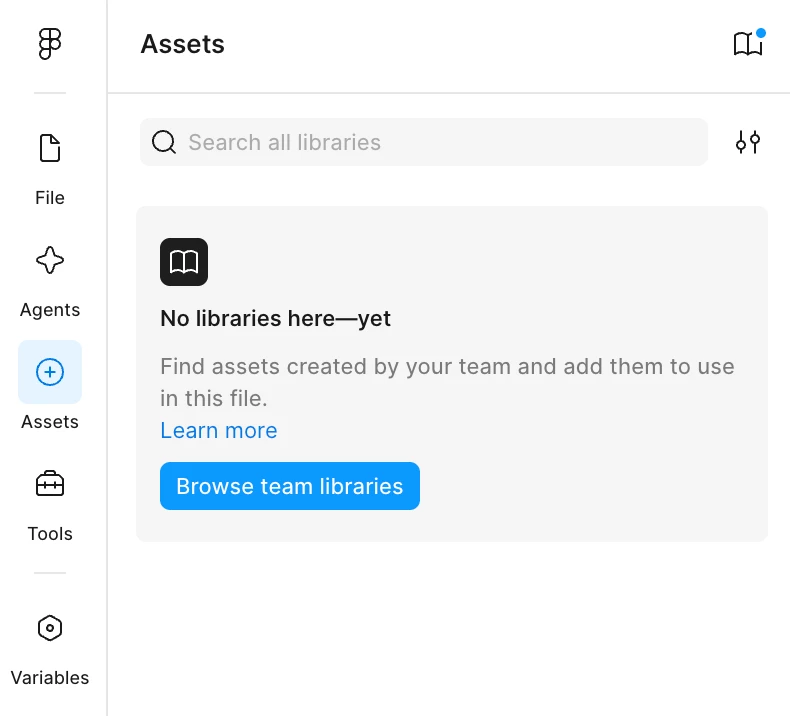
Same here!! After the most recent figma update, Our company work is being delayed as for some reason all of our accounts cannot access our design system libraries from files. Asset shows No libraries here (although there was) and when pressing on browse, the list of design system libraries open but “Add to file” CTA isnt doing anything  (see screenshot), 

We cannot even go to the design system file and copy/paste into the desired file as it notifies that “Not allowed” (see screen shot) although we are all editors.


[Moderator Note: Merged from “I cannot copy and paste in my files”]


Patrik Melis

It seems like I am unable to export anything afte rthe recent update.


The Export action is missing in the Properties panel. Using shortcut Shift + Command + E throws “You are not allowed to export this file”.

I'm the sole owner of the file/team/project - all levels. 

Anyone experiencing same issue?

[Moderator Note: Merged from “Unable to export any frame”]


Sergio Cameira

I have the exact same problem!! Can’t copy (although if i click and drag with the option key down it does copy frames), and share settings don’t work/open. Also can’t export anything!!

[Moderator note: This post was merged from I cannot copy anything in my own files (but can edit) into Copy file and export issue on 27-Jul-2026.]


Sadleder Bernd

Same issue - i cannot copy layer in any of my files.

[Moderator note: This post was merged from I cannot copy anything in my own files (but can edit) into Copy file and export issue on 27-Jul-2026.]


Hvdrien
  • New Member
  • July 27, 2026

Just like everyone else here, i’ve got the same issue… Damn…

[Moderator note: This post was merged from I cannot copy anything in my own files (but can edit) into Copy file and export issue on 27-Jul-2026.]


janani.ramesh

Same here :( It’s been happening for about 20 mins now.
[Moderator note: This post was merged from I cannot copy anything in my own files (but can edit) into Copy file and export issue on 27-Jul-2026.]


Jeyson Lopez

Just updated to the new version and the export tool has disappeared. The share prototype button also just doesn’t do anything. It tries to load but then closes the window. I have to share a prototype with a client today. Anybody else encountering this problem?

[Moderator note: This post was merged from Upgrade broke Figma into [Bug] Copy file and export issue on 27-Jul-2026.]

Isaac Fernández

Sensitive*

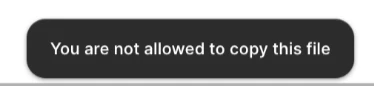
My design systems haven't been working properly since the last update. Additionally, I'm getting the message "You do not have permission to copy this file" on my own files. Please help.

[Moderator note: This post was merged from Sensible problems after the update into [Bug] Copy file and export issue on 27-Jul-2026.]

Vicky ZX
  • New Member
  • July 27, 2026

I just updated 10 mins ago, and i noticed that:

  1. i can’t copy anything from my own project file
  2. checked my libraries, the libraries that i used for my projects are now not added anymore. And if i want to add the library back to the file, no reaction at all when press “add to file” button. Therefore, i can’t access to my libraries.

[Moderator Note: Merged from “New update has bugs”]


Charles-Elie Chauvaux

Same issue here. It just started to happen after I did the update. Now I cannot copy any of my own files.

[Moderator note: This post was merged from I cannot copy anything in my own files (but can edit) into Copy file and export issue on 27-Jul-2026.]


Rabia Razzaq

Hi 


I cannot see the option to export my files in figma. It was there a while ago but I don't see that anymore.

[Moderator Note: Merged from “Exporting files”]


Matthew Sutherland

also having this issue, along with being unable to add libraries to files.

[Moderator note: This post was merged from I cannot copy anything in my own files (but can edit) into Copy file and export issue on 27-Jul-2026.]


sigmacat
  • New Member
  • July 27, 2026

Hello everyone 
I'm not particularly professional in working with figma, but I create all kinds of posters and stuff. I'm logging in now and I don't see the export section.
Help please

Where are the exports?

[Moderator Note: Merged from “How to export”]