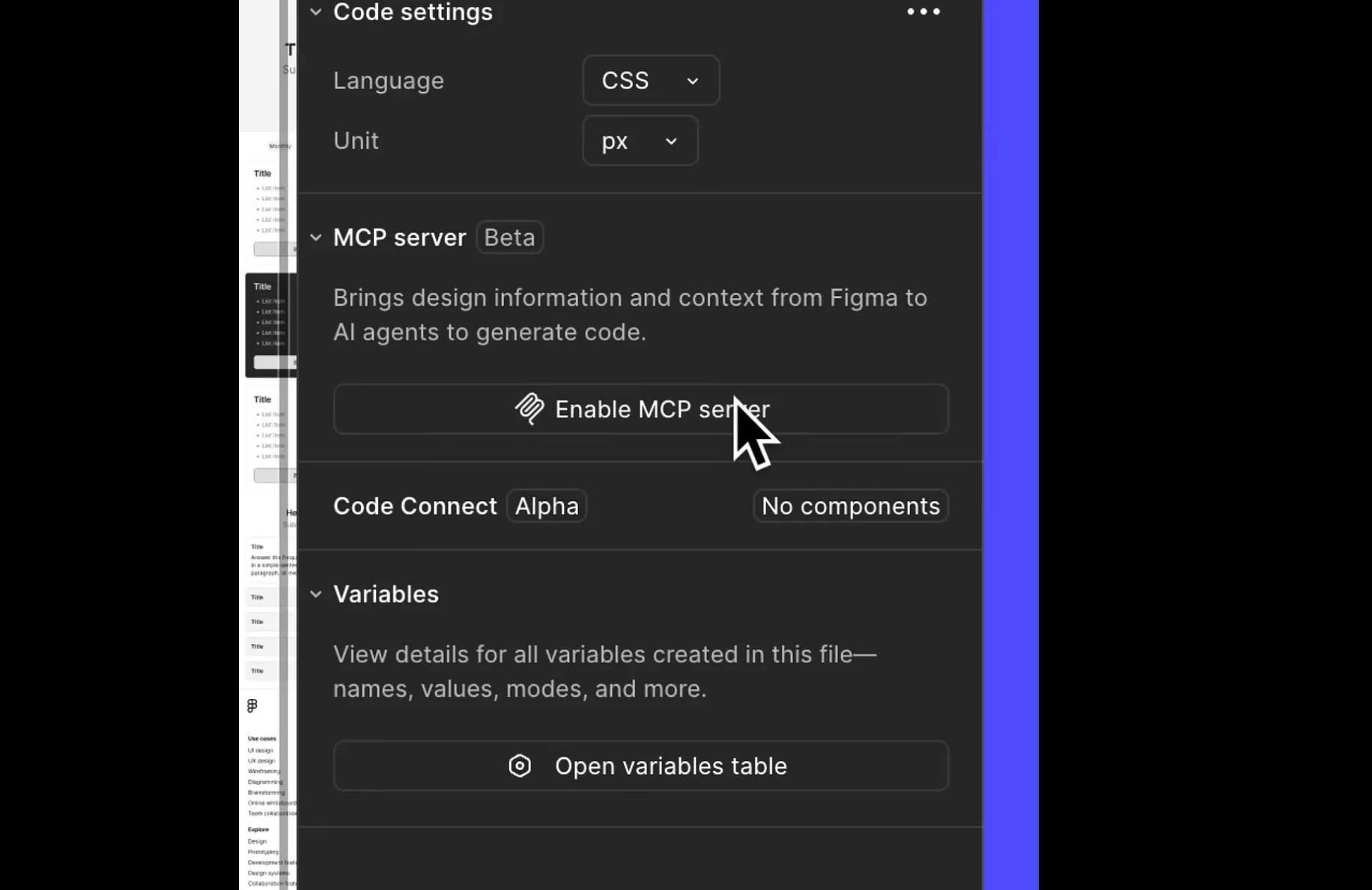
Not seeing MCP Server option in Figma Desktop | Figma Forum I am having the exact same problem in the referenced conversation. I cannot find the option to enable the mcp server even though it is in a profession team’s project on a Dev Seat
If you are still running into issues after trying these steps, please reach out directly to our support team so they can take a closer look at your case and settings. To do that, go to the Support Hub / Type “Report a bug, Contact Agent” / Click Start a chat / Select Enter and follow the prompts. Thank you!
If you are still running into issues after trying these steps, please reach out directly to our support team so they can take a closer look at your case and settings. To do that, go to the Support Hub / Type “Report a bug, Contact Agent” / Click Start a chat / Select Enter and follow the prompts. Thank you!