Solved
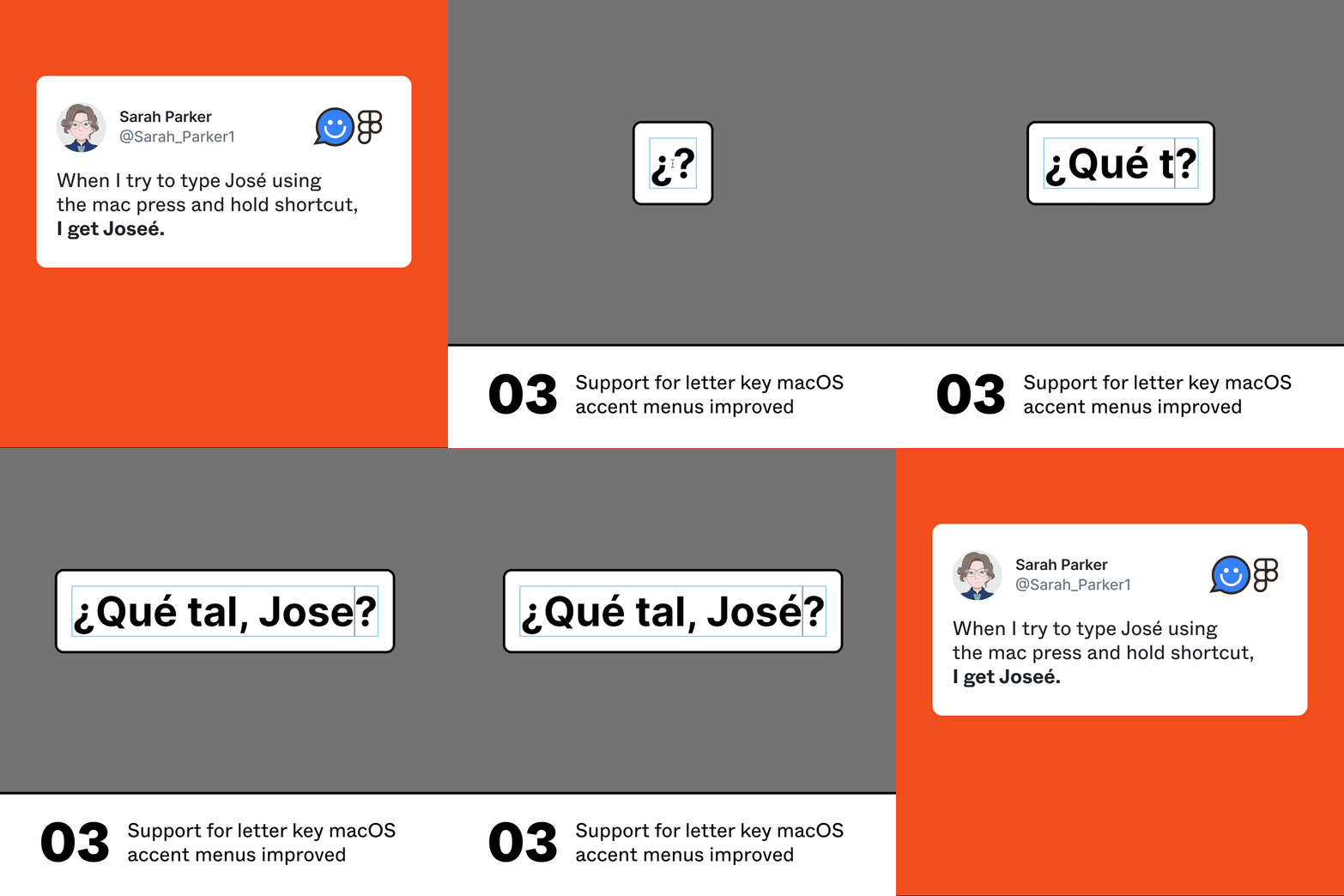
Mac keyboard accents are not supported
1. Describe the bug/issue you’re running into?
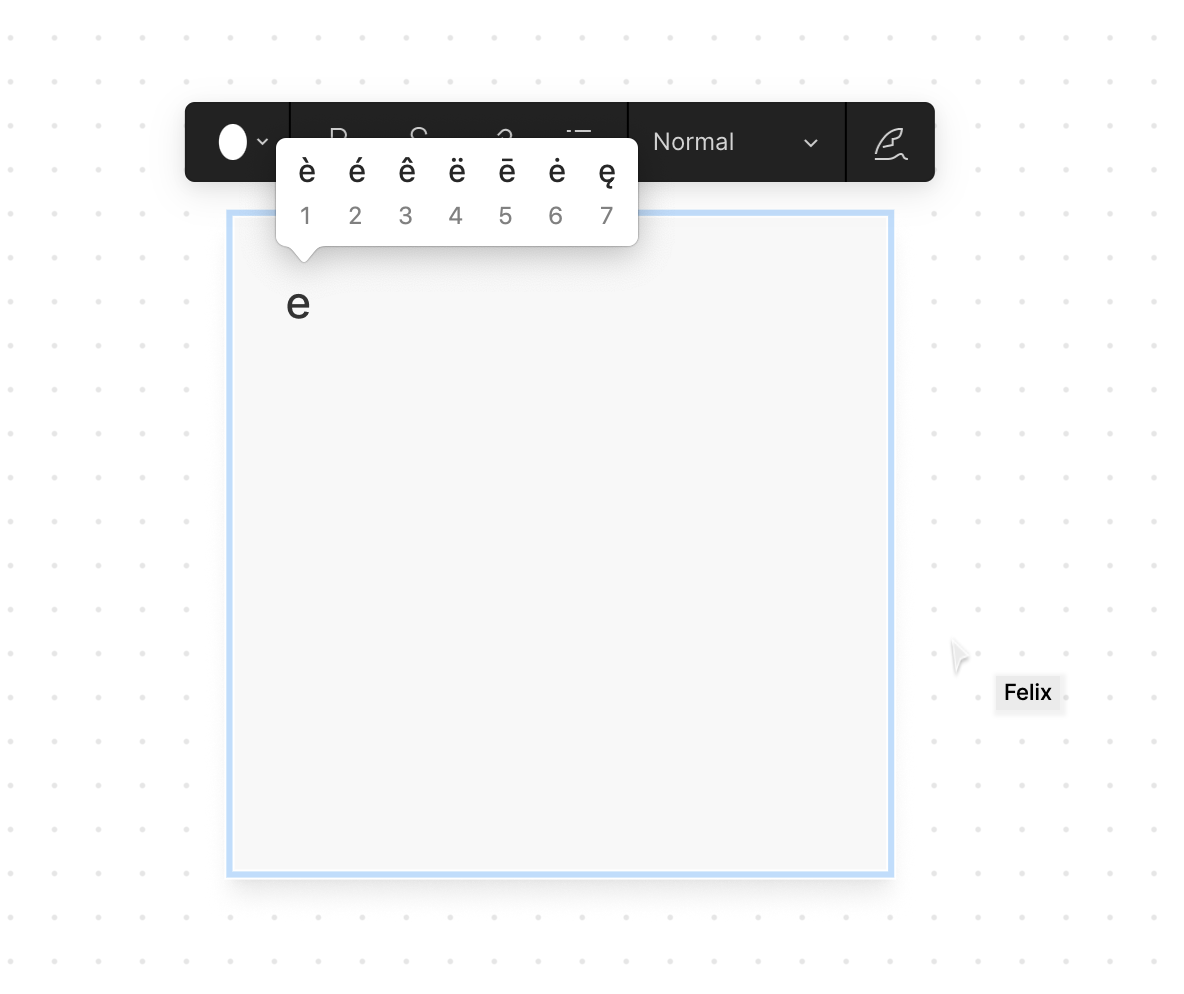
Typing an accented letter in Mac OS can be done by keeping a keyboard letter pressed which reveals a range of accents.
2. Are you able to consistently reproduce it? If so what are the steps?
Open Figjam on a mac, type into a note, long press E, and try to insert an accented letter (e.g. é).
3. Share a screenshot, recording, console log, link to the file, etc.
4. Is the issue only happening in desktop app or a specific browser , or both?
Tested in the browser
5. What OS/version and/or browser/version are you using?
Desktop Chrome Version 89.0.4389.128 (Official Build) (x86_64)