

Benjamin_Tran_Dinh
April 22, 2021
Solved

Mac keyboard accents are not supported

  • April 22, 2021
  • 32 replies
  • 7823 views

1. Describe the bug/issue you’re running into?
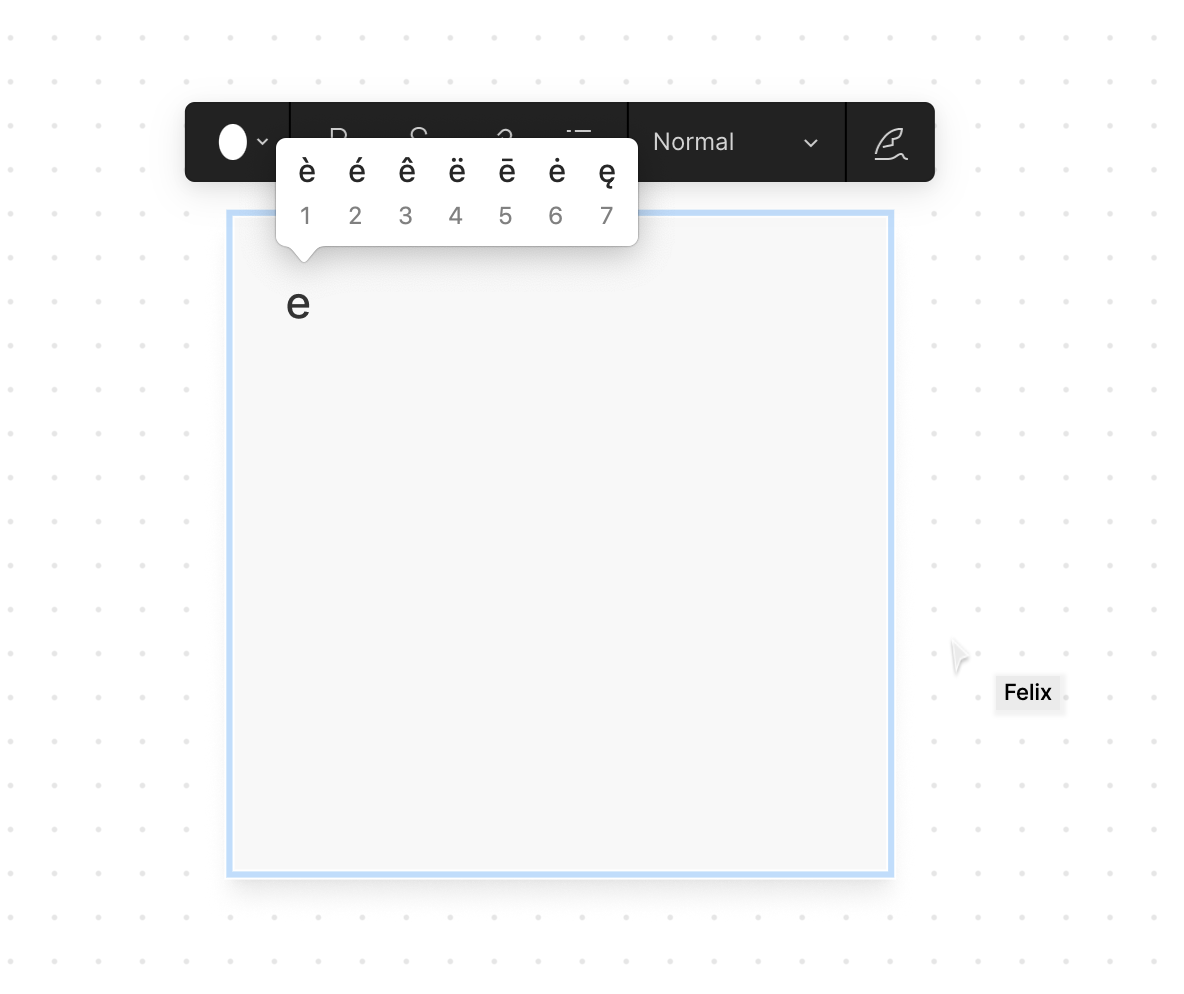
Typing an accented letter in Mac OS can be done by keeping a keyboard letter pressed which reveals a range of accents.

2. Are you able to consistently reproduce it? If so what are the steps?
Open Figjam on a mac, type into a note, long press E, and try to insert an accented letter (e.g. é).

3. Share a screenshot, recording, console log, link to the file, etc.
4. Is the issue only happening in desktop app or a specific browser , or both?
Tested in the browser

5. What OS/version and/or browser/version are you using?
Desktop Chrome Version 89.0.4389.128 (Official Build) (x86_64)

This topic has been closed for replies.
Best answer by Josh

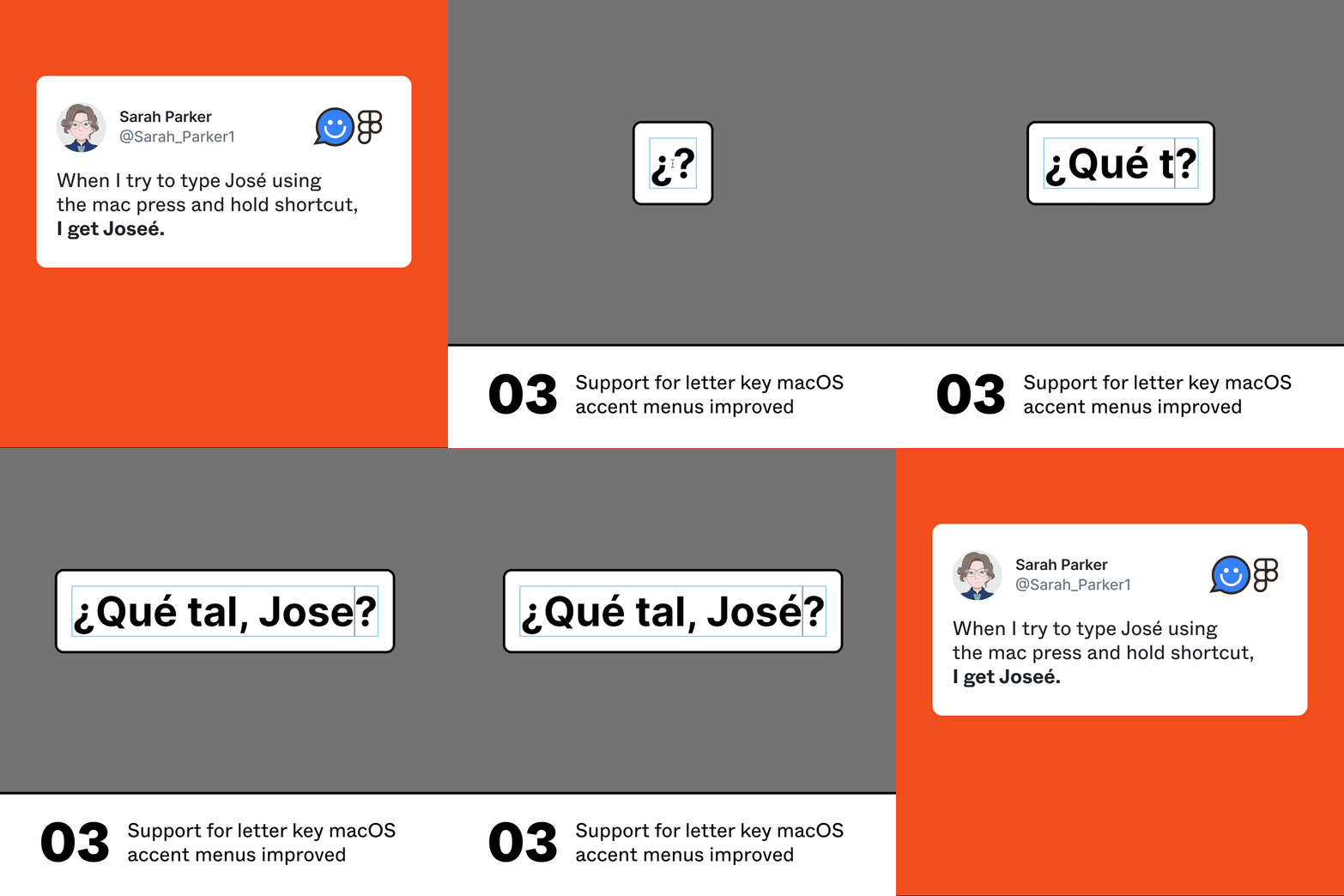
Hey everyone, thanks for all of your feedback here. This now exists and should work as expected.

003

32 replies

Miti_Abulaiti
October 22, 2021

I have the same issue

Bastien_Leprince
October 27, 2021

Same problem here. It’s getting tricky to always move from the notepad to Figma to copy paste the accents…

Migli
November 2, 2021

Im a brazilian user and I have the same issue. Its impossible use Figma cause our words have so much accents.

Gerardo_Agustin_Riera
November 7, 2021

What you have to do as a workaround is to copy and paste from another app that letter, is so annoying please solve this. Thanks

Santiago_Echave
November 11, 2021

The same problem, arrive with the update of macOS Monterrey… please help us!!!

Sophia_Akrofi
November 15, 2021

Same issue here !

It’s a problem for us France based designers missing our beloved accents 🥺

Aleate
November 15, 2021

I’m having this issue in both the browser version and dektop app.

Anabella_Guzman
November 18, 2021

Hi @samtcg, same happens on both web and desktop. The only workaround is typing the codes with the keyboard! Do you have an expected date for realising the bug fix?

Here is the list if anyone needs it!

|á (lowercase a acute) |Option+e+a|
|â (lowercase a circumflex) |Option+i+a|
|ä (lowercase a umlaut) |Option+u+a|
|à (lowercase a grave) |Option++a| |é (lowercase e acute) |Option+e+e| |è (lowercase e grave) |Option++e|
|É (uppercase E acute) |Option+e+E|
|í (lowercase i acute) |Option+e+i|
|ó (lowercase o acute) |Option+e+o|
|ö (lowercase o umlaut) |Option+u+o|
|ú (lowercase u acute) |Option+e+u|
|ü (lowercase u umlaut) |Option+u+u|
|Ü (uppercase U umlaut) |Option+u+U|
|ç (lowercase c cedilla) |Option+c|
|ñ (lowercase n with tilde) |Option+n+n|
|Ñ (uppercase N with tilde) |Option+n+N|
|¿ (inverted question mark) |Option+?|
|¡ (inverted exclamation mark) |Option+!|

Jacek_Kwiecien
November 22, 2021

How is this still not fixed, cmon! Lot’s of folks working on foreign languages!

Maria16
November 25, 2021

+1! please help!