

Figma prototype panel shifts to the left and prototype stops working (Chrome & Desktop App)
Hi team,
We’re running into a really frustrating issue while viewing prototypes in Figma and wanted to see if anyone else is experiencing the same thing.
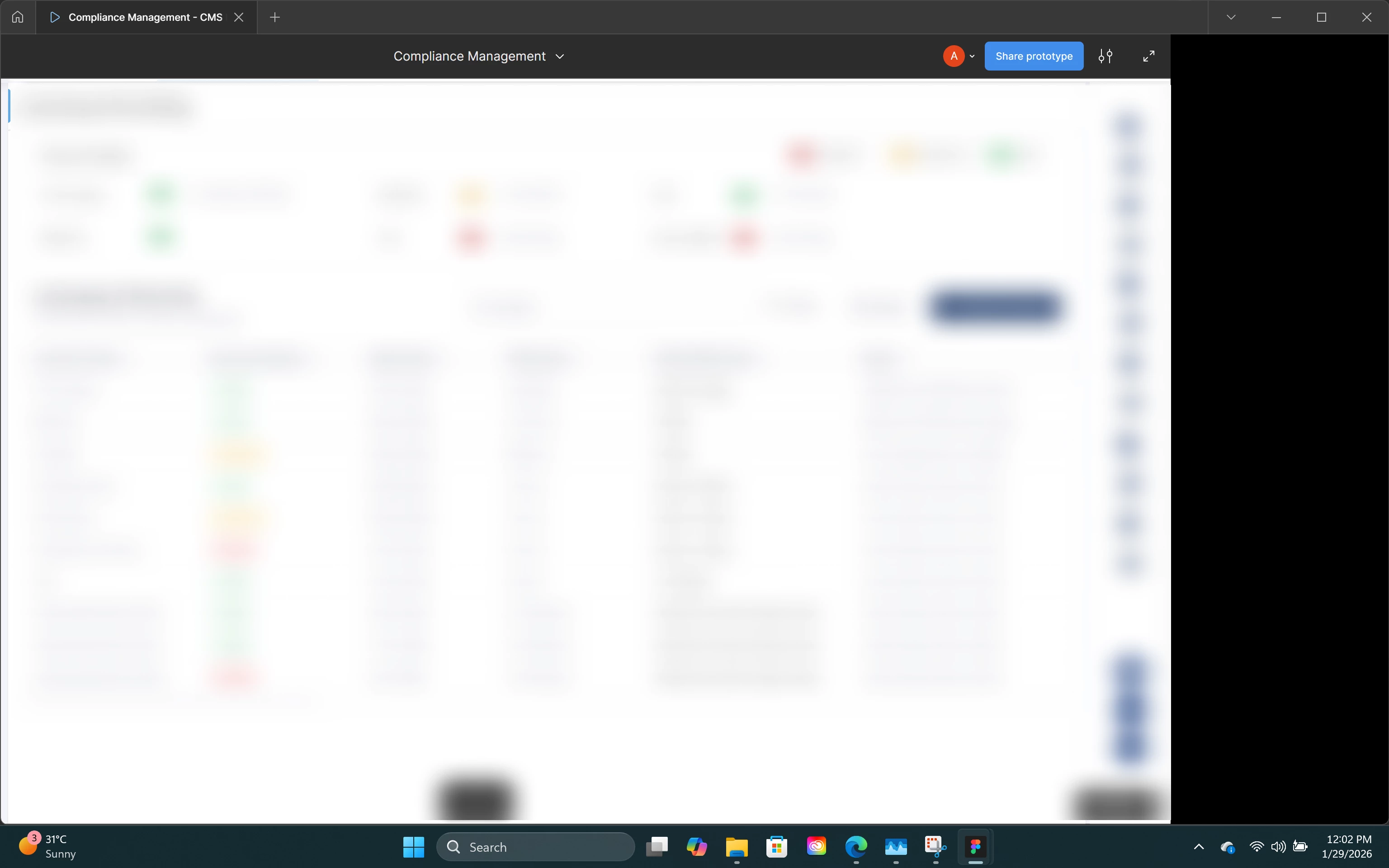
Sometimes while previewing a prototype, the entire Figma prototype panel suddenly shifts completely to the left side of the screen. Once this happens, the view gets stuck — we can’t move or pan the prototype, and all prototype interactions stop working entirely. It basically becomes unusable at that point.
What’s strange is that this doesn’t happen consistently at a specific step; it just happens randomly while viewing the prototype. Refreshing doesn’t fix it, and reopening the prototype is the only workaround for now.
This issue is happening for multiple people on our team, so it doesn’t seem to be a single machine or account problem. We’ve also noticed that the same prototype works perfectly in Microsoft Edge, but the issue keeps occurring in Chrome and the Figma Desktop App.
Attaching a screenshot showing how the panel looks after it shifts to the left.
Has anyone else seen this behavior recently, or is this a known issue with Chrome / the desktop app? Any suggestions or workarounds would really help.
Thanks!