

Arun Ashok
New Member
January 29, 2026
Solved

Figma prototype panel shifts to the left and prototype stops working (Chrome & Desktop App)
  • January 29, 2026
  • 16 replies
  • 533 views

Hi team,

We’re running into a really frustrating issue while viewing prototypes in Figma and wanted to see if anyone else is experiencing the same thing.

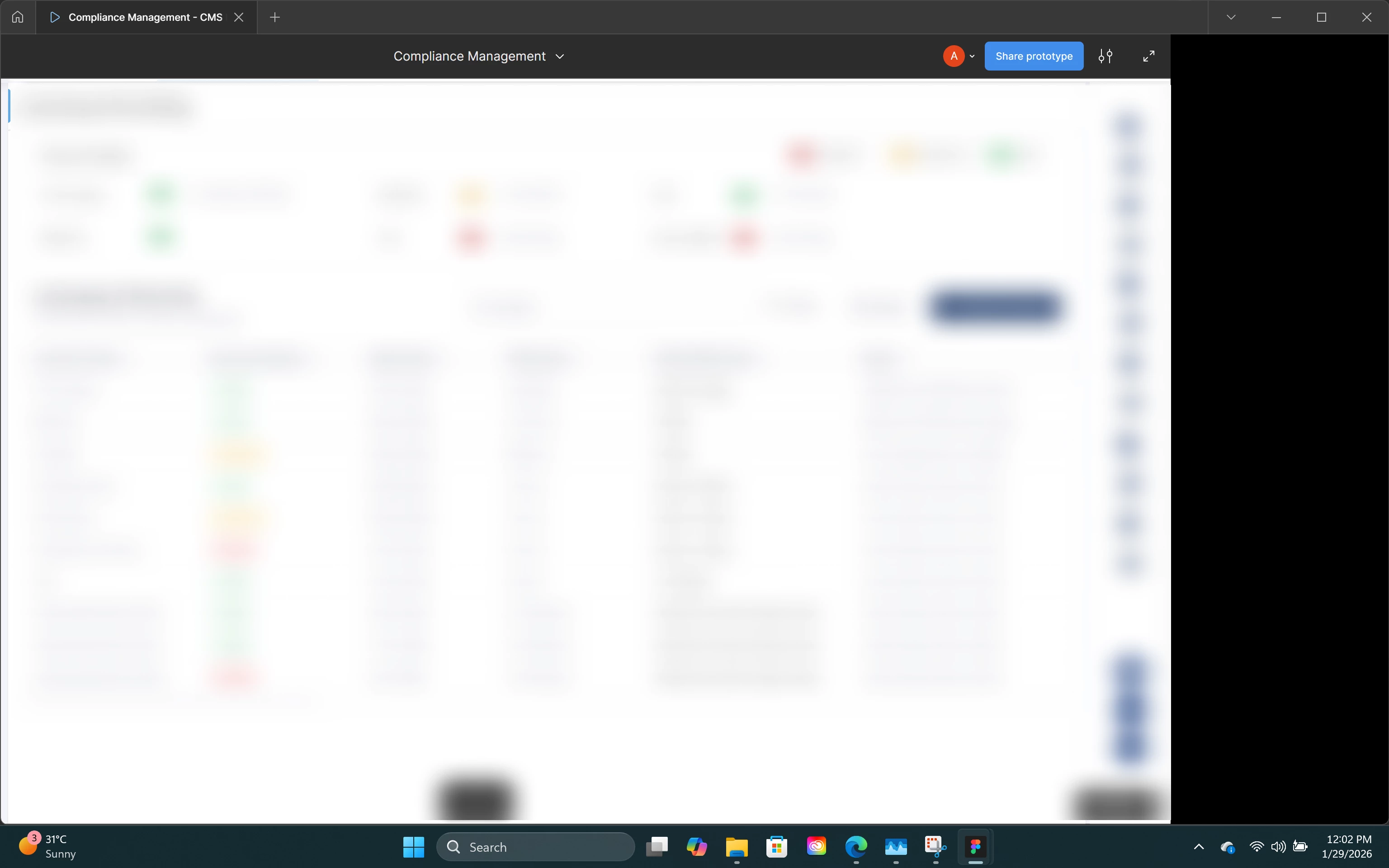
Sometimes while previewing a prototype, the entire Figma prototype panel suddenly shifts completely to the left side of the screen. Once this happens, the view gets stuck — we can’t move or pan the prototype, and all prototype interactions stop working entirely. It basically becomes unusable at that point.

What’s strange is that this doesn’t happen consistently at a specific step; it just happens randomly while viewing the prototype. Refreshing doesn’t fix it, and reopening the prototype is the only workaround for now.

This issue is happening for multiple people on our team, so it doesn’t seem to be a single machine or account problem. We’ve also noticed that the same prototype works perfectly in Microsoft Edge, but the issue keeps occurring in Chrome and the Figma Desktop App.

Attaching a screenshot showing how the panel looks after it shifts to the left.

Has anyone else seen this behavior recently, or is this a known issue with Chrome / the desktop app? Any suggestions or workarounds would really help.

Thanks!


This topic has been closed for replies.
Best answer by Junko3

Hi everyone,

Our Engineering team has pushed a fix and confirmed that the issues with the prototype view have been mitigated. Please refresh your files and let us know if you’re still experiencing any issues.

Thanks again for reporting this and for your patience!

16 replies

Junko3Answer
Figmate
January 29, 2026

Hi everyone,

Our Engineering team has pushed a fix and confirmed that the issues with the prototype view have been mitigated. Please refresh your files and let us know if you’re still experiencing any issues.

Thanks again for reporting this and for your patience!

Paul Desmarais
New Member
January 30, 2026

Looks good at my end. Thanks, Figma team.

Volker2Go
New Member
January 30, 2026

Everything works fine again! 
Thanks!

Sachin8
New Member
July 29, 2026

I'm experiencing an issue in Figma Prototype mode. When I click on a prototype interaction, then select the pop-up and click on the linked connection, the entire canvas unexpectedly shifts to the left. This makes it difficult to inspect or edit the prototype links, as the viewport keeps moving instead of staying in place.

Sachin8
New Member
July 29, 2026

I’m facing the same issue today. I updated Figma yesterday, and for the past hour, the problem has been occurring.

any solution for it ?

Celine_
Figmate
Community Support
July 29, 2026

Hey ​@Sachin8 , Celine from the Figma Community Support team here.
Just as a heads-up, I also replied to your other Forum thread about the issue you encounter.
That previous issue in this Forum thread was resolved after our Engineering team rolled out a fix in January 2026, so this may be a different issue. We'll need to investigate your specific case further, so please continue to follow the updates in your existing support case. Thanks again for your patience! I’ve gone ahead and close the thread here.