Sushrut Baporikar
New Participant
April 7, 2026
Question

Figma Make Stuck on Loading Screen

  • April 7, 2026
  • 25 replies
  • 690 views

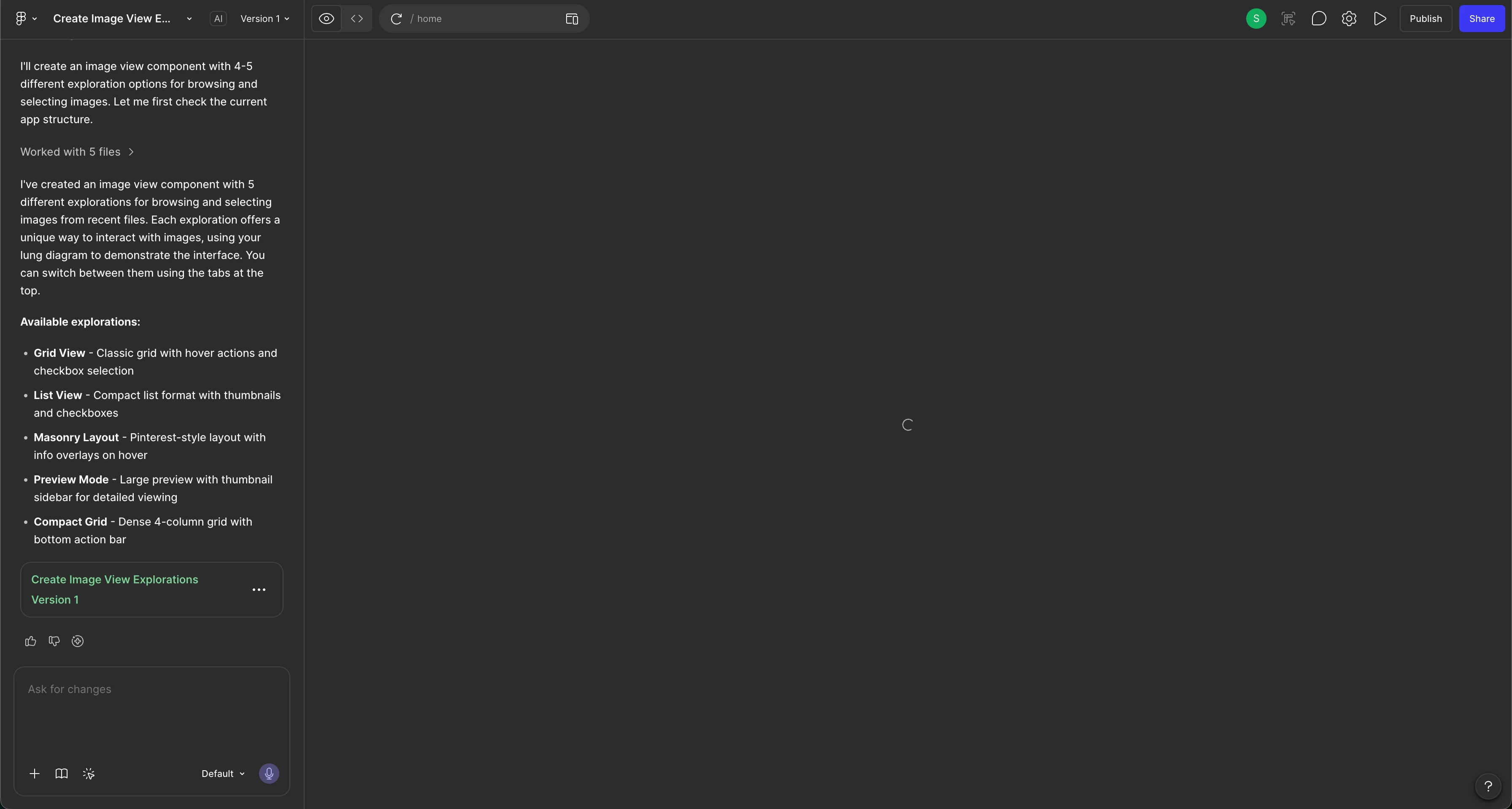
Hello. There is a loading icon that is appearing and won’t go away/I am unable to view the result. I’ve tried all the steps but nothing has seemed to work. 

Steps i’ve tried:

  • Duplicating the file
  • Refresh
  • Opening in a browser window (instead of the app)
  • Restarted the app and laptop too
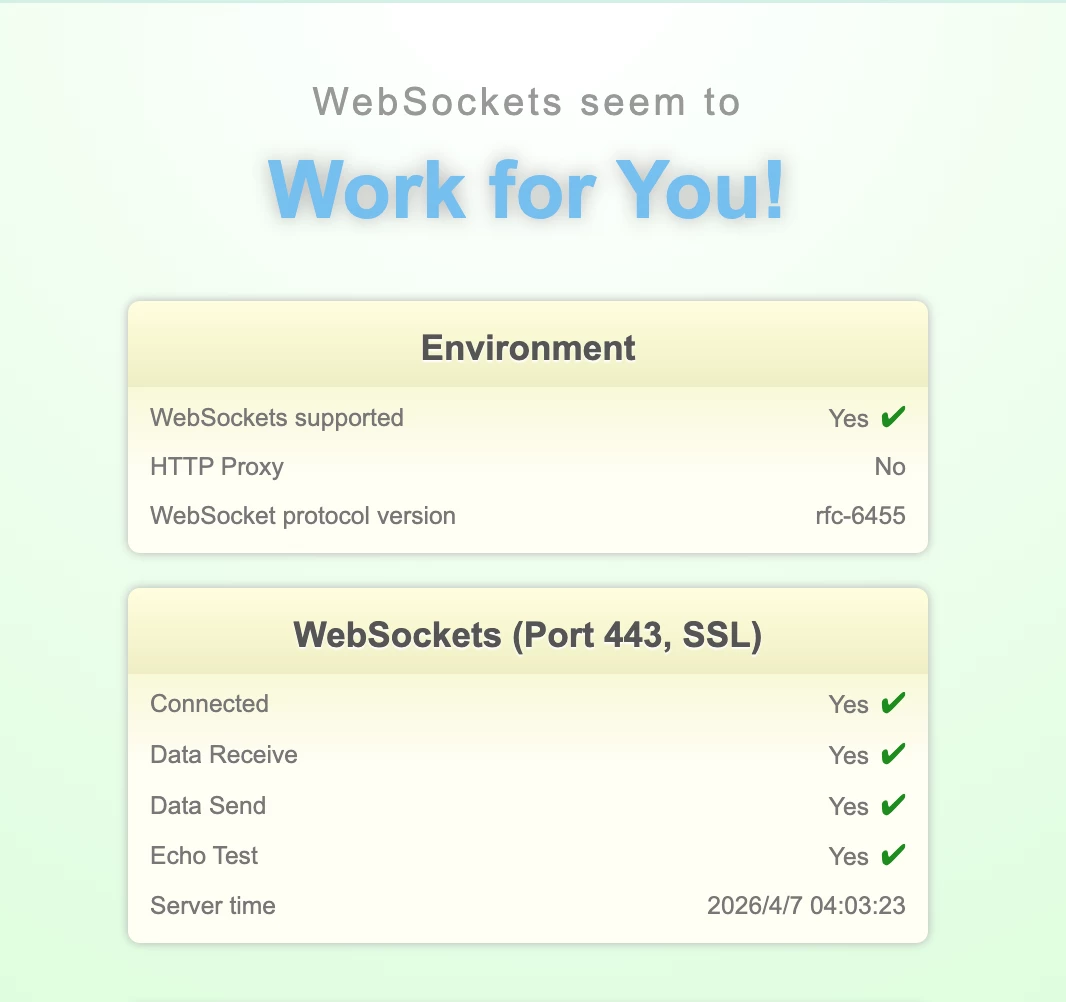
  • Also, my websockets also work.
  • Tried opening through my personal laptop (Windows) and still got the same issue. (I use Mac for work purposes but get the same issue)
  • I checked all queries regarding this and tried all methods. Nothing is working.
  • Prompting that I’m only seeing a loading window and providing it with a screenshot

I’ve also confirmed that no errors are showing. 
 

25 replies

Celyn_L
Figmate
Figmate
April 14, 2026

Thanks for sharing the file link ​@Agrawalyash1041 — I’ve passed this along to the team on your ticket.

If you haven’t already, could you also make sure the file is shared with support-share@figma.com with “Can view” access? This will help the team take a closer look.

Thanks again for your patience, someone from the team will be in touch with you soon.

Sushrut Baporikar
New Participant
April 14, 2026

​@Celyn_L I am till getting same issues on new Figma Make files which I’m trying to create. Giving can view access to those files.


Celine_
Figmate
Community Support
April 14, 2026

Hey ​@Sushrut Baporikar , Celine from the Figma Community support here, I am working closely with ​@Celyn_L , happy to help!

I can see in the backend that you have an ongoing ticket where the support agent is waiting for your response. Could you please check your inbox? Feel free to reply directly and it will reopen automatically. For reference, the case number is #1833709.

If this is a different issue, please submit a new bug report and make sure to include the URL of the file directly in your submission so our team can take a closer look.

To do that: Go to the Support Hub / Type “Report a bug” / Click Start a chat and select Enter ? Then fill our the form, thank you!

awinga IM
New Member
April 14, 2026

Hi ​@Celyn_L  and ​@AskDave  :: adding my voice to this thread as I am experiencing the exact same "infinite loading" issue with Figma Make.


Here are my details for the team:

Figma Version: 126.3.12

Account Type: Corporate

Duration: Consistently stuck on loading for at least the last 3 days.
 

Scope of Issue: This is happening across both existing files and brand-new files. It is failing on both simple and highly complex prompts.

For context, I have read through this entire thread and attempted all of the standard troubleshooting steps (refreshing, duplicating, trying different networks, etc.), but nothing has resolved the issue.

I see that Support has been requesting users to share their files with support-share@figma.com and provide screen recordings. Unfortunately, due to my corporate security policies, I am strictly prohibited from sharing direct file links, granting external access, or providing screenshots/recordings to help debug.

This bug has essentially brought my workflow to a halt and is causing a significant loss in productivity. I strongly request that a fix for this gets prioritized ASAP. Thank you!

Celyn_L
Figmate
Figmate
April 15, 2026

Hey ​@Sushrut Baporikar - thanks for following up. I understand you’re now seeing this across multiple files you’re working on. Adding on to Celine’s note above, could you share those file links directly in your support ticket (#1833709) as well? That’ll help the team look into everything together.

​@awinga IM - really appreciate you jumping in here and for the detailed context you’ve shared, it’s super helpful. I can see you’ve already tried the suggested steps, sorry to hear it’s still not working on your end. I understand you’re not able to share files or recordings due to your company’s security policies. I’ve gone ahead and created a support ticket (#1850230) for you so the team can take a closer look and assist you directly from there.

For everyone else following along - I hear that this is impacting your workflows. I’ve flagged this with our engineering team for investigation and will update this thread as soon as I have any news. Appreciate your patience in the meantime 🙏