

Question
Figma Make: "Couldn’t connect, check your internet and try again” + "This file is large and may cause errors"
I’m experiencing a recurring issue in a Figma Make project after extensive usage within a single project file.In this project, I have run over 1000 prompts+. However, when attempting to run the next prompt, the execution repeatedly fails. Each retry shows the following error message:
“Couldn’t connect, check your internet and try again”
(A new Request ID is generated each time.)
This issue occurs consistently, even after multiple retries, and does not appear to be related to my local internet connection.
- I have checked my connection settings, and everything appears to be working correctly (based on support replies in https://forum.figma.com/ask-the-community-7/figma-make-ai-couldnt-connect-check-your-internet-and-try-again-argh-52365
- I duplicated the project file to test prompts and troubleshoot the error, but the same issue persists.
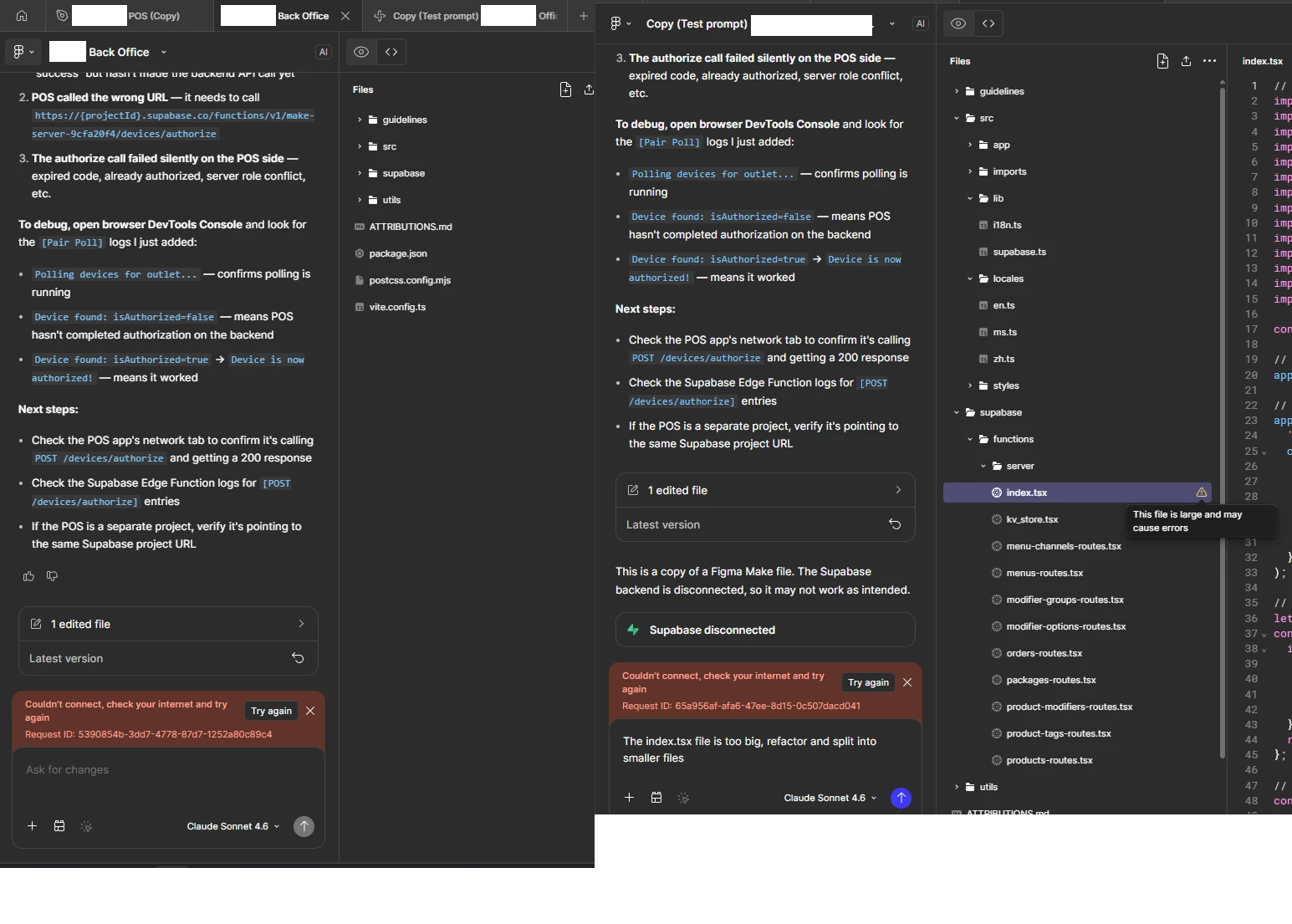
- In the project file, I noticed that under
/supabase/functions/server/index.tsxdisplays a warning:“This file is large and may cause errors.”. I attempted to use prompts to fix the issue, but the same warning keeps appearing.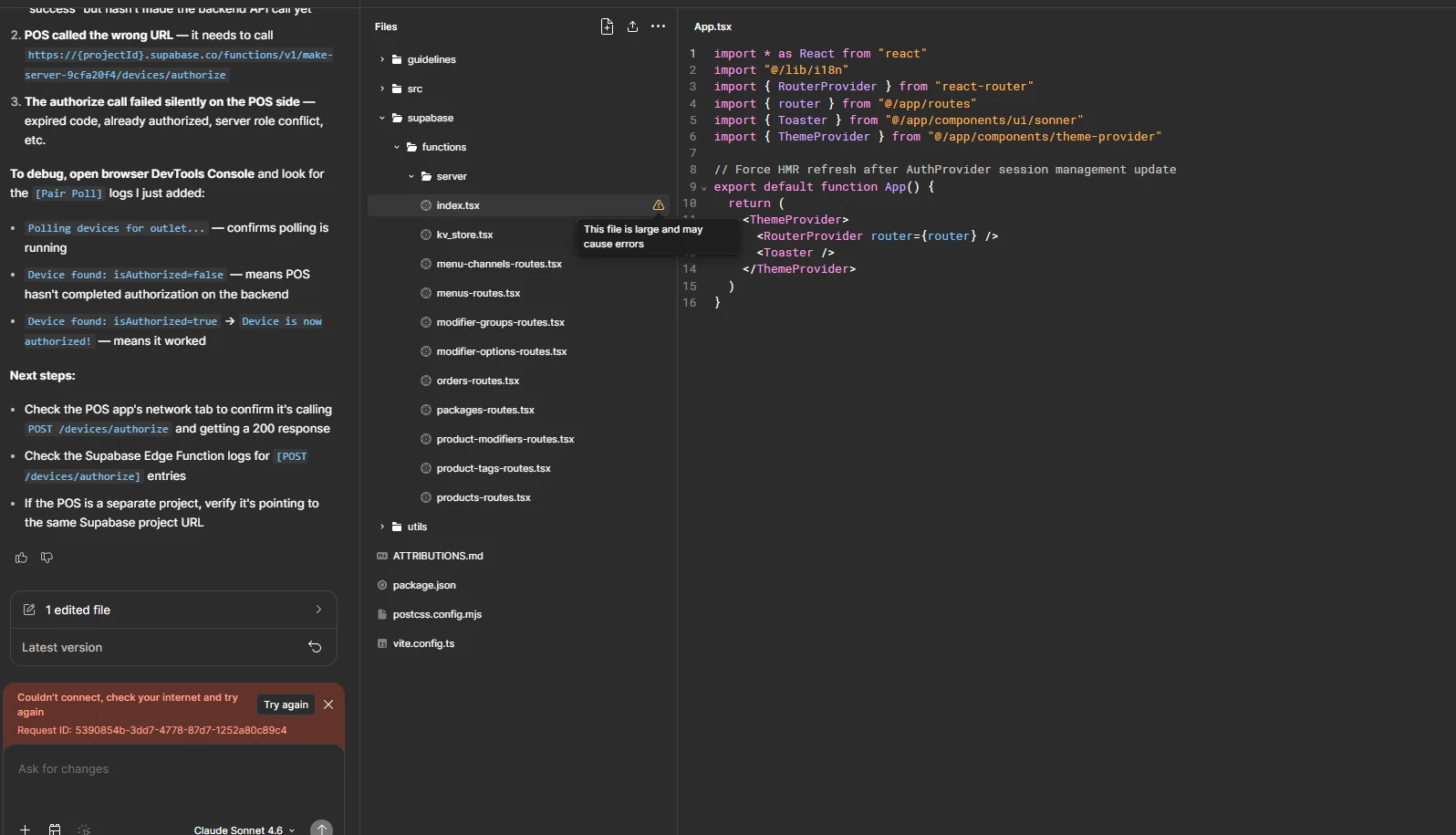
- I not sure the original file maybe too much prompt, it didn’t shows out the versioning.
- Based on the discussion in the Figma forum: https://forum.figma.com/report-a-problem-6/figma-make-fails-after-1084-prompts-and-shows-app-tsx-is-large-and-may-cause-errors-49642, I have tried the solutions suggested by support. However, clearing the chat history may require assistance from the support team.
Any guidance or confirmation from the support team would be greatly appreciated.