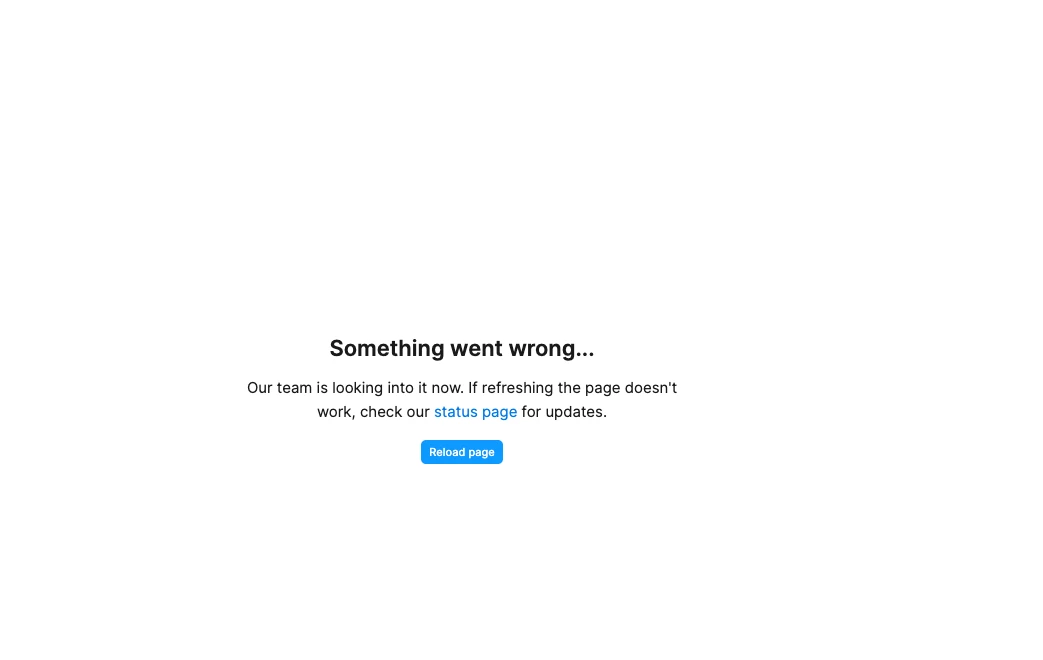
Figma Design “Something went wrong”
I'm using a Figma Design file and repeatedly encountering a banner that says "Something went wrong" whenever I try to click on “Review and merge changes” or “Update from main” on a branch file.
When this issue occurs, I'm unable to open the merge flow, apply branch changes to the main file, or resolve merge conflicts. The action fails before the review/merge experience can load properly.
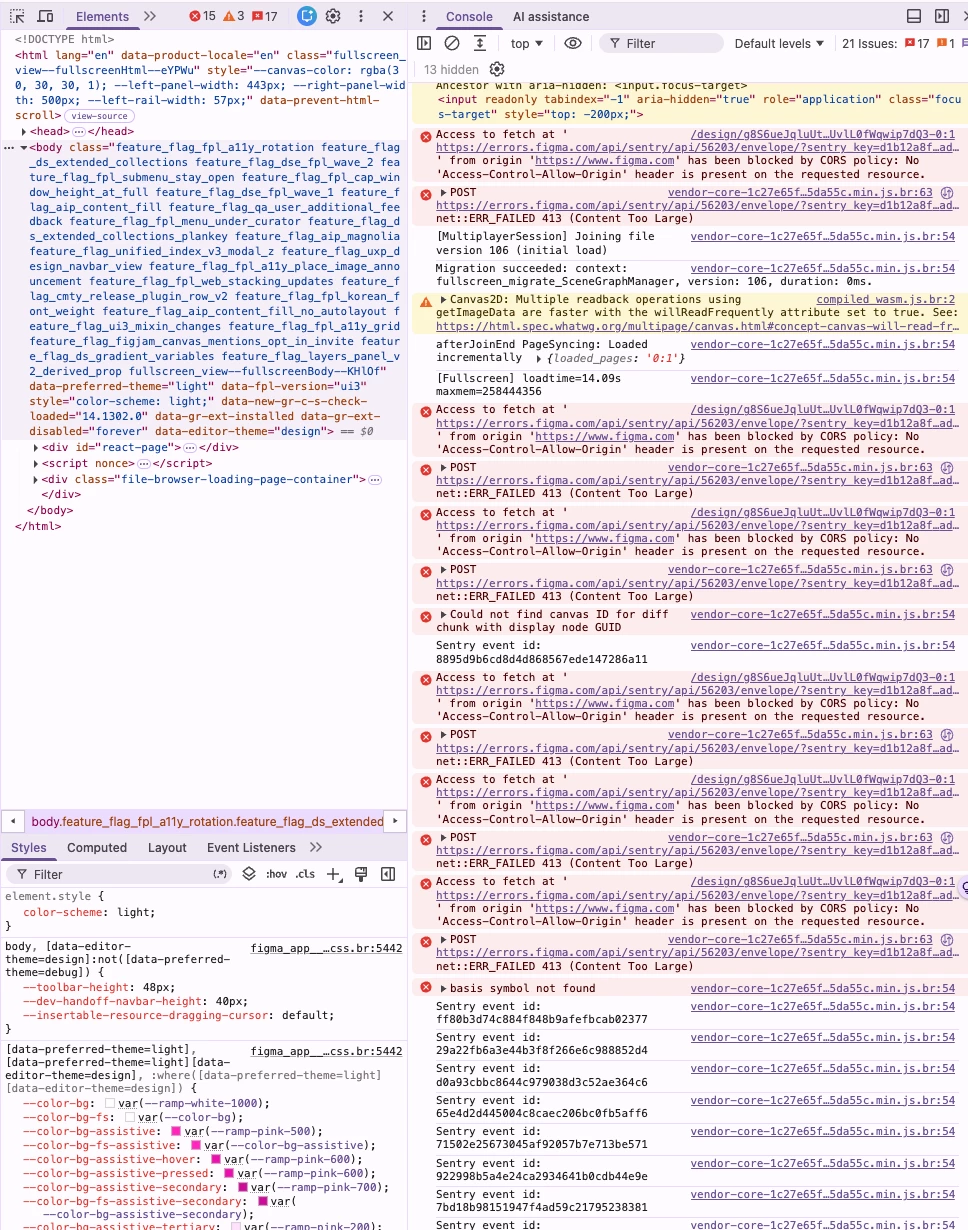
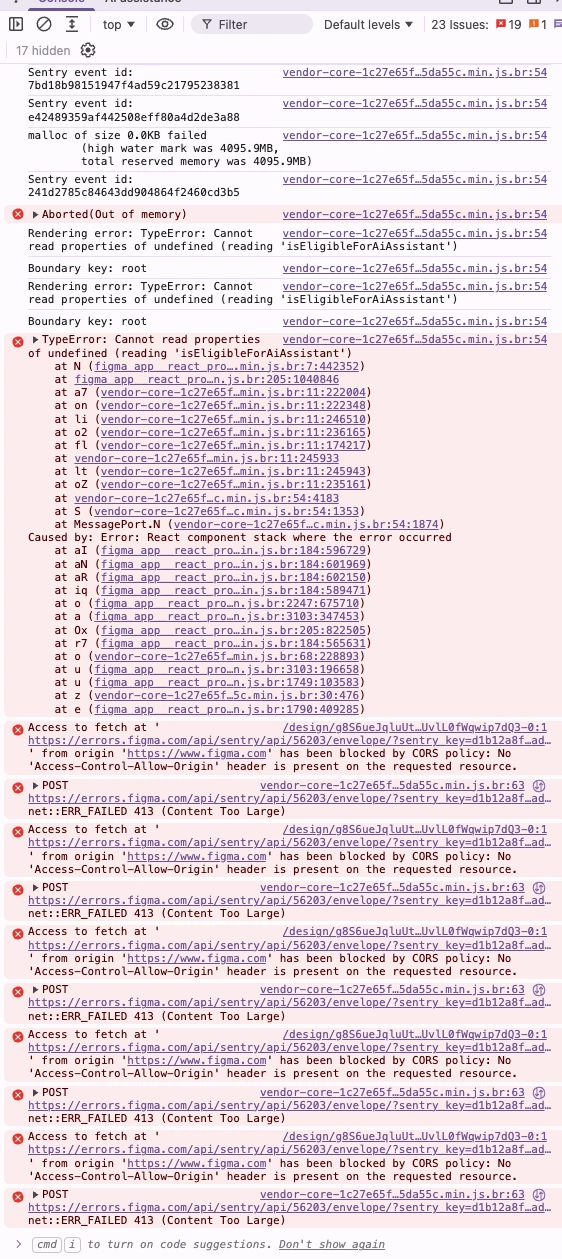
In the browser DevTools console, I'm seeing multiple errors and warnings related to the operation. As a result, I'm currently blocked from merging my branch back into the main file.
Could you help investigate the cause of this issue and advise on any potential workarounds or fixes?
What I’ve tried already:
-
Hard refresh / reload
-
Tried both Desktop App + Web app (both)
-
Try again button
-
Tried different browser (Chrome) / Incognito
-
Disabled VPN/adblock/private relay
What can I do? Please fix this ASAP.