Question

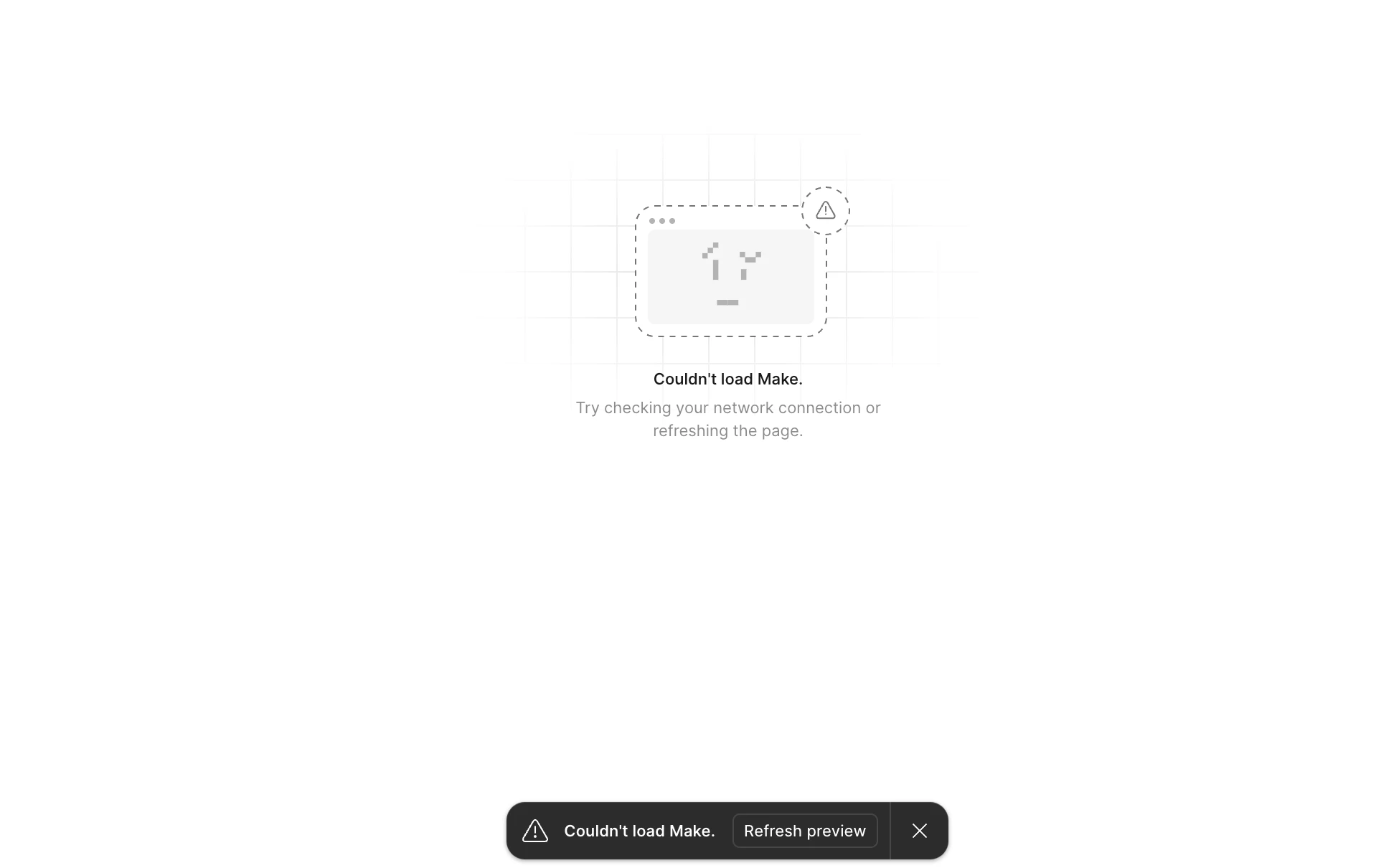
Couldn't load Make. Refresh preview

  • February 10, 2026
  • 13 replies
  • 52 views

DelroyRickyNeath

I am getting this screen everytime I try to load my design that was created in Figma Make. I have an very important meeting and now I have nothing to show. What is going on. I have 1,700 credit remaining out of 4,250. I can see other publish Figma Make files, but I am unable to see the latest project I created last night. Please help, this request is urgent.

13 replies

Satyam Sitaram Singh

I am not able to use Figma make. DId cleanup of cookies. restarted the laptop tried doing every possible thing.


Satyam Sitaram Singh

I am not able to use Figma make. DId cleanup of cookies. restarted the laptop tried doing every possible thing. ​@Casper 


TJ Kim
Figmate
  • Figmate
  • February 10, 2026

Hi Satyam,
 
Thanks for reaching out to us! TJ from Community Support.
It sounds like you're experiencing a “Couldn’t load Make” issue that it isn't refreshing properly and I am here to help! 

I understand that you already cleaned up cookies and restarted the laptop but still facing the issue. May I ask you to try few more steps?

1. Duplicate the File: You can also try duplicating the impacted Figma Make file and start prompting again in the copy. This can help if there's an issue with the original file.
2. Try another browser: Is it happening in other browsers (Chrome, Safari, etc.)? Is it happening in Incognito window in Google Chrome too?
 
If these steps don't resolve the issue, please feel free to submit directly a bug report so our team can investigate it further.
To do that, please go to the Support Hub / Click Start a chat / Type “Report a bug” / Include your impacted file with support-share@figma.com and grant "Can View" access. This allows us to reproduce the issue and investigate with Engineering.
 
Let me know if there's anything else I can help with!


Tom Reem
Figmate
  • Figmate
  • February 11, 2026

Hey ​@DelroyRickyNeath — welcome to Figma Forum, and thanks for bringing this up. I’m really sorry for the trouble you experienced with Figma Make, especially with needing the design for your meeting. Our engineering team is currently investigating a few similar reports, and I want to make sure your case gets a closer look.

I’ve opened a ticket on your behalf with our Technical Quality team. Please check your email inbox for a message from me with your case number: 1740364. The team will reach out with next steps and updates as soon as possible.

In the meantime, thanks for your patience while we get this resolved.


Zoli V
  • New Member
  • February 11, 2026

hello Everyone. Not sure if its only my account, but for few days now I am getting this error message. No matter what I do, refresh the visual, refresh the whole page, deleting cache, signing out and in again, changing browser…. Cannot get my stuff displayed. Do you have any suggestion ?
 

[Moderator note: This post was merged from "Issues with charts in Figma Make" into "Couldn't load Make. Refresh preview" on 11-Feb-2026.]


Silverberg Betina

I have created several prototypes and when I go to my files and click into one of them it loads and then gives me a message “Couldn’t Load Make. Try checking your network connection or refreshing the page”. I have tried in Chrome and Edge and both have the same message.


Silverberg Betina

Figma just stopped working. Is it me or someone else is facing the same issue? 
The prototype is not loading. I tried to refresh, and tried in Chrome and Edge 


RShepp
  • New Member
  • February 11, 2026

We’ve built several projects in Make, today both myself and my colleagues have the same issue. Figma Make will not load the preview and we see an error message “Couldn’t load Make.” Refresh and restart does not do anything. We’re all using the figma app on different networks as working remotely. Are your servers down? The advise is to clear cache, but can’t see that option in the app.


RShepp
  • New Member
  • February 11, 2026

I have the same problem.


RShepp
  • New Member
  • February 11, 2026

I have the same problem in Figma Make


Celine_
Figmate
  • Community Support
  • February 11, 2026

Hey ​@RShepp, Celine from Figma here!  I am working closely with ​@Tom Reem and ​@TJ Kim , happy to help! Thank you for flagging this. We are currently investigating the issue.

As ​@TJ Kim mentioned, please feel free to submit directly a bug report so our team can take a closer look at it.
To do that, please go to the Support Hub / Click Start a chat / Type “Report a bug” / Include your impacted file with support-share@figma.com and grant "Can View" access. Thank you for your help!


Tom Reem
Figmate
  • Figmate
  • February 11, 2026

Hey ​@Zoli V — thanks for flagging this, and I’m sorry you’re running into the same issue. I’ve moved your post into a related thread where a few other designers are reporting similar behavior, so we can track everything in one place. We’ll keep a close eye out for updates as they become available.

If you’re still seeing this problem, please go to the Support Hub / Click Start a chat / Type “Report a bug” / Include your impacted file with support-share@figma.com and grant "Can View" access. Thanks again for raising this — your report helps us narrow things down.

[Moderator note: This post was merged from "Issues with charts in Figma Make" into "Couldn't load Make. Refresh preview" on 11-Feb-2026.]


Chris Chan
  • New Member
  • February 12, 2026

Is there any resolution for this yet? I'm getting the same "Couldn't load Make (M2)" error on everything I try to open. I've tried every troubleshooting step imaginable, and I'm completely stuck on time-sensitive work right now.