

DelroyRickyNeath
New Member
February 10, 2026
Solved

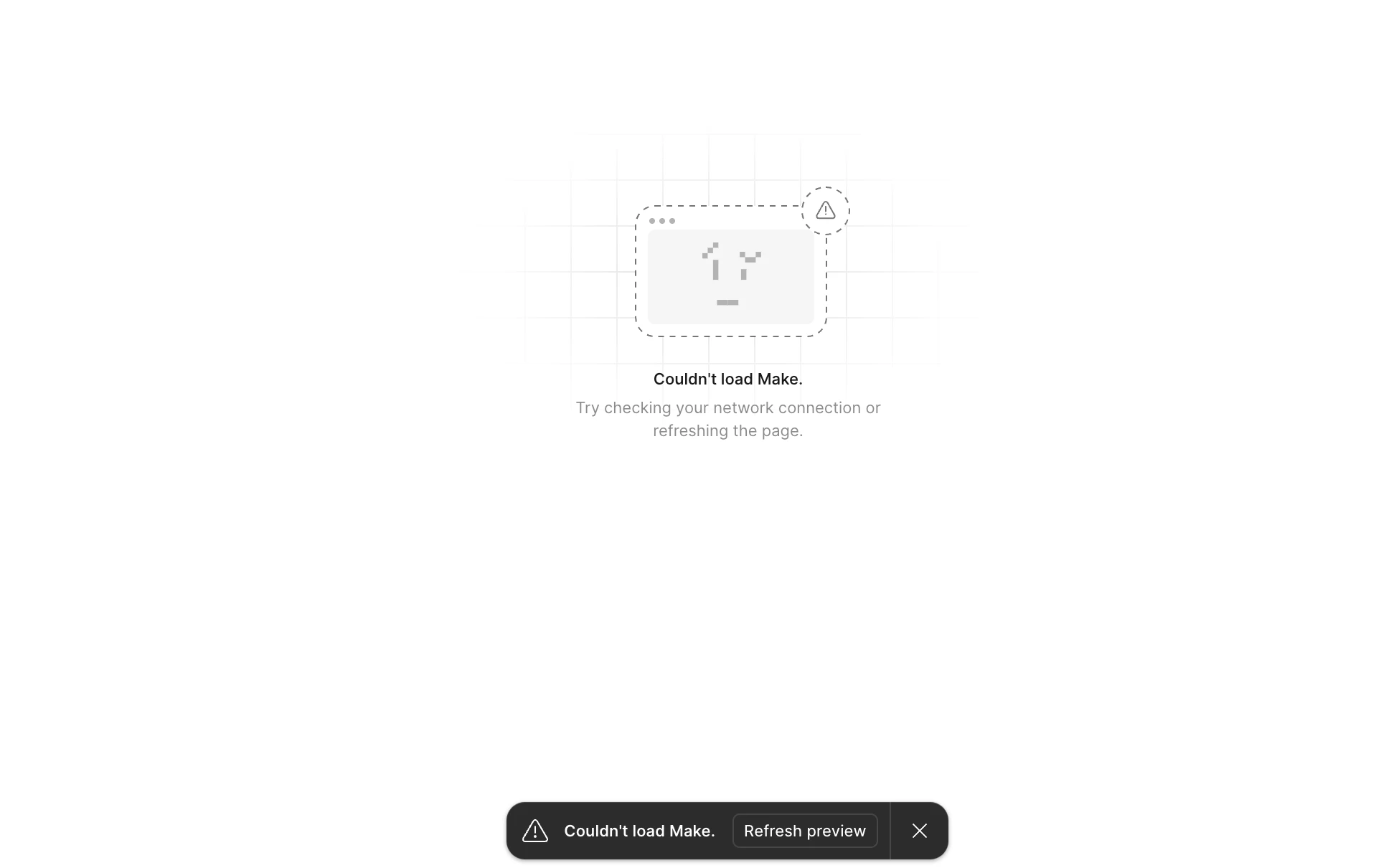
Couldn't load Make. Refresh preview
  • February 10, 2026
  • 16 replies
  • 617 views

I am getting this screen everytime I try to load my design that was created in Figma Make. I have an very important meeting and now I have nothing to show. What is going on. I have 1,700 credit remaining out of 4,250. I can see other publish Figma Make files, but I am unable to see the latest project I created last night. Please help, this request is urgent.

This topic has been closed for replies.
Best answer by Chris Chan

Hey for us, it turned out to be a firewall/proxy issue within the organisation I am currently working at. It was blocking Figma Make's connection for the whole design team. So, I don’t know what the exact fix was, only that it was an internal issue, not a Figma issue.

Yep, you're spot on. After a few days of dealing with this error, I was finally able to resolve it yesterday.

I restarted my machine and reset of my company's firewall/security tooling – after that, I was able to get back into Figma Make without any issues.

hope that helps anyone else stuck on this!

16 replies

Celine_
Figmate
Community Support
February 11, 2026

Hey ​@RShepp, Celine from Figma here!  I am working closely with ​@Tom Reem and ​@TJ Kim , happy to help! Thank you for flagging this. We are currently investigating the issue.

As ​@TJ Kim mentioned, please feel free to submit directly a bug report so our team can take a closer look at it.
To do that, please go to the Support Hub / Click Start a chat / Type “Report a bug” / Include your impacted file with support-share@figma.com and grant "Can View" access. Thank you for your help!
 

Tom Reem
Figmate
Figmate
February 11, 2026

Hey ​@Zoli V — thanks for flagging this, and I’m sorry you’re running into the same issue. I’ve moved your post into a related thread where a few other designers are reporting similar behavior, so we can track everything in one place. We’ll keep a close eye out for updates as they become available.

If you’re still seeing this problem, please go to the Support Hub / Click Start a chat / Type “Report a bug” / Include your impacted file with support-share@figma.com and grant "Can View" access. Thanks again for raising this — your report helps us narrow things down.

[Moderator note: This post was merged from "Issues with charts in Figma Make" into "Couldn't load Make. Refresh preview" on 11-Feb-2026.]

Chris Chan
New Member
February 12, 2026

Is there any resolution for this yet? I'm getting the same "Couldn't load Make (M2)" error on everything I try to open. I've tried every troubleshooting step imaginable, and I'm completely stuck on time-sensitive work right now.

RShepp
New Member
February 13, 2026

Hey for us, it turned out to be a firewall/proxy issue within the organisation I am currently working at. It was blocking Figma Make's connection for the whole design team. So, I don’t know what the exact fix was, only that it was an internal issue, not a Figma issue.

Chris Chan
New Member
February 13, 2026

Hey for us, it turned out to be a firewall/proxy issue within the organisation I am currently working at. It was blocking Figma Make's connection for the whole design team. So, I don’t know what the exact fix was, only that it was an internal issue, not a Figma issue.

Yep, you're spot on. After a few days of dealing with this error, I was finally able to resolve it yesterday.

I restarted my machine and reset of my company's firewall/security tooling – after that, I was able to get back into Figma Make without any issues.

hope that helps anyone else stuck on this!

Tom Reem
Figmate
Figmate
February 15, 2026

Hey ​@RShepp and ​@Chris Chan — thanks so much for sharing what worked on your end. It’s really helpful to hear that adjusting local firewall and security settings followed by a reset got you back into Figma Make. I’ll go ahead and mark your reply as a best answer to help surface for others who might be running into the same thing

I’ve passed your updates along to our engineering team, and we’ll keep monitoring for any similar reports. Appreciate you for taking the time to circle back and add clarity.