Solved
Turn off notifications for specific project (Oct 2023)
I have searched for this answer in the forum, but haven’t been able to my situation represented yet - so here goes:
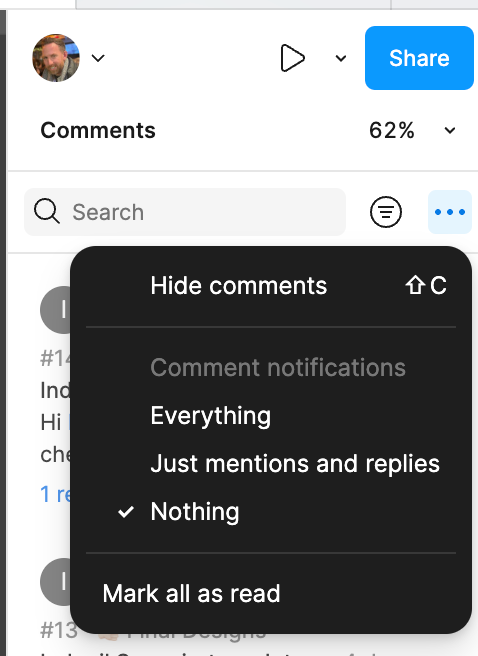
I am a design manager who needs access to all projects in my company, but do not want the notifications for all projects. Currently I am unable to find, either within the Mac desktop app or the we app, where within a specific project there is an ability to turn off notifications (currently getting both a pile of emails, as well as Slack notifications in our generic Slack integration- not channel specific).
Any help to turn off one project notifications would be greatly appreciated!