Holyoaa
April 16, 2024
Solved

The preview is blurry, when you zoom in everything is fine. What's the problem?

  • April 16, 2024
  • 25 replies
  • 3066 views

Everything is fine in the browser version. Idk what happens
This topic has been closed for replies.
Best answer by Licelia

Hi, I experienced this same issue -
For me at least changing the Preview Settings solved it:
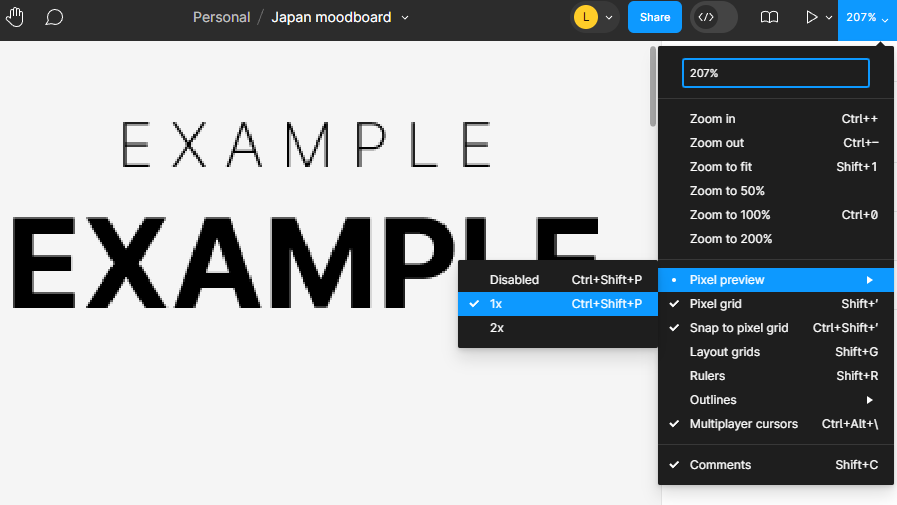
In the top right corner under Zoom dropdown > Pixel Preview > Disable

Image shows pixelation if “1X” is selected, and it goes away once Disabled.
Hope this helps anyone.

25 replies

jo1
New Participant
June 20, 2024

Hi dvaliao
Is there an email i can use to raise a ticket please?
I cannot share the file.
thanks

djv
Figmate
Community Support
June 20, 2024

Hey @jo1, you can use the link I provided to submit a ticket in my previous response:

https://help.figma.com/hc/en-us/requests/new

July 8, 2024

I found a fix for this. In my case, my artboards are all 2560x1440

If I set the Prototype Device to “Custom Size” and set the width and height to be 1 pixel less than my art boards, it renders clean. If I set it to None or to the exact pixel size, it’s blurry when the browser window is a greater resolution than the artboards.

I work on a 6K monitor but design for screens that are smaller than mine, so the issue is visible for me 100% of the time. I have a feeling folks reporting the same issue are also working on screens larger than they’re designing for – a super common use case for product design!

This seems like a clear frontend bug.

July 11, 2024

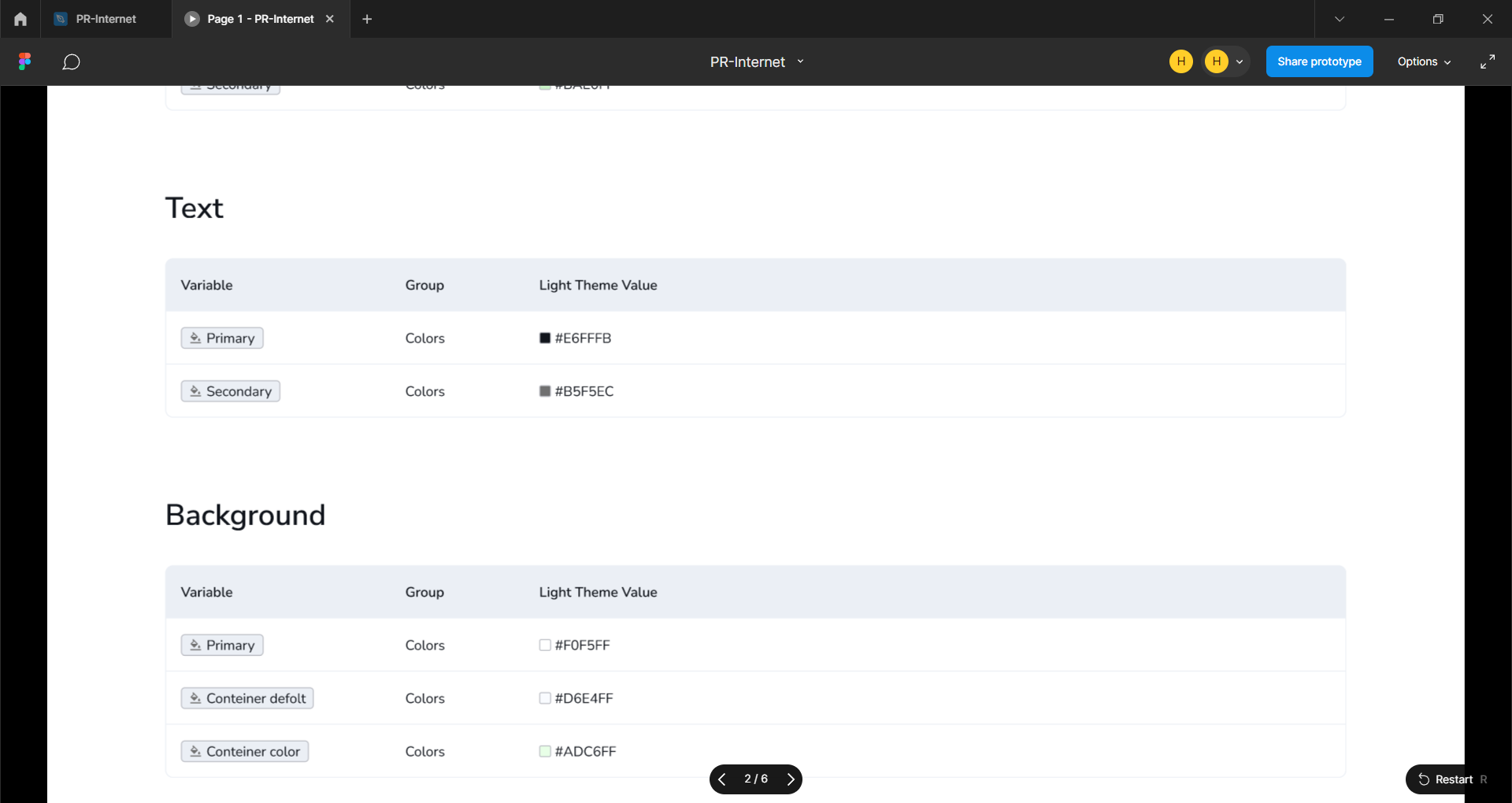
I’m a new user, so I can’t post more than 1 media attachment per post. So following up with how text looks on my 6K monitor w/ 2560x1440p artboards without my workaround (the “before” screenshot if you will)

And here’s how it looks with my workaround:

As you can see, it goes from blurry to crisp if you make the Prototype resolution 1px (sometimes as much as 8-10px) narrower / shorter than the Frames you’re presenting.

August 15, 2024

Same issue - Pixel preview disabled - it will come into focus for a second and immediate goes back out - previously it might be pixelated for a second of 2 but would get clear right away - any other fixes for this?