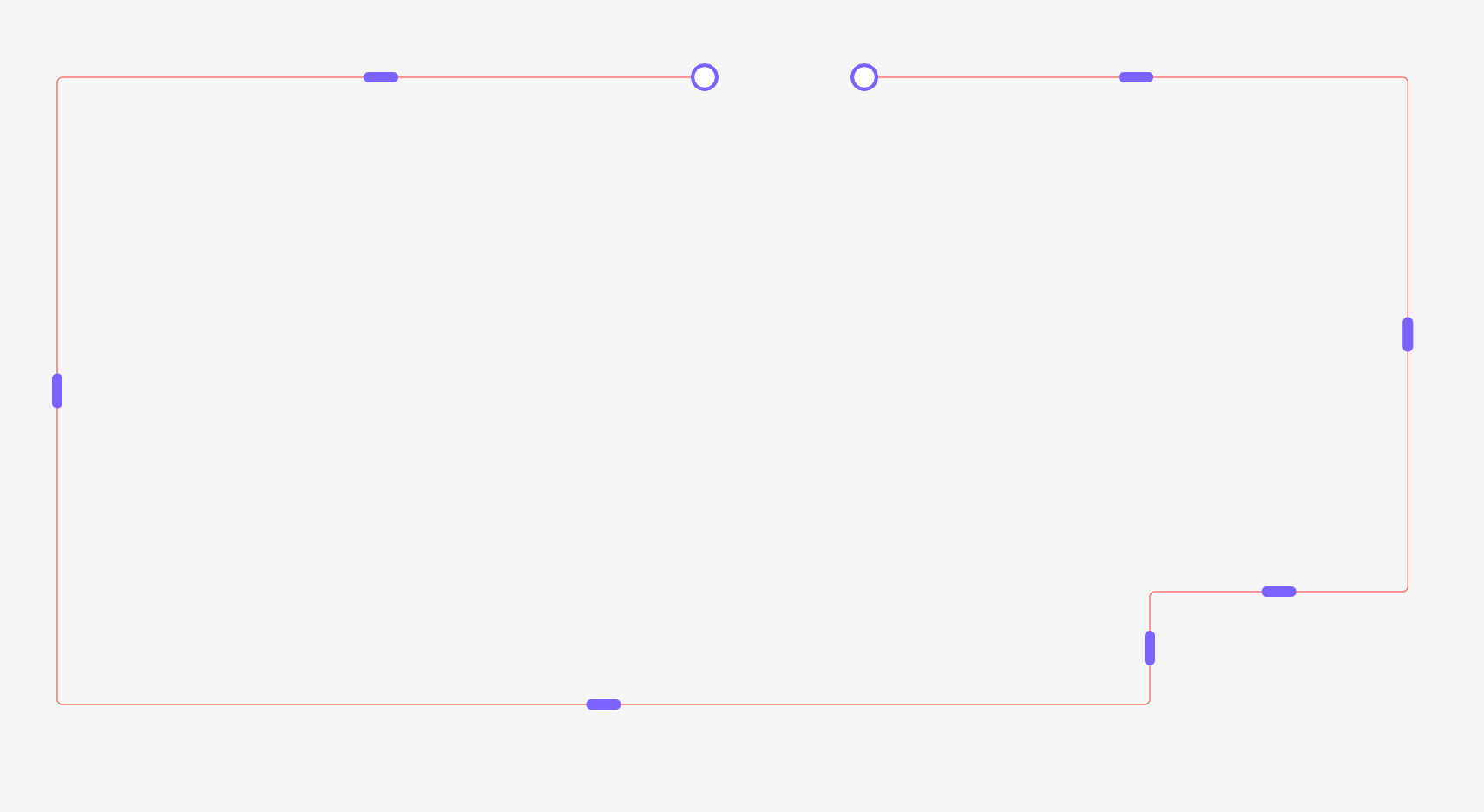
Rounded Rectangles Like Arrows in FigJam
Hi everyone! 👋
In FigJam, I love how you can create arrows and then reshape them freely by adding angles, and the corners stay nicely rounded no matter how you move the handles.
I’m wondering:
👉 Is it possible to do the same in a Figma Design file, but with a rounded rectangle instead of an arrow?
Basically, I want to create a shape starting with a rounded rectangle and I want to be able to add angles to it (just like how arrows behave in FigJam), while still keeping the rounded corners.
Does anyone know if that’s possible? Or maybe a workaround / plugin that can help?
Basically I want to be able to reshape the rounded rectangle easily without the corne radius to change and be able to add angles like I want. How can I create easily a rectangle like the purple one in my pic?
Thanks a lot!