philphil
New Participant
April 5, 2025
Question

Rounded Rectangles Like Arrows in FigJam

  • April 5, 2025
  • 11 replies
  • 445 views

Hi everyone! 👋

In FigJam, I love how you can create arrows and then reshape them freely by adding angles, and the corners stay nicely rounded no matter how you move the handles.

I’m wondering:
👉 Is it possible to do the same in a Figma Design file, but with a rounded rectangle instead of an arrow?

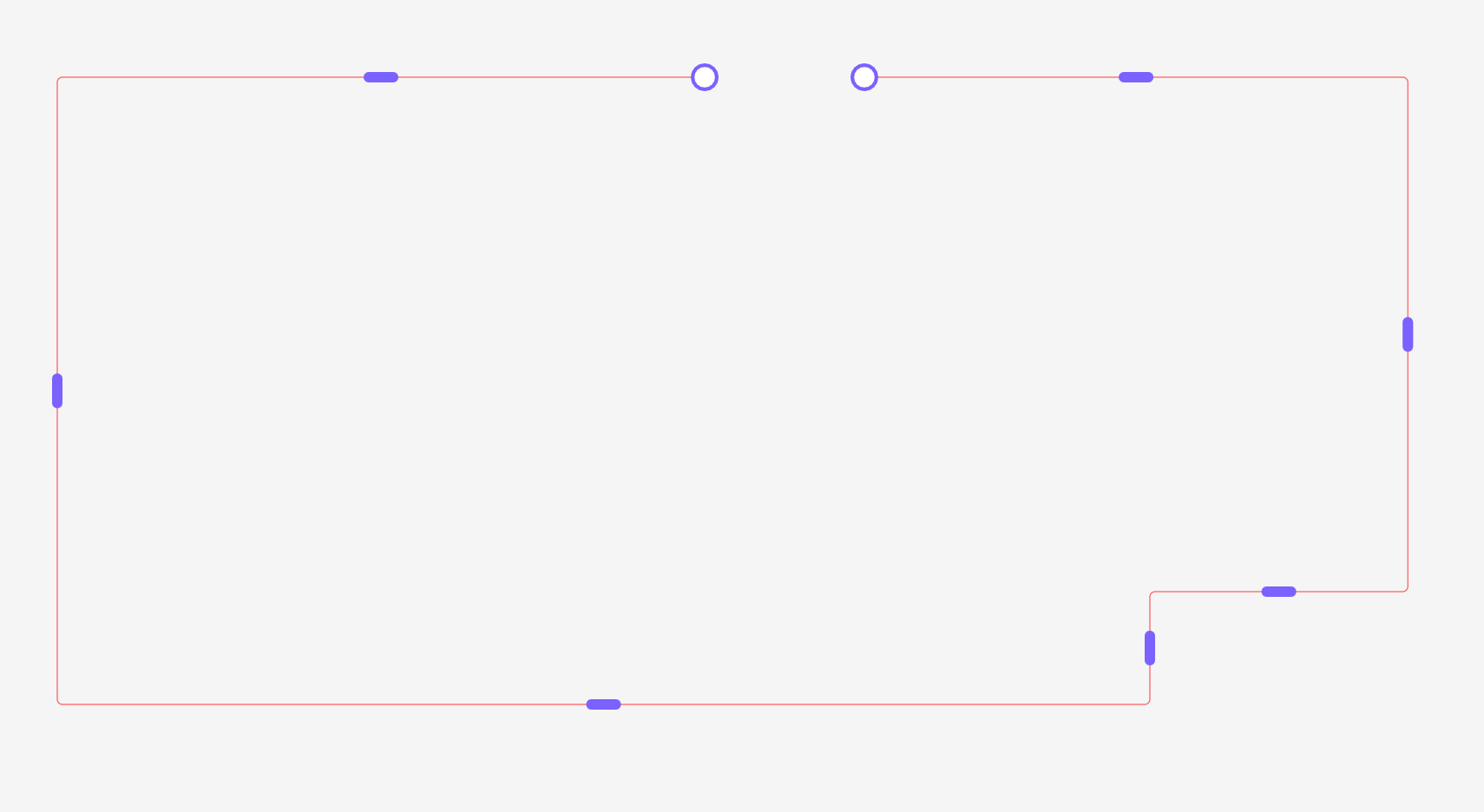
Basically, I want to create a shape starting with a rounded rectangle and I want to be able to add angles to it (just like how arrows behave in FigJam), while still keeping the rounded corners.

Does anyone know if that’s possible? Or maybe a workaround / plugin that can help?

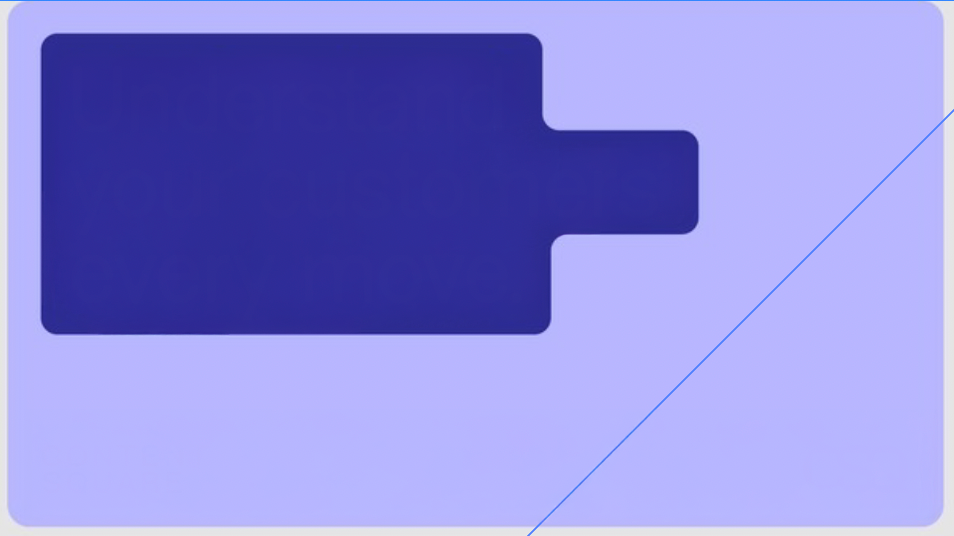
Basically I want to be able to reshape the rounded rectangle easily without the corne radius to change and be able to add angles like I want. How can I create easily a rectangle like the purple one in my pic? 

Thanks a lot!


This topic has been closed for replies.

11 replies

Nellya
Power Member
April 5, 2025

Hi. You can use Union for that. Here is example


philphil
philphilAuthor
New Participant
April 5, 2025

Oh my god the second square you put with the rounded is what I wanted I think, I want the same shape to be able to have the same rounded corner. Can I then change the corner radius as I want? 

How do I activate Union ?

philphil
philphilAuthor
New Participant
April 5, 2025

I am trying to have rounded corners here, like you did as well 

Nellya
Power Member
April 5, 2025

Can I then change the corner radius as I want? 

Yes, you can do it anytime

I am trying to have rounded corners here, like you did as well 

Make sure you put them in Union. I showed it in the video — just select your rectangles and choose Union Selection in the right panel.

philphil
philphilAuthor
New Participant
April 5, 2025

Yes I looked at your video, but I don’t find it in the right panel. How can I see it?


philphil
philphilAuthor
New Participant
April 5, 2025


Nellya
Power Member
April 5, 2025

Oh, you use the old interface. In that case, it's here


philphil
philphilAuthor
New Participant
April 5, 2025

I don’t manage to have the rounded corners ‘outisde’ like you did…. I want to do that 
Don’t want a 90° angle. 

On the left, it’s considered a Union now. Could you help please? I’d be supeeer helpful 

Nellya
Power Member
April 5, 2025

Select Union layer group and change the corner radius from 0 to any you want

philphil
philphilAuthor
New Participant
April 5, 2025

Yes now I selected the group and I can I guess ! Amazing. Thank you so much for your help Nellya, it was supeeeer helpful :) 

Just how to get to the new interface? Cause I was lost back then when they introduced the new one, so I kept the old one.