

Alexei
New Participant
June 28, 2024
Solved

Overlay with responsive size depending on the browser window

  • June 28, 2024
  • 14 replies
  • 3405 views

I am trying to build a prototype where the size of the overlay depends on the size of the window. There is a set of overlays. On click of the button I open overlay on the side of the screen

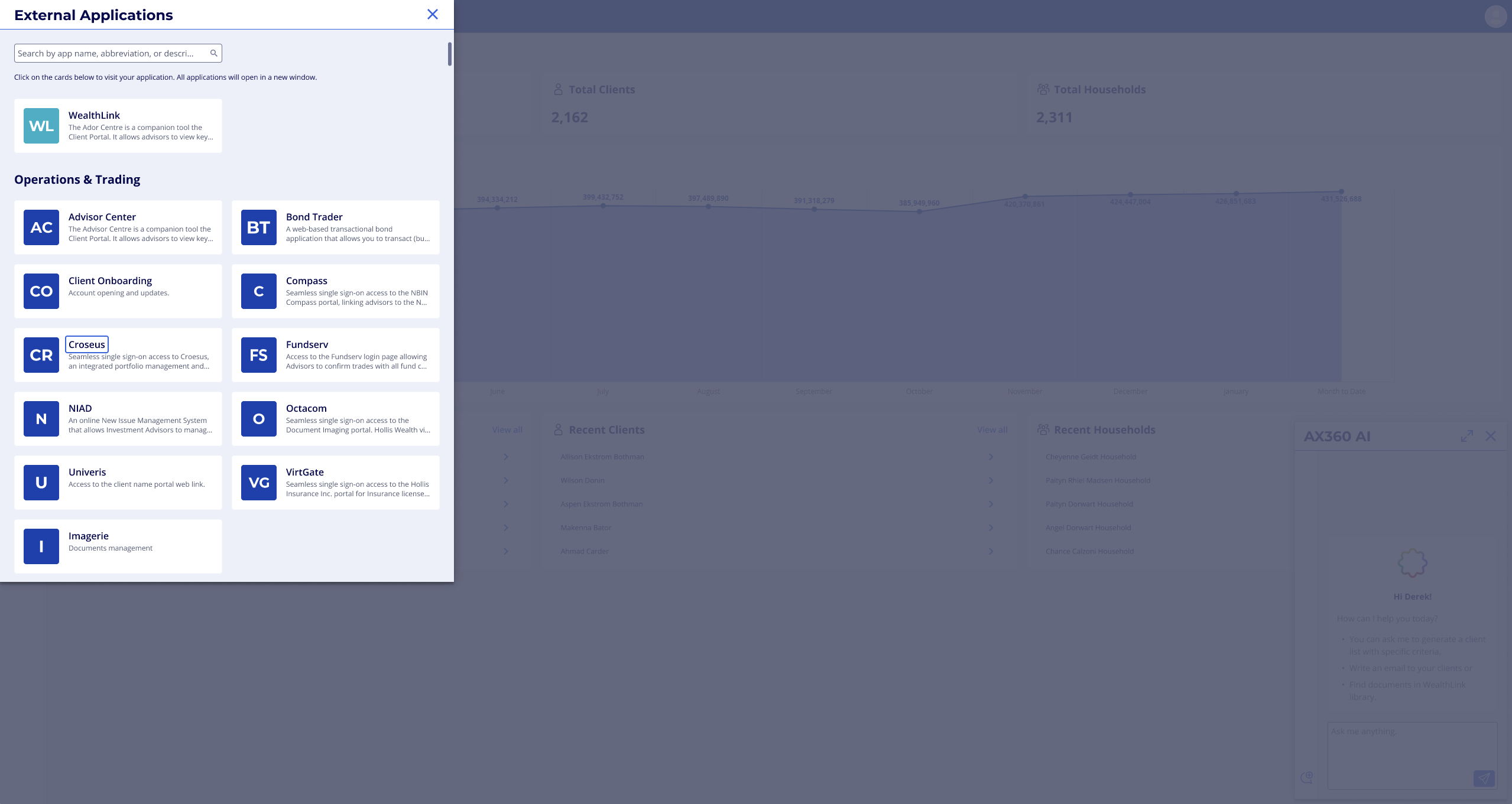

and the height of the overlay needs to follow the height of the window.

First image looks good. The overlay in the second needs to adjust.
HOW?
This topic has been closed for replies.
Best answer by Alexei

I found a simple solution: 

  1. modal window needs to be placed on the page(s) and hidden;
  2. using variable visibility can be toggled with links/buttons;
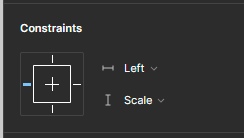
  3. the property of the modal window responsive adjustment can be set using Constraints 


14 replies

Hustler777
New Member
January 17, 2025

Much needed! Both suggestions by @Peter_Uithoven sound doable. I can also suggest adding a dynamic variables feature (like using formulas, etc.). That would unlock this feature and probably much more. Users could simply set the width and height of the overlay to be equal to the parent frame's, or even use percentages, etc.

By the way, I am confused as to why Figma is not using ratios and percentages. Responsive mobile development relies heavily on these. Auto Layout is great, but not enough. We need the ability to use relative values, etc. These features are must and I am surprised that Figma has not implemented them!

RobsonLopesRBI
New Member
January 22, 2025

Exact same problem here, we really need a solution for this as there's no way to solve this issue when you are trying to do User Testing and the screen size of the participants is unpredictable. 

Igor Goncharenko
New Member
January 26, 2025

Requesting this feature for future updates.

Alexei
AlexeiAuthorAnswer
New Participant
January 29, 2025

I found a simple solution: 

  1. modal window needs to be placed on the page(s) and hidden;
  2. using variable visibility can be toggled with links/buttons;
  3. the property of the modal window responsive adjustment can be set using Constraints