
1EdTech_Admin
Jan 18, 2023 4:04 PM UTC
Question

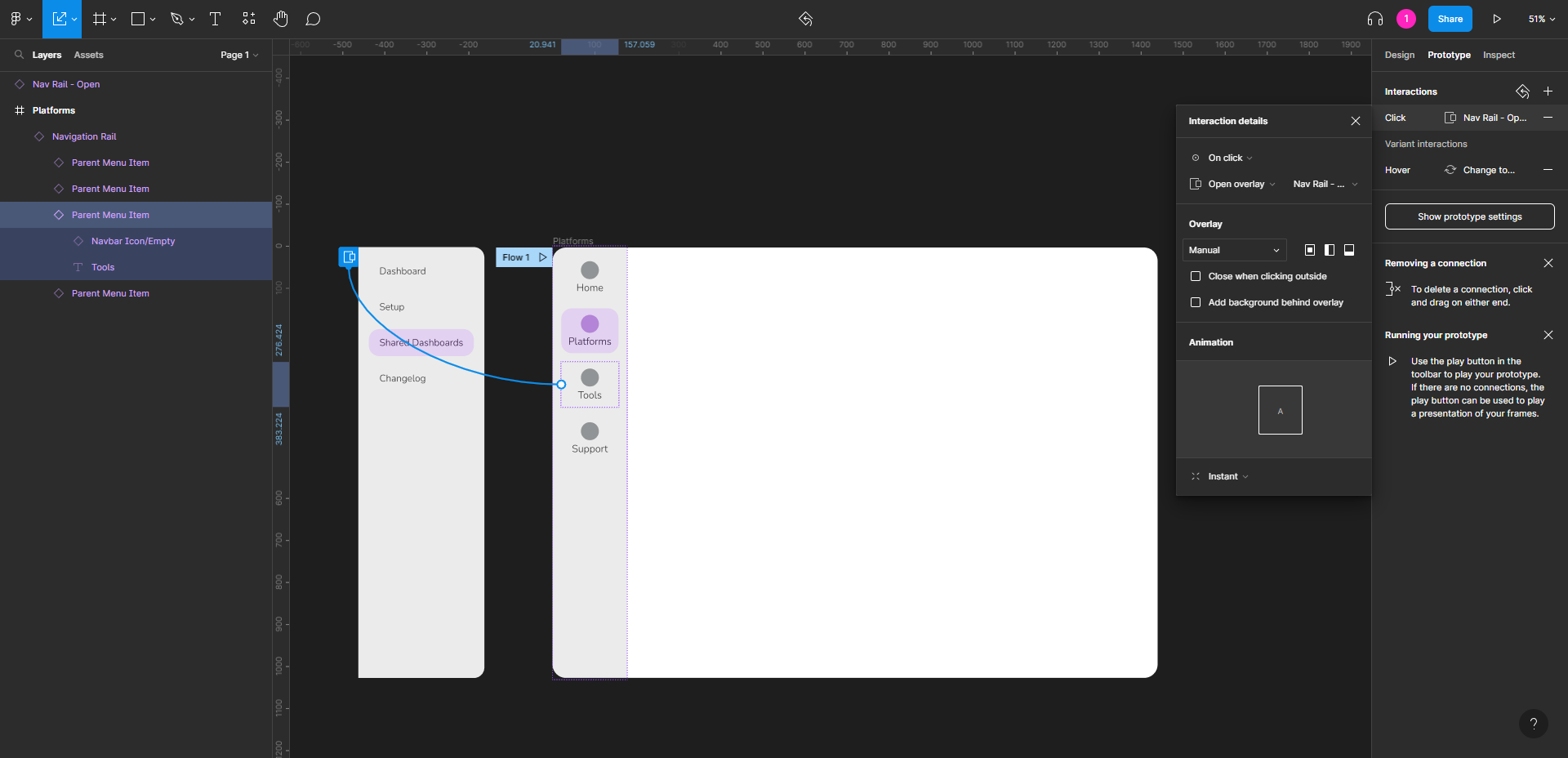
Manual Overlay Positioning - Controls Not Displaying

Same issue as shown here with no solution: Open Overlay Manual Prototyping Issue

I’ve added a component instance to be used as an overlay. When selecting “Manual” for the overlay position, no controls are displayed to move the overlays position.
This topic has been closed for replies.

4 replies

Jun 21, 2023 11:00 AM UTC

make sure the button is selected (You should see a proper selection line around it, not just a dotted line.) Then in interaction details change “on click” to “none” (You are deleting the interaction by doing this…)

After deleting the interaction build it again. If your button is properly selected as explained above (Proper selection not just dotted line) you will get the positioning overlay when choosing manual positioning. It’s all about having the button properly selected first.

Clemence3
New Member
Dec 22, 2023 9:44 AM UTC

This morning I also had the same problem: I couldn’t see the control to position the overlay.
In my case that was because I selected several ramifications at the same time to set the overlay behaviour (in fact, several buttons triggers the same overlay on click):


Doing that I could see the window to define the specifications, but not the posotion.

Indeed, the position control is only visible when one ramification is selected:

I hope it will help the community.
Cheers!

May 6, 2024 2:29 PM UTC

I’m having issues with the visual, when I try to use the function to open the overlay, it seems everything is working very well. However, in the preview, the lay I’m modifying appears elsewhere.

y_toku
Figmate
Community Support
May 8, 2024 5:48 AM UTC

Hi there,

Would you be able to share the file link with access to support-share@figma.com? It won’t affect your billing. I hope I can investigate it further.

Thanks,
Toku