How to replace multiple font styles in the same text layer?
In Figma, it’s possible to style parts of the text within single text layer with a different library text styles, which is very useful if you have a long text with many subheadings, bolded parts etc).
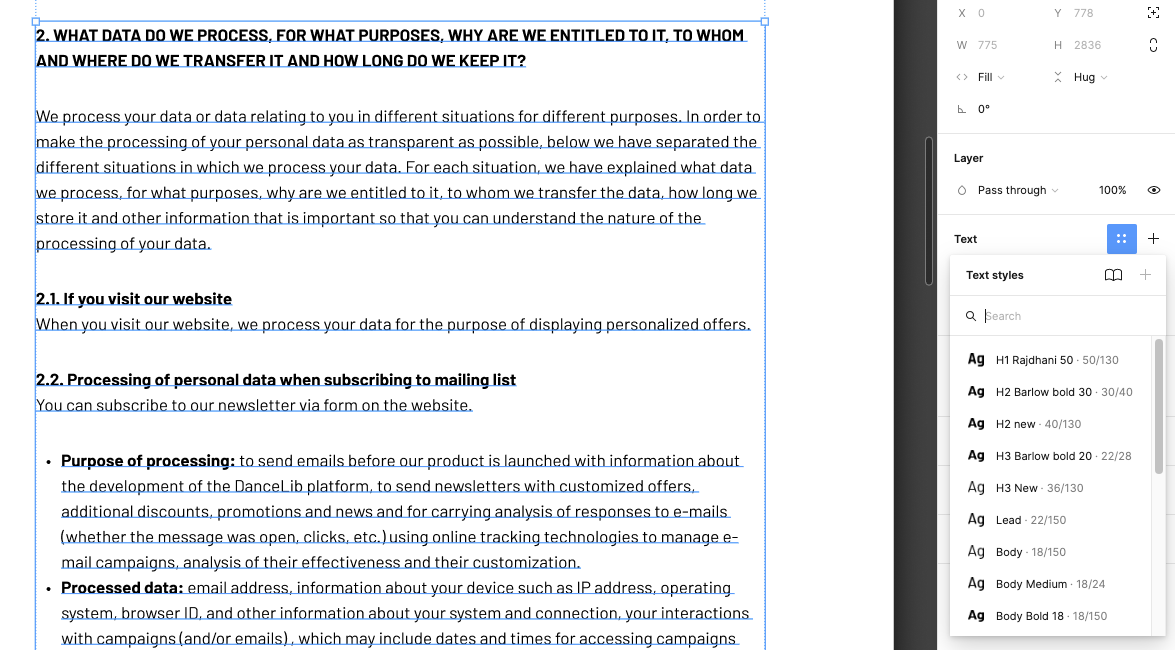
But when I want the same text layer just in a smaller font because I’m working on a mobile version from the desktop (I want to change the text from 18 to 16px), there is no way to replace the multiple font styles. When I select the text layer I can only replace multiple styles with one I can choose from the list of the styles, or by clicking + I got the same but now I even can’t control in which style it will change.
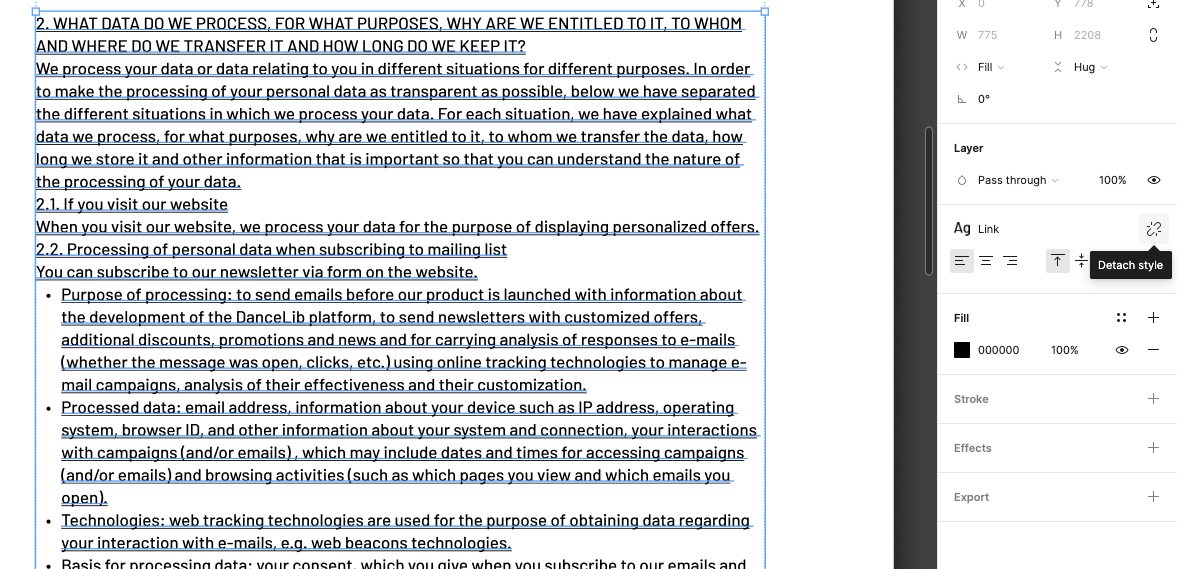
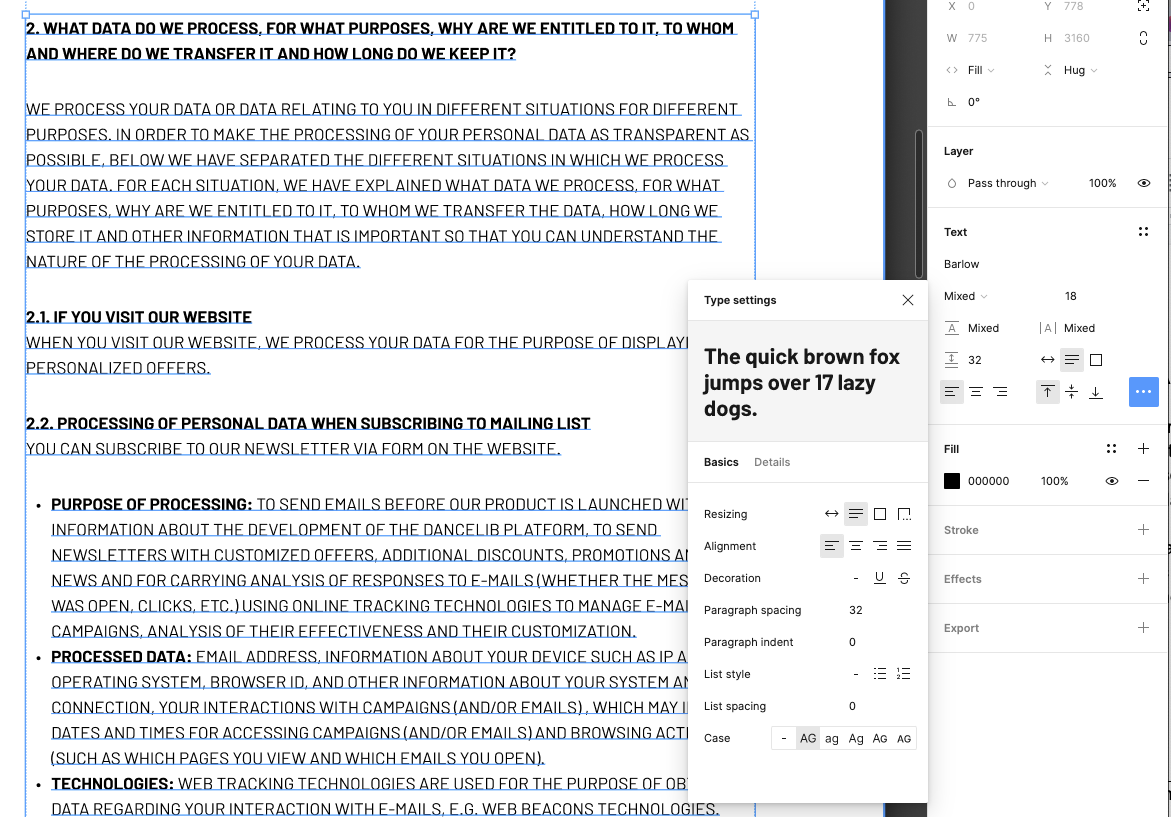
If you just need to detach styles, but to keep everything styled as it is, you can use a bug - switching to ALL CAPS, then back to normal. (I don’t get it, why there is no “detach” button for a multiple text style layer, as there it is for a single text style layer).
But if I want everything to be in library styles again (which I defined for mobile), I would have to select each part of the text and mark it as a style again, which is a huge job if you have a long text with a lot of style changes.
Is there some trick? Or a plugin that can change multiple styles within one text layer?
I already lost half a day because of it 😓