Tal_Levin1
February 9, 2023
Question

Find and replace text not working

Hi there,

I’ve got a large document in which I need to find and replace a particular phrase. However, when I go to use to use the find and replace feature, it says the text has been replaced without updating the text.

I have to double-click on the text frame again or select and hit return for it to update.

Is this a bug, or am I missing something obvious? Better hitting return, it reads the text as though it’s been updated even though it shows the previous text.

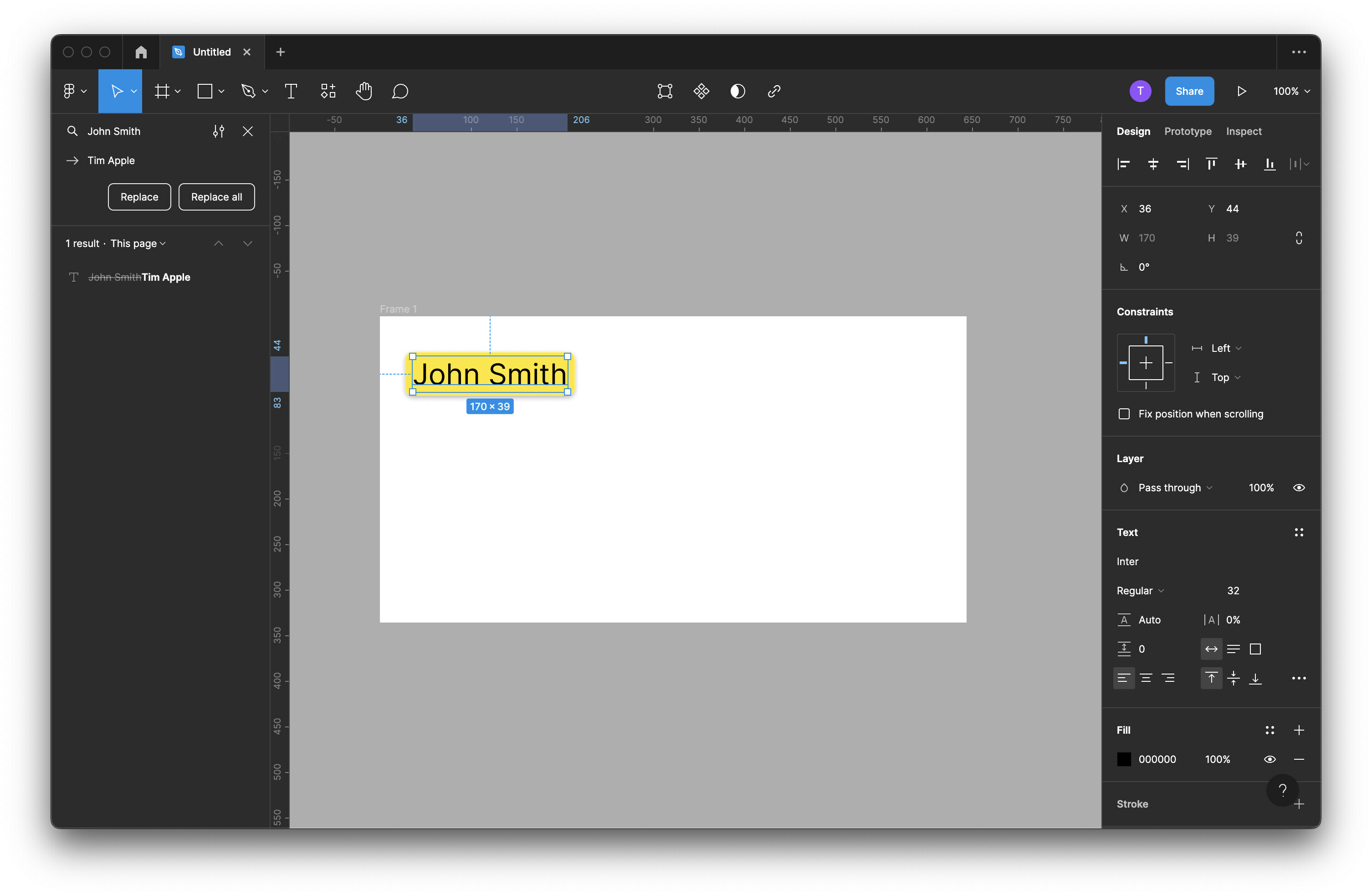
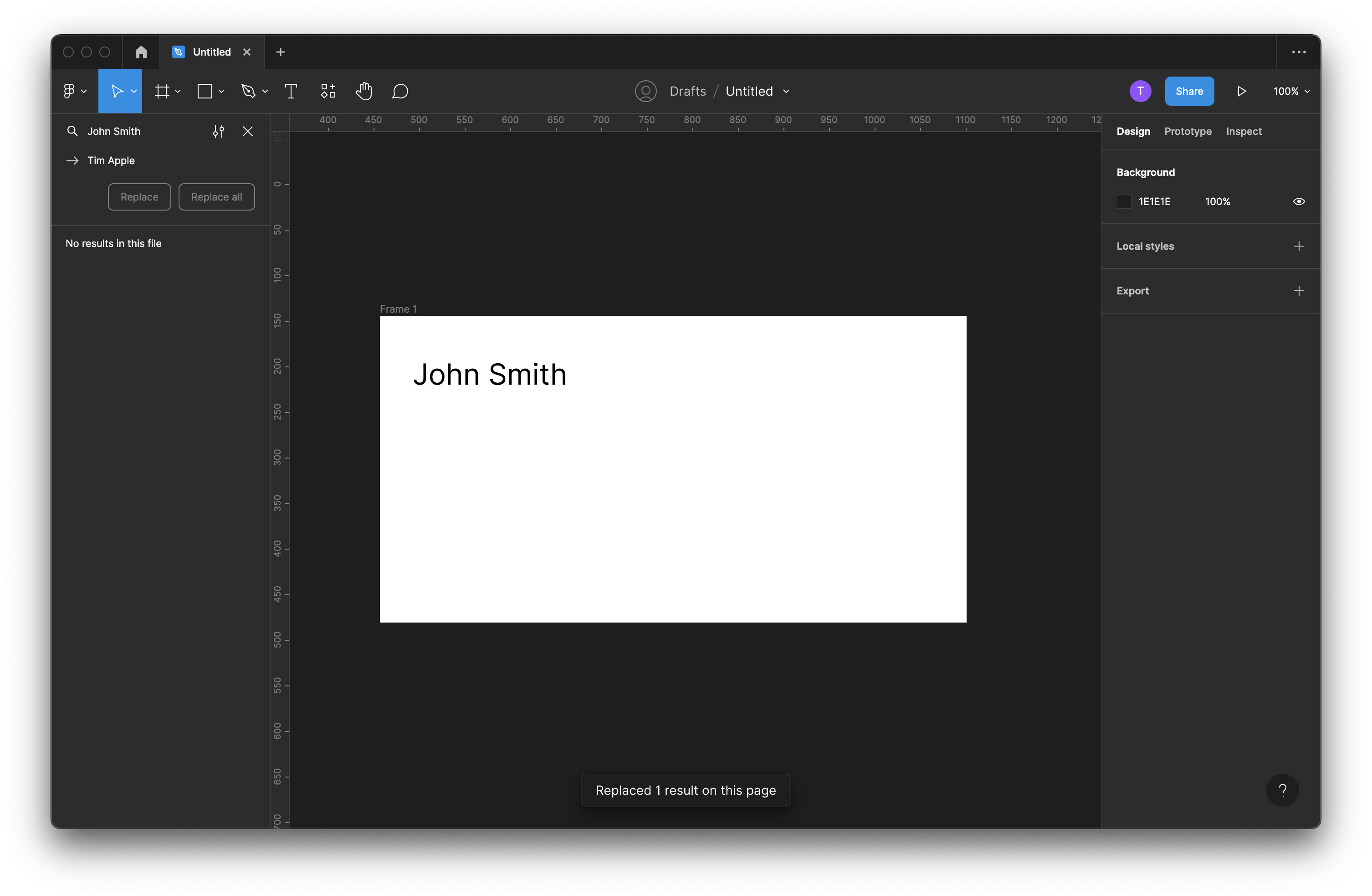
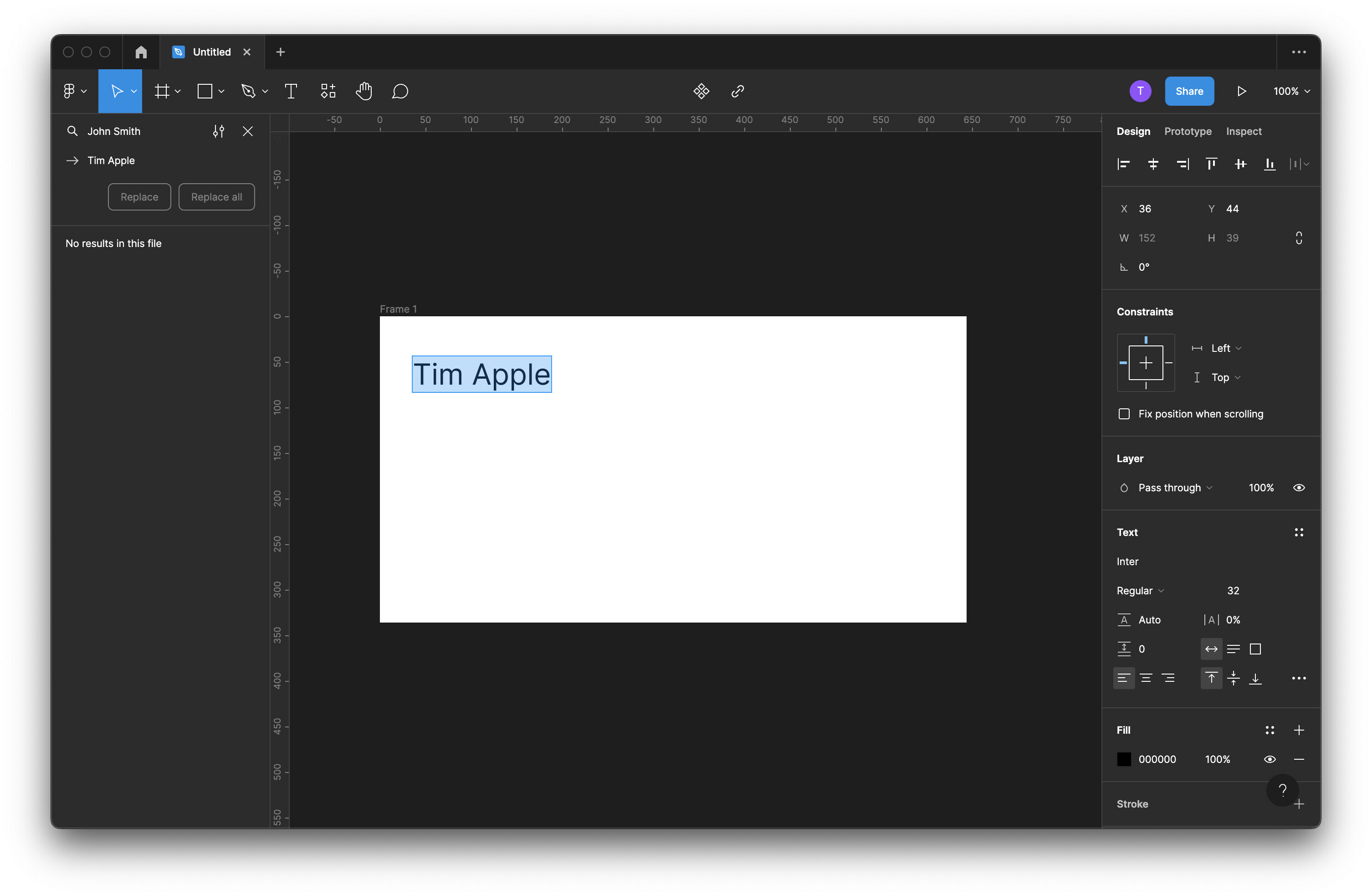
See screenshots below:

  1. Finds text to be replaced

  2. “Replaces” text (note: Figma is not seeing the initial text input)
  3. Updated after double-clicking into the box or hitting return
This topic has been closed for replies.

15 replies

Jessica_Aceret
New Member
February 9, 2023

I’m having the same problem right now. I realized that the replace feature is only changing the name of the layer to match what you put into the “replace” field, but it doesn’t change the text in the UI itself. So that’s why it doesn’t show up again in your search results. Sounds like a bug to me.

martingarnett01
February 10, 2023

Yep! Experiencing this issue too right now. Definitely a bug.

Rene_A_Morales
February 10, 2023

Same here. Thanks Adobe

Andrew_O_Hara_Aidoo
New Member
February 11, 2023

I have the same problem.

Tal_Levin1
February 13, 2023

Any updates on this? Is there a way to get a Figma team member to look at this?

Bittle_David_Dave_IPESD
February 13, 2023

Same issue. Please fix this.

February 13, 2023

Same here.

I need to update a prototype with 20 pages with a text that needs changing around 4 times repeated in a page - quite annoying to find out now that it’s not working and I need to manually go update all these texts.

I find this weird because just few days a go find and replace worked fine. Was this after the Figma update that this started bugging…?

Byron_Watson
February 14, 2023

Has anyone from Figma replied?

Byron_Watson
February 14, 2023

So I just double-clicked on the text itself and it appears all texts have updated. Not sure if it’s a fix or not.

bombadillo
February 15, 2023

Having the same problem! So frustrating, as I have over 40 instances of this issue and will have to go through double clicking them all. Could be worse, I suppose. @Figma, this is a bug!