Solved
Component Form
Please search for existing topics before posting! Press 🔍 at the upper right to search.
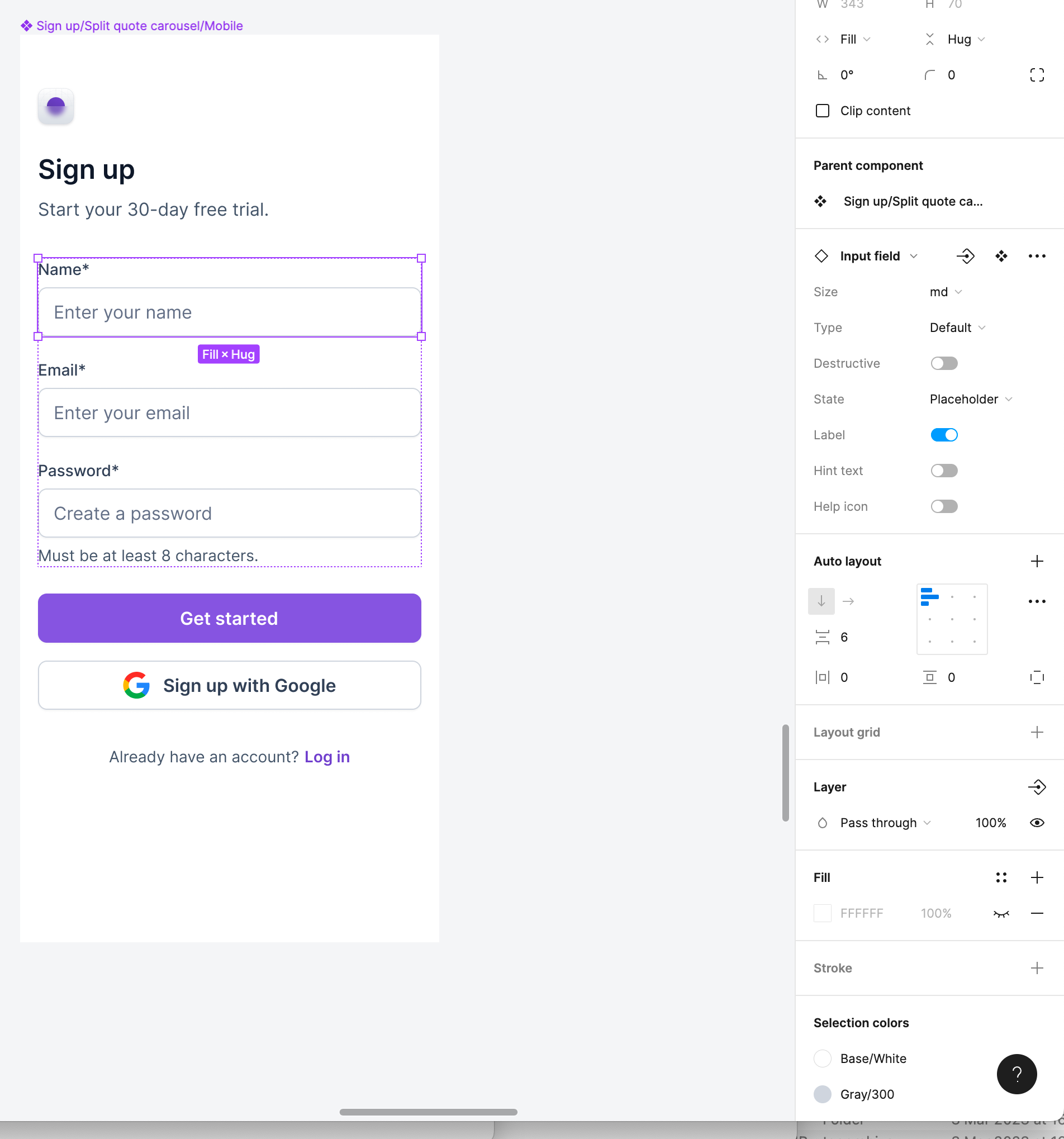
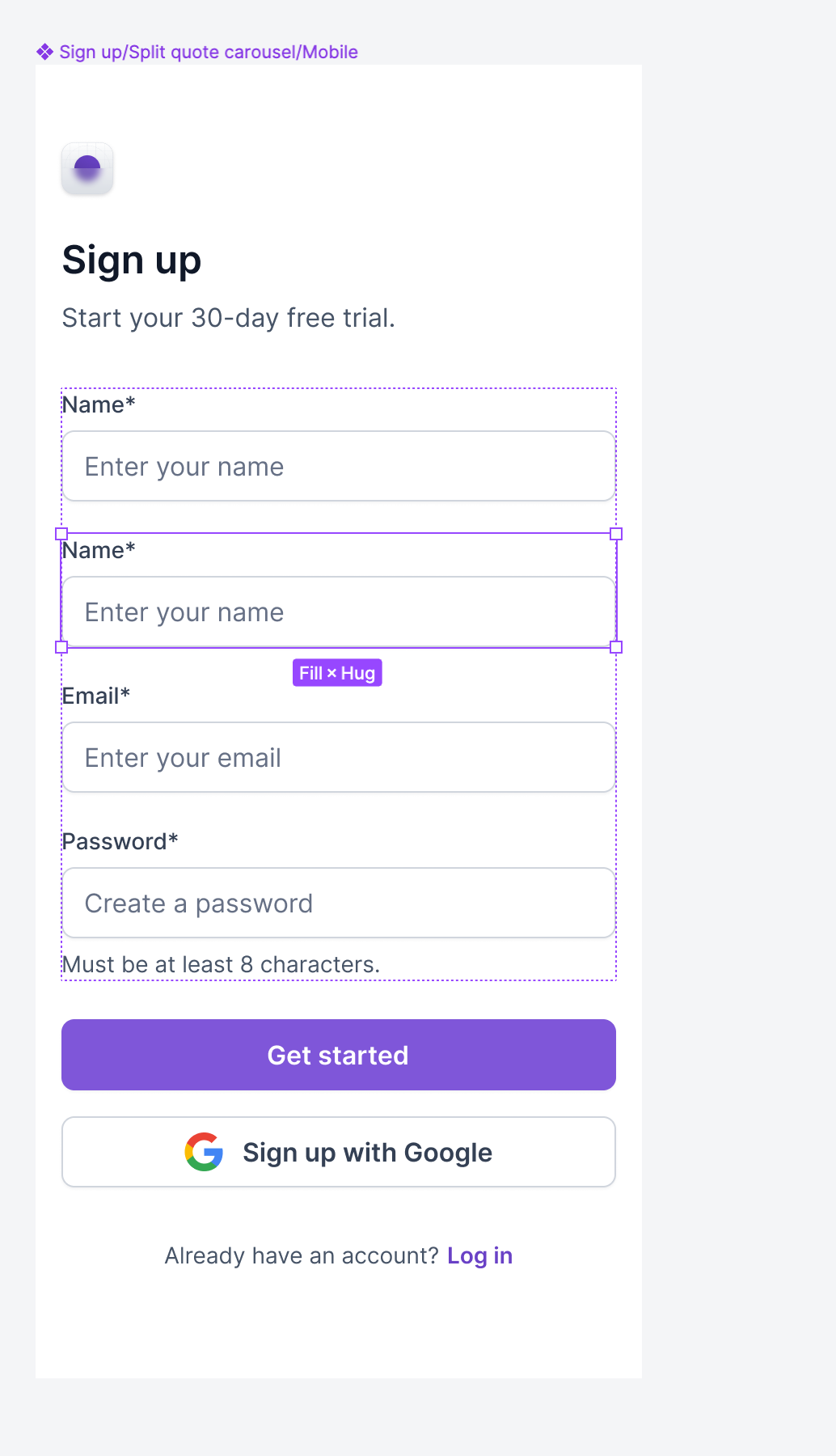
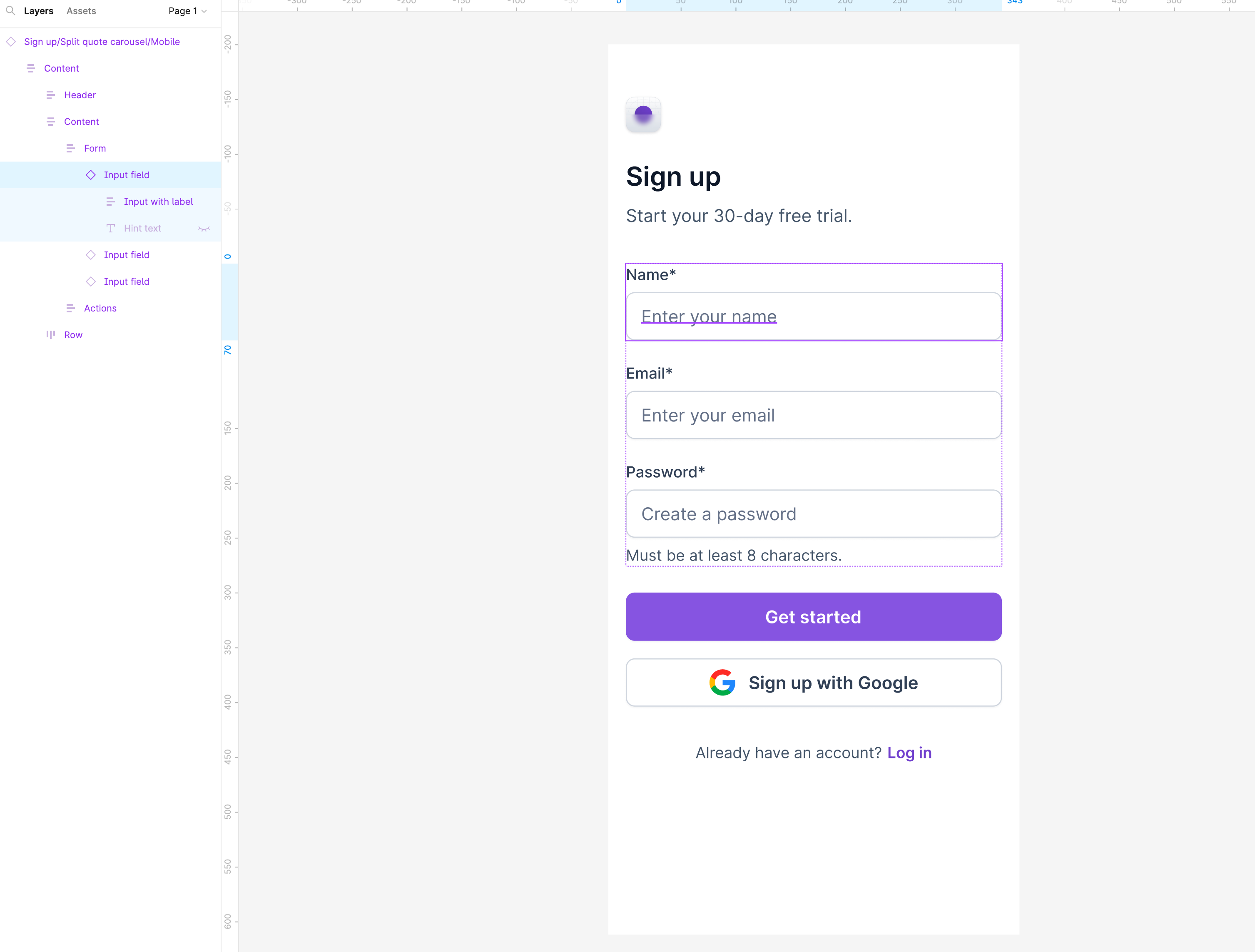
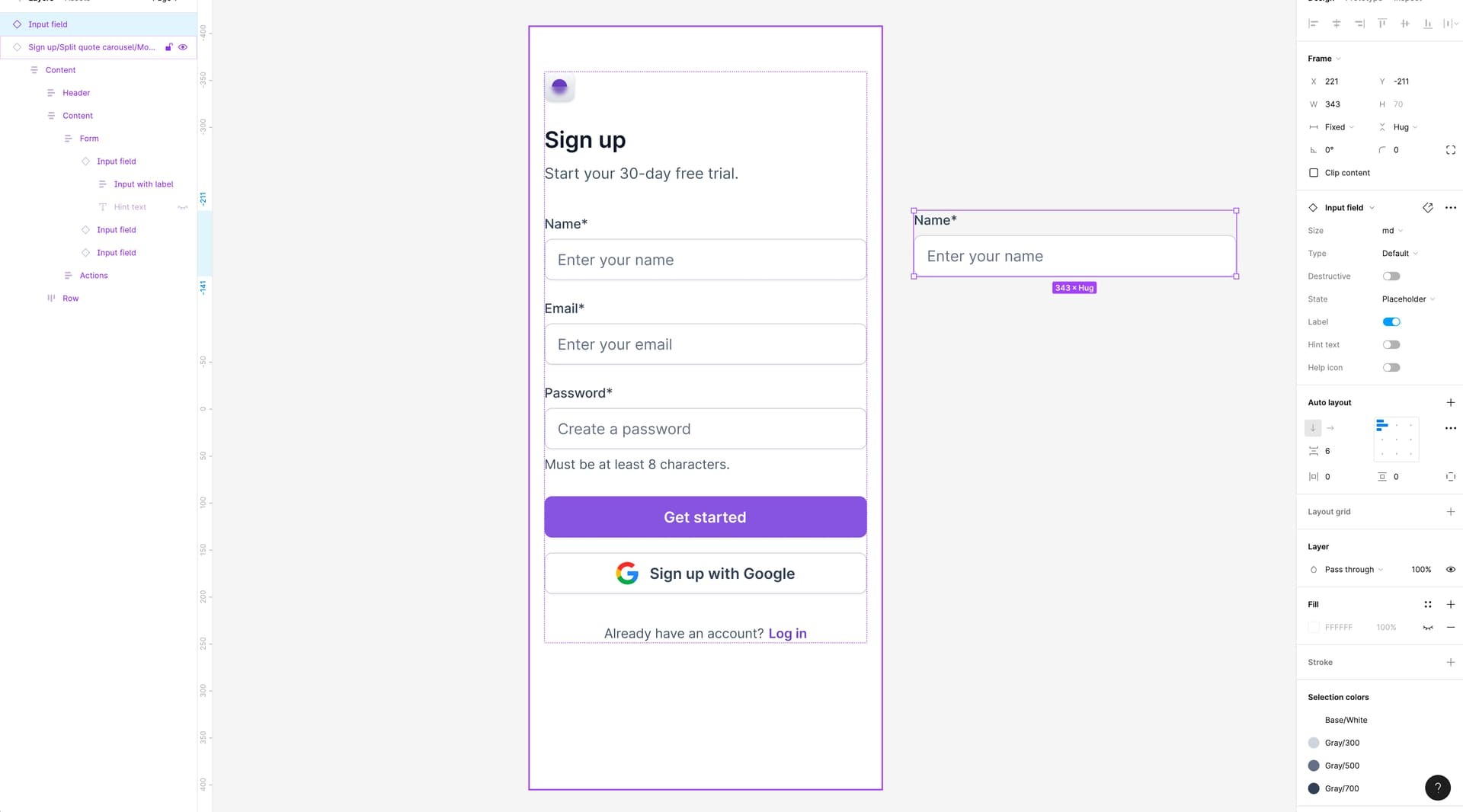
Hi, I am using a UI kit and copied a form into my design file. When I duplicate an input box in the UI kit it places another input box under the the one that is already there which is correct. When I copy and paste it into a new design file, when I press duplicate instead of placing the input box underneath, it places it to the side. I am new to Figma so I have no idea what is wrong. Thanks. I am using untitled ui.