

Martin_Mateos_Sanchez
March 1, 2024
Question

Can't search for component of added library

  • March 1, 2024
  • 46 replies
  • 2153 views

I’ve just published a library containing Material Design icons as components in my design file and when I search for any of those components Figma does not find anything. What am I missing? Thank you
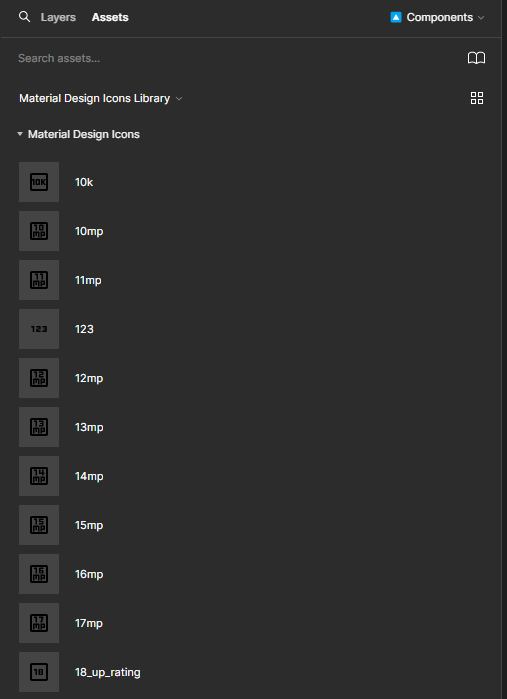
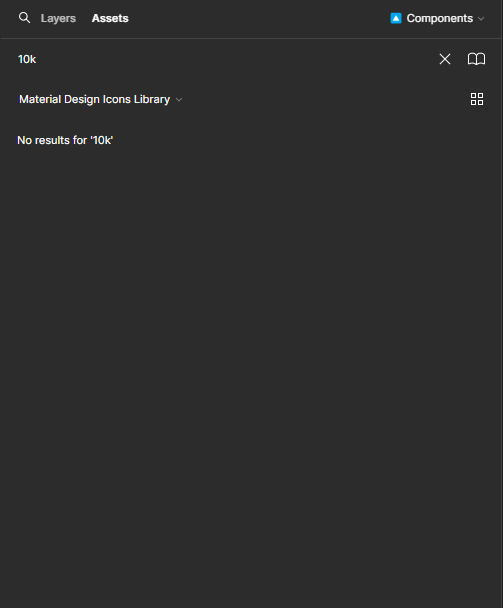
This topic has been closed for replies.

46 replies

Matt-Relume
September 11, 2024

Having the same issue - you can easily replicate it by duplicating our Relume Figma Kit and then try searching for “Layout 1” and it’ll be no where to be found. This was a key way that people would use our Relume Figma Kit and with the search being this broken, has severely hindered this experience.

relume.io
Oleg_Serediuc
September 11, 2024

Yeah, this issue is back again for me too. My previous solution is not working anymore for me either. My most relevant search results are at the very bottom of the list now.

jeffe_bauer
September 11, 2024

I’m also encountering this same issue in our multitude of libraries at Atlassian, with the most relevant search result being shown at the bottom of the results list. Given the number of components and libraries we have enabled, this bug can really slow us down.

Matthew_Miller
September 11, 2024

Same issue - library components appear in my suggestions recent but not my search

y_toku
Figmate
Community Support
September 12, 2024

Thanks all for flagging this issue. We’ve filed a bug report internally. We’ll keep you posted in this forum thread if there’s any update.

Thanks for your patience.
Toku

Aaron_Xu
Active Member
September 12, 2024

when I try to search library icon in Shift+I panel.
here is old UI’s panel,works

and here is UI3’s panel

Kurt_Ferriday1
September 12, 2024

Figma support got back to me very quickly and it seems as they have fixed the issue for me 🎉 I don’t know about everyone else?

Marian_Balko
September 12, 2024

I have a similar issue. I cannot use components from our shared library. Any ideas how to solve it?

Brett_Taylor1
New Participant
September 12, 2024

Having the same problem and it’s somewhat new. I do have the updated desktop app, and this week started to not search for components within the popup, like everyone else.

Vipul1
September 13, 2024

A few people here have mentioned they’re having this issue with local components. I’ve been having this issue and here’s what I’ve seen:

  • The issue shows up when searching Components in the Resources menu (Shift + I), or in the Instance Swap submenu when configuring a component
  • Oddly, the issue doesn’t show up when selecting the “Assets” tab in the left sidebar
  • I believe the problem is that the search results are backwards for the given query. For example, when working with an icon library, when I type “arrow left” into the search bar, I get results in the correct order in the Assets tab, but in the reverse order in the Resources > Components search and the Instance Swap search.

Again, this is just for searching through local components. The behavior I’m seeing may or may not be related to searching for library components—I haven’t confirmed that.