

Set Default Properties with stroke width and color

  • September 15, 2021
  • 4 replies
  • 5101 views

harsha20599

Whenever I create a arrow line, it always defaults to black color with 3px stroke. I often use the arrow line (Shft + L) to indicate any notes/guidelines.
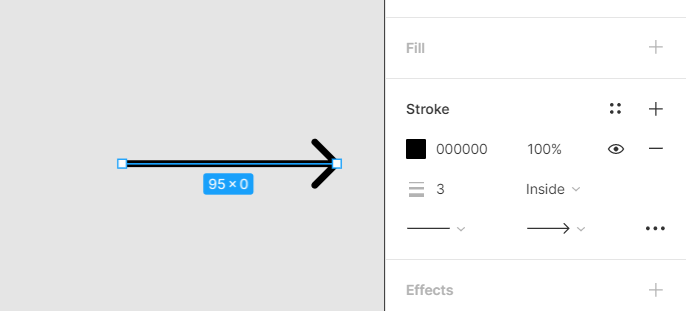
image

Applying default properties like as we do for the text will greatly help with the stroke and color properties for the line aswell.

Do you expereince the same thing ? Is there any workaround you could suggest ?

4 replies

tank666
  • September 15, 2021

You can set the default color like this: draw an arrow, go to Main menu › Edit › Set default properties.

The strange thing is that this setting doesn’t remember the thickness of the arrow.


  • October 15, 2021

This topic was automatically closed 30 days after the last reply. New replies are no longer allowed.


Lovro
  • December 1, 2021

The arrow tool resets its appearance to a 3px black line every time. It would be great that it remembers the last used style (just as the pen and pencil tools do.)


Kapil_Gowru1

To elaborate, I use a pen tool often times to show click paths between frames or screens. I would love to set the default properties of the path I draw (the color and width). So all successive paths look similar.