Question

Nodes not appearing for some objects in prototype

  • August 13, 2022
  • 13 replies
  • 7161 views

Elise8

I am in Prototype mode and many objects in my designs have no nodes, so I can’t connect them. Help!

This topic has been closed for replies.

13 replies

Gleb
  • Power Member
  • August 14, 2022

Put them in Frames


Elise8
  • Author
  • August 23, 2022

They are in frames! 🙂 Wait - I see what you mean. Richt-click and choose ‘frame’. Thanks!


  • August 2, 2023

Thank you, this is a lifesaver!


  • September 27, 2023

I’m in prototype mode, I have the elements and screens I want to connect framed, and still I don’t have any nodes to connect. I don’t know what to do. Please help.


Gleb
  • Power Member
  • September 30, 2023

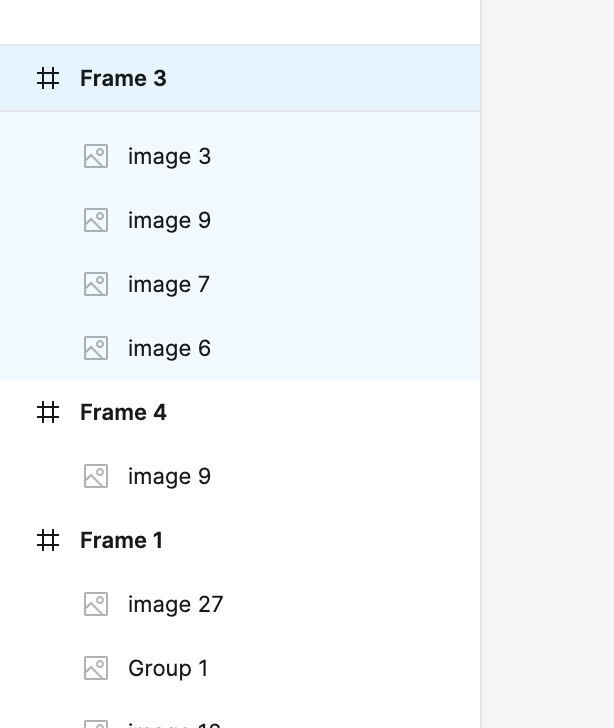
Are they top-level frames (not wrapped in groups)?

This would work:

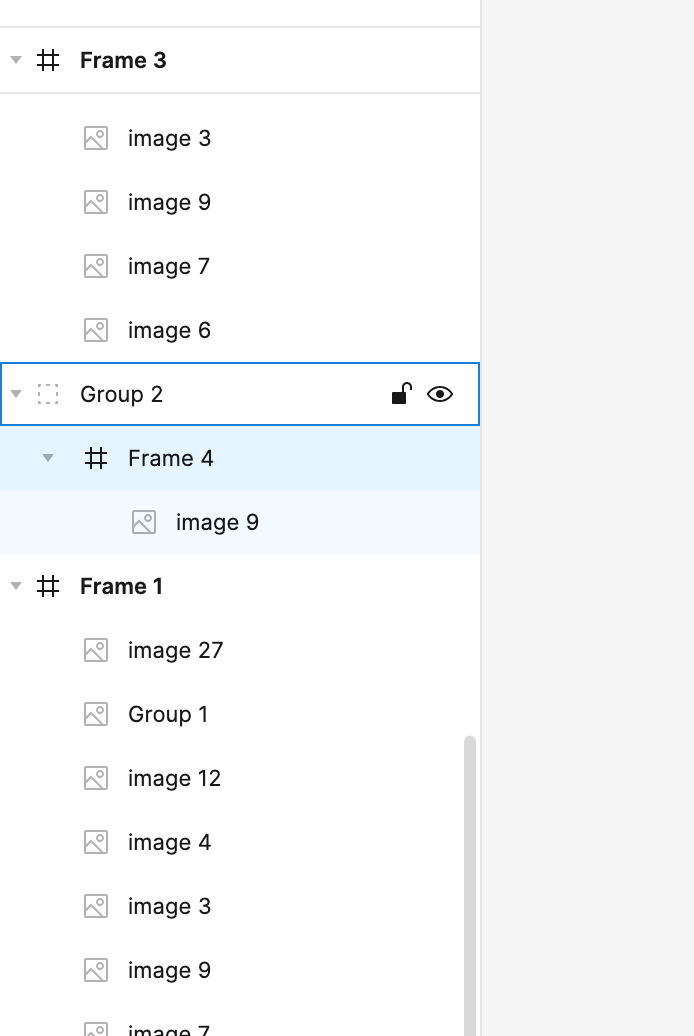
This won’t work:


  • October 1, 2023

That was the problem, you’re truly a savior thank you so much!


  • March 12, 2024

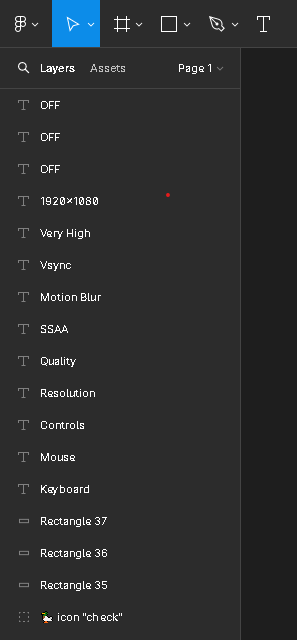
I’m having this same problem, and I checked to make sure the frame is top-level. On a different file, I can prototype fine. Appreciate any help.


Gleb
  • Power Member
  • March 12, 2024

got a screenshot?


  • March 12, 2024

Screenshot 2024-03-12 at 9.21.04 AM


Gleb
  • Power Member
  • March 12, 2024

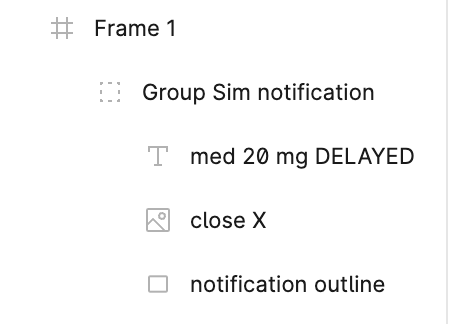
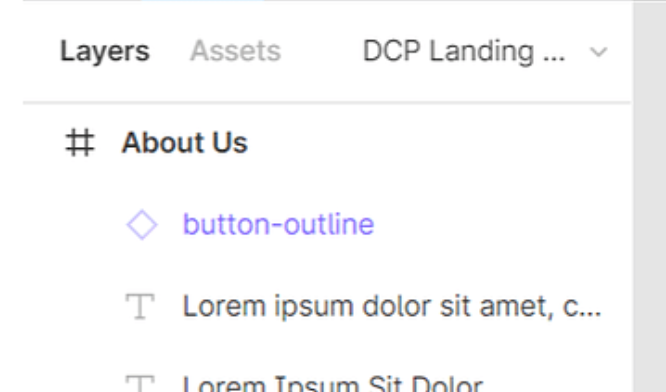
Check again. A top-level frame looks like this, with bold text and icon. Your frame is wrapped in something else, probably in a group.

image


  • March 12, 2024

I see now. Thank you so very much!


  • March 12, 2024

So i think i maybe having a similar issue i can’t the nodes to show up


Gleb
  • Power Member
  • March 21, 2024

Yep, exactly