

Question

Using View Mode, Cannot Copy Link URL in Text

  • April 25, 2025
  • 1 reply
  • 74 views

Herza

So I am using view mode (on web browser) to see a figma file created by other designer. And it has a text which contains a link.
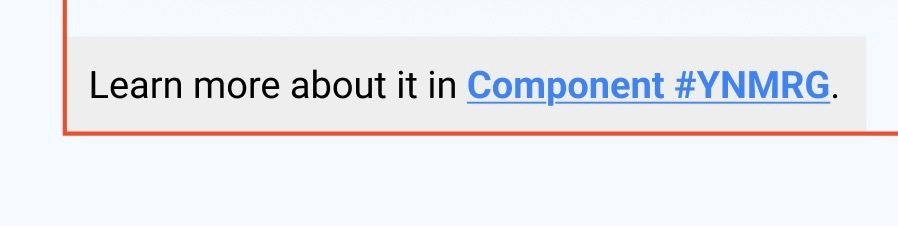


I can click that link to go to the destination, but I don’t want to do that. I want to copy the url of that link text. If I right click, it will only let me copy link of selection of the parent frame.
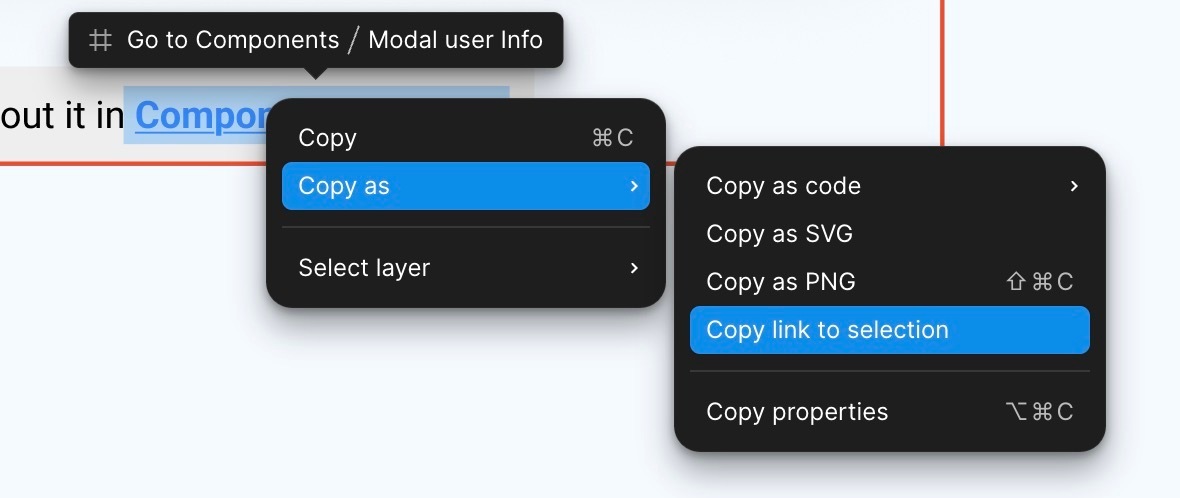

Please, you should let viewer to copy the url embeded in a text. It’s crucial and very basic!


Thanks.

1 reply

Arundas_TC
  • New Member
  • August 25, 2025

@ksn please fix this. The only way to get the URL of the link is to open it in a new tab first. This is extremely annoying and a waste of developer’s time. Make the little popup that appears above it to be better by showing the URL above, and two buttons “Open” and “Copy”.

Also, clicking on the link text itself should NEVER open the link in a tab. Figma design is not an actual web page, so why is it behaving like one?

Related: