Restore file thumbnail previews on project folders: Is it possible to go back to the old UI of viewing all project folders in a team?
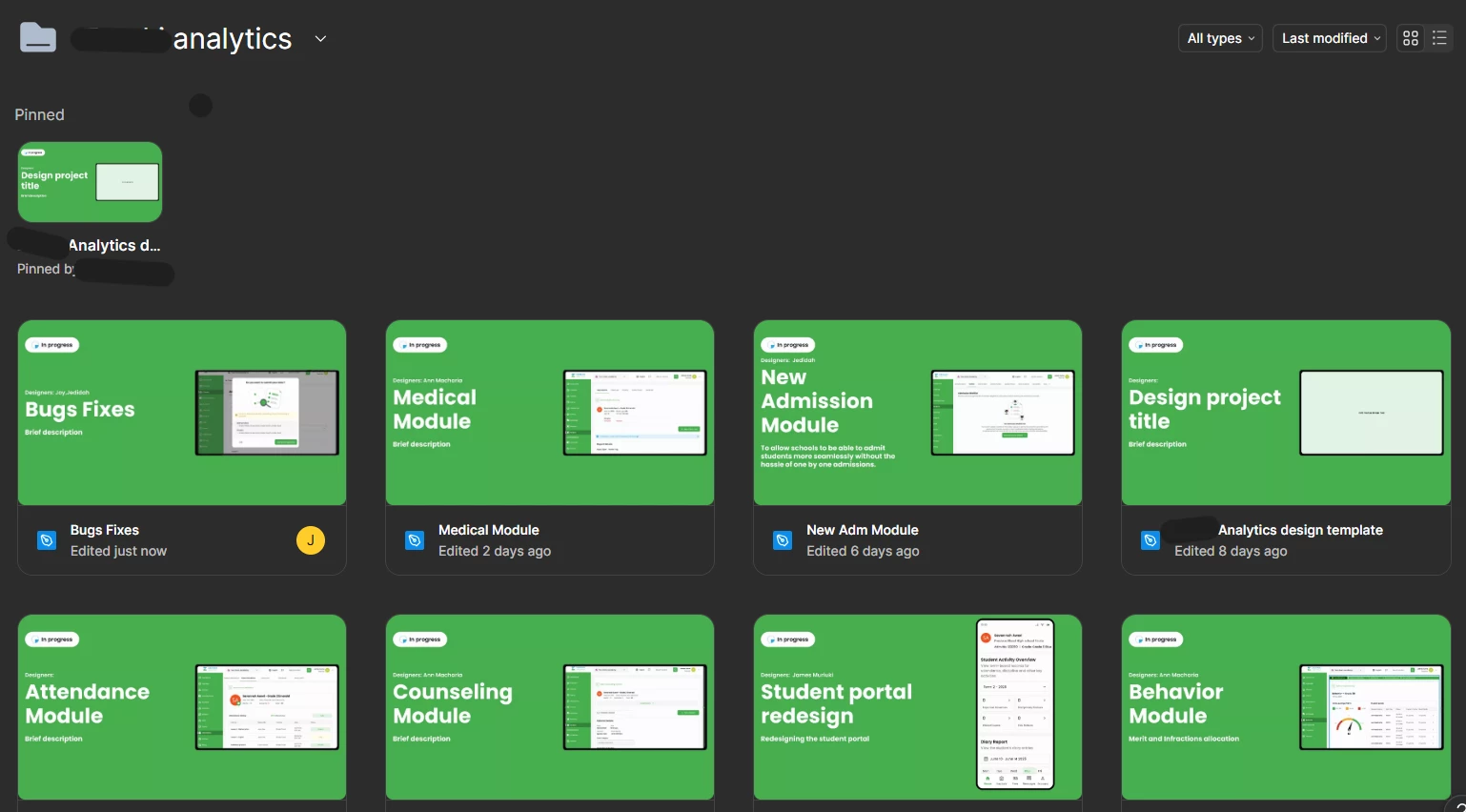
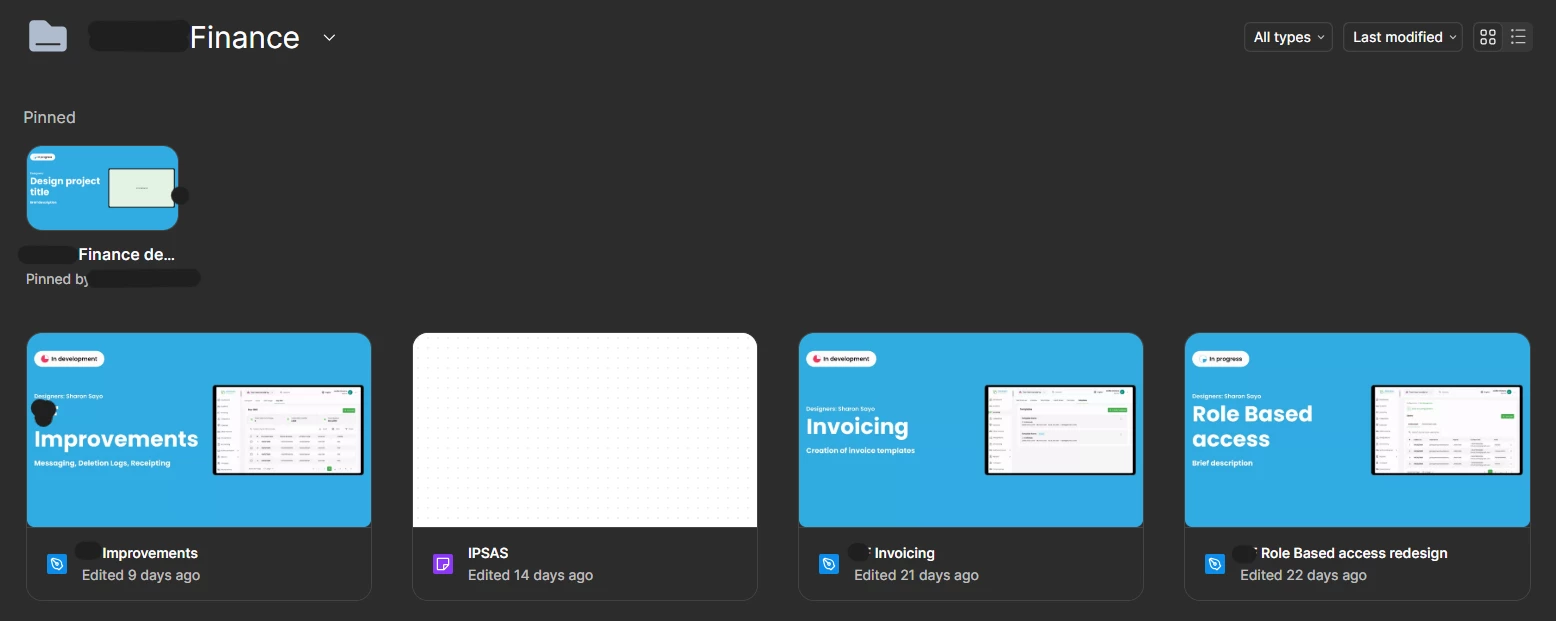
Our 5-person design team relies heavily on a color-coded visual system for project identification. Each project project uses a distinct color scheme on file cover pages (for example, green for Analytics files and blue for Finance files), enabling designers to instantly recognize and navigate to their active workspaces visually.
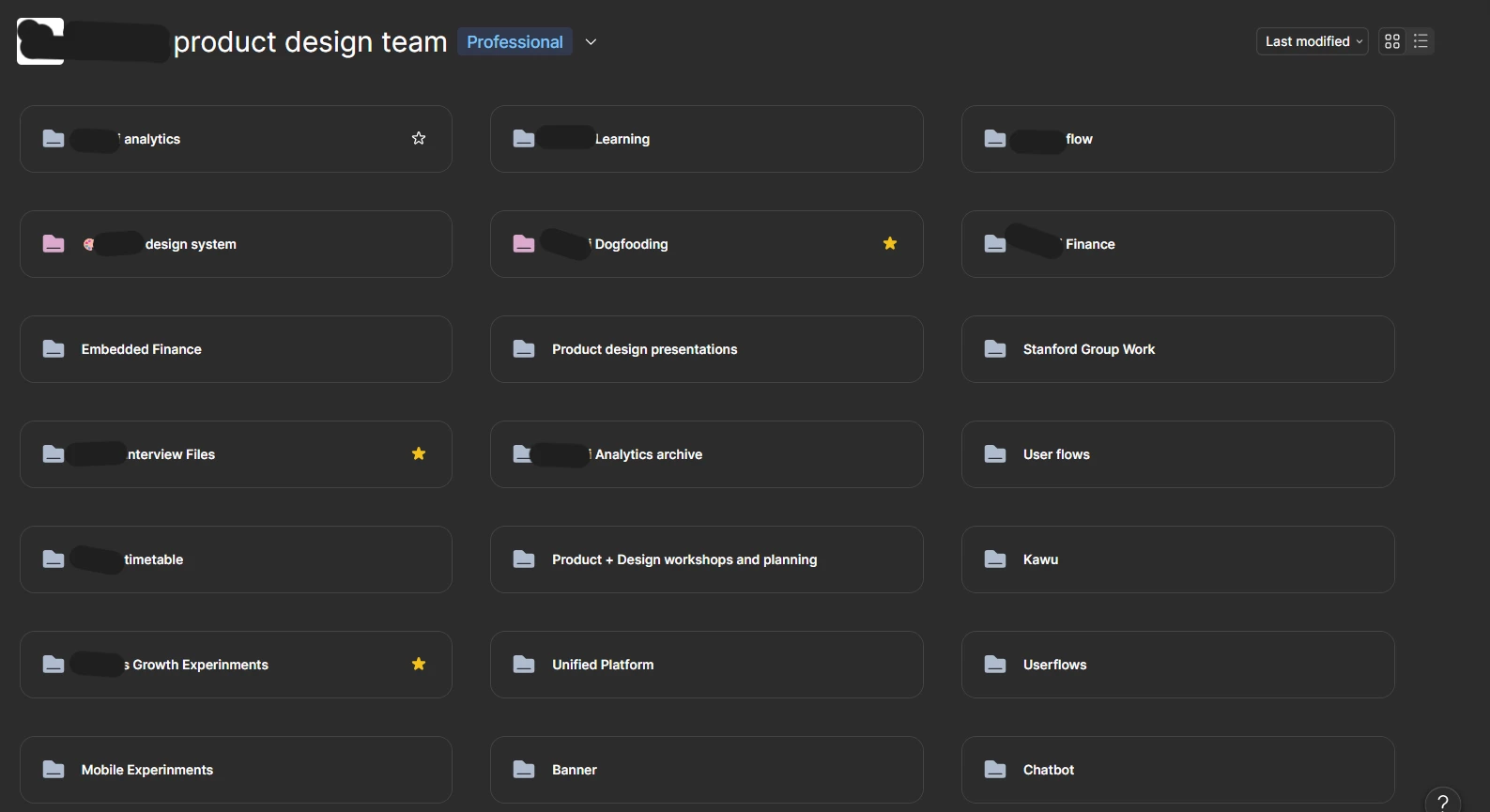
The recent UI update collapsed project folder views into compact text-based blocks, removing the cover page preview that displayed the most recently modified file. While this compact view displays more folders on a single screen, forcing designers to rely exclusively on reading text labels adds cognitive friction and disrupts fast switching between active files.
For me as a design lead and as someone also managing multiple concurrent projects, visual recognition is critical for maintaining focus and speed. Having to read through text links introduces unnecessary pause points when scanning the dashboard.
I request that Figma introduce a toggle or view setting that allows teams to choose between the compact folder layout and the previous visual preview view showing file cover thumbnails.
For example our folders preview would have one file which has a unique color as so