Option to Snap to Pixel Grid with Locked Aspect Ratio
I haven’t seen many posts about this, only one from 6 months ago that’s now locked for some reason.
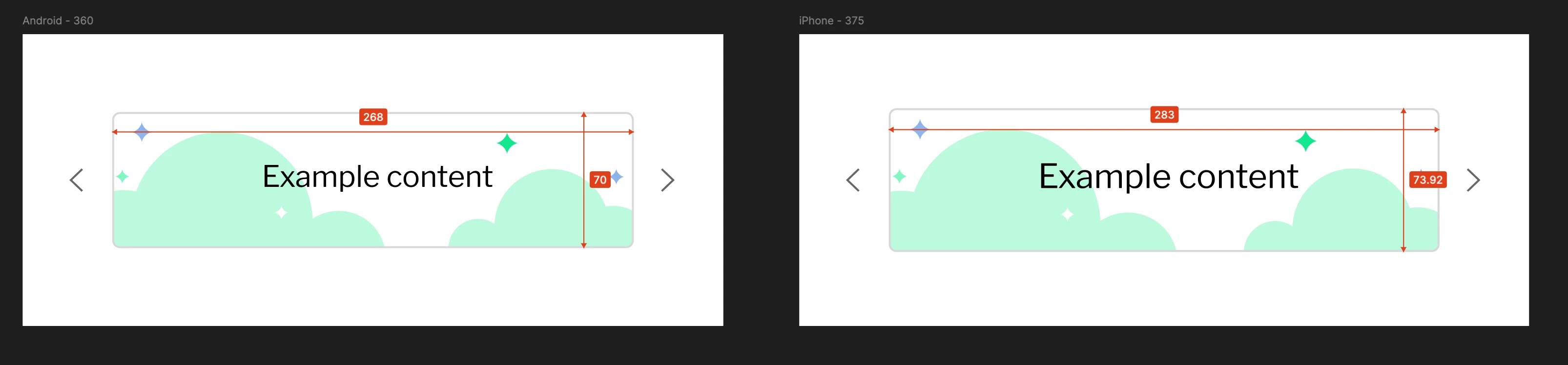
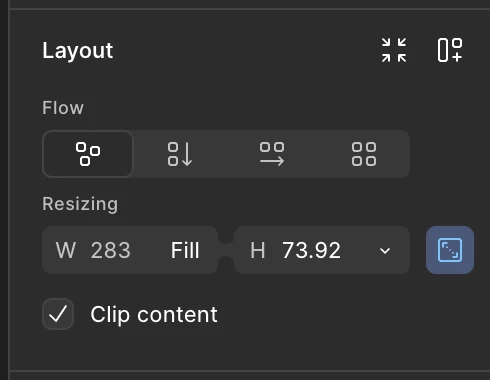
When working with Auto Layout (fill to width/height) and aspect ratio locked, I’ve noticed decimal points in the element’s height/width (I have pixel snapping on). I tried Round to pixel but it’s not working. It would be so great if the Snap to Pixel Grid function worked with Locked Aspect Ratio!
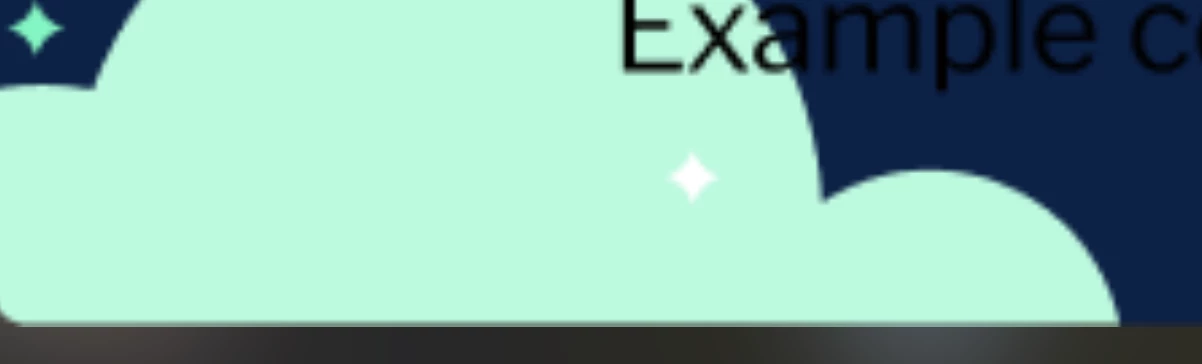
In my example below, I set the frame to fill the width but locked the aspect ratio so it doesn’t stretch the content. Unfortunately, this results in a decimal-point height, and with auto-layout this results in objects below this component to be placed on decimal points. When exporting as an image (which is a technical requirement), the decimals are filled with an odd colour (see last image).