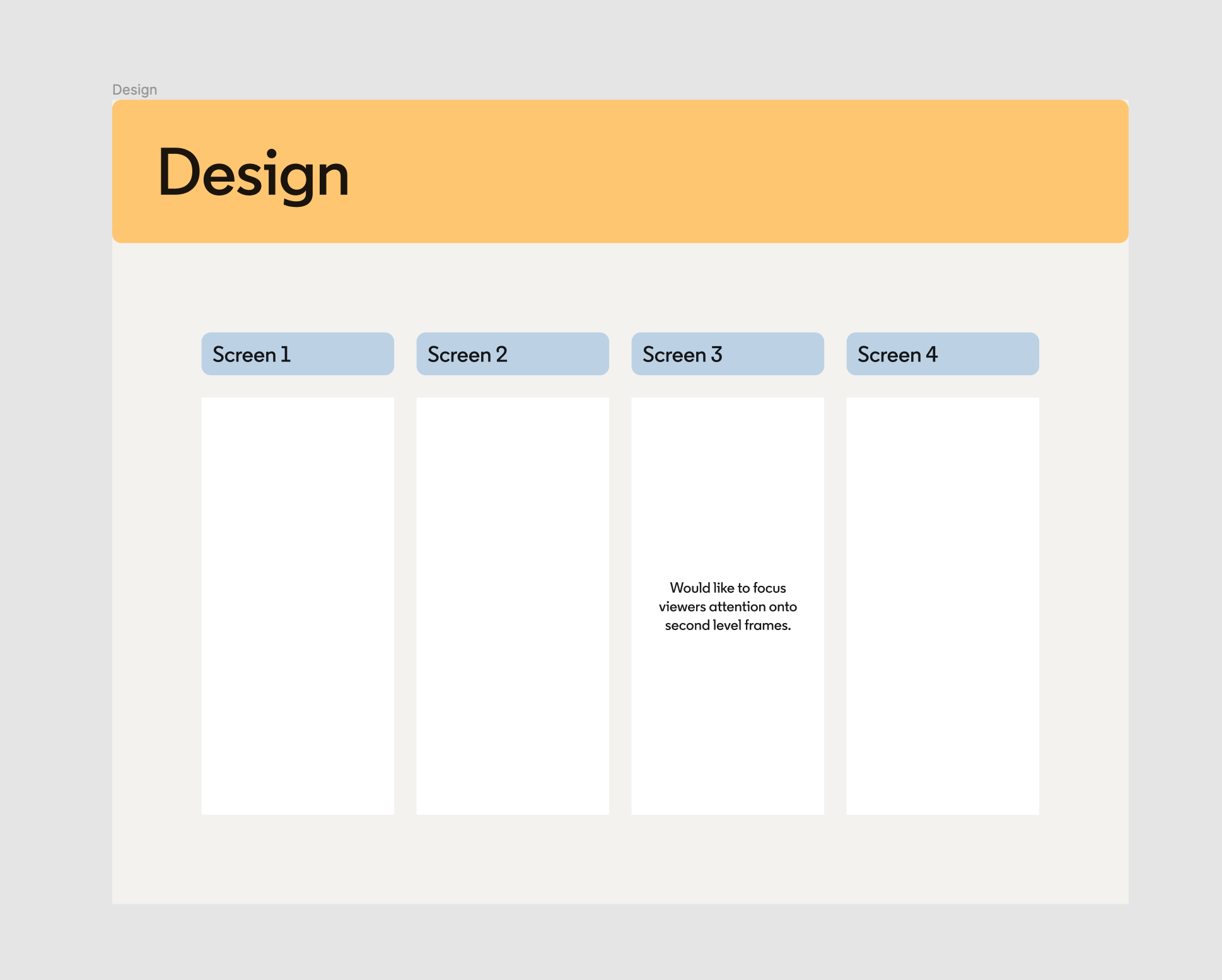
Yes please, I really want to be able to do this too. Though I have had links from my own files sent to me from a developer recently, and one of them linked to a nested frame. No idea how he did that.
I asked the developer and there is a workaround. Instead of using the large blue share button top right, find the nested frame you want to link to in the layers panel. Then control-click, select Copy/paste as > Copy link. The link that gets generated then links to that specific frame. Hooray for Anders the developer!
This workaround is awesome!
Heads up though: Even though the menu item is labeled Ctrl + L, using the keyboard shortcut still copies a link to the enclosing parent frame.
I’m reporting a bug for this.