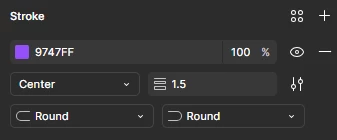
Figma should recognise the paste value from the Pick Color tool
When using the eyedroppper/color picker via the shortcut ‘I’, you can select a color and the RGB value is copied to the clipboard, letting you paste this value to copy the color. (Very nice feature!)
See below:
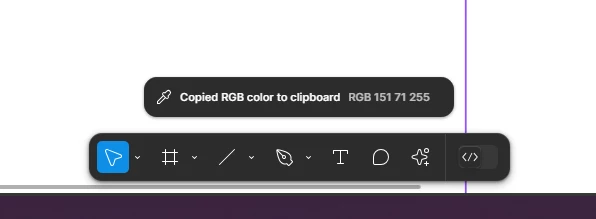
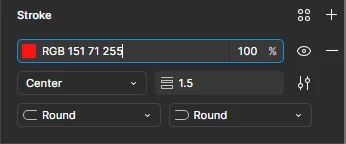
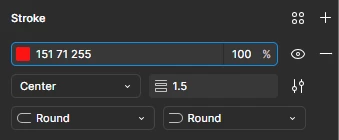
However, when pasting the value from your clipboard, the format is like: RGB 151 71 255. Figma does not recognise this a color when trying to use this value. Please see below, when pasting the RGB value in to a field that expects a colour, the RGB text at the start prevents Figma from recognising the 151 71 255 following it:
Existing Process:
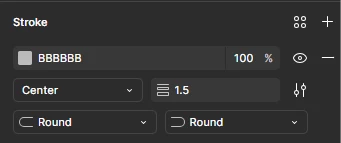
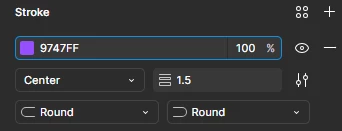
Suggested Process: