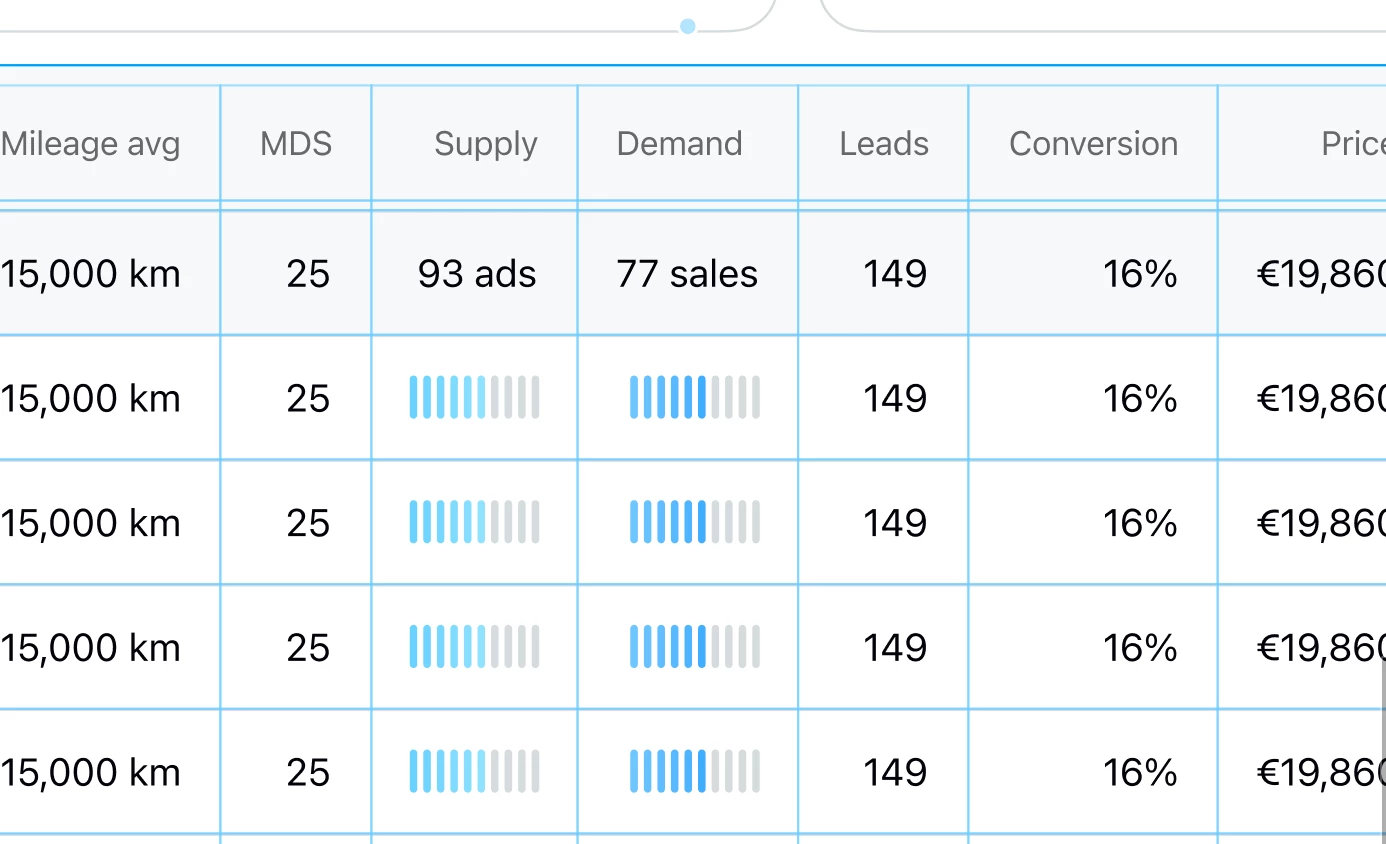
Drag/move entire columns or rows of content in a grid (table usecase)
When creating grids on Figma, it would be useful if one could pick a specific column or row and just drag it across the layout to reorder content.
Sometimes the content is too complex to select each individual cell and just move it around with the arrow or dragging. It could be cool to drag the whole column or row to reorder content.
I think this is a natural instinct for most people, and not being able to do it when designing is kind of restricting in my opinion. The handle could even be the current “circle” that appears above/aside the table.