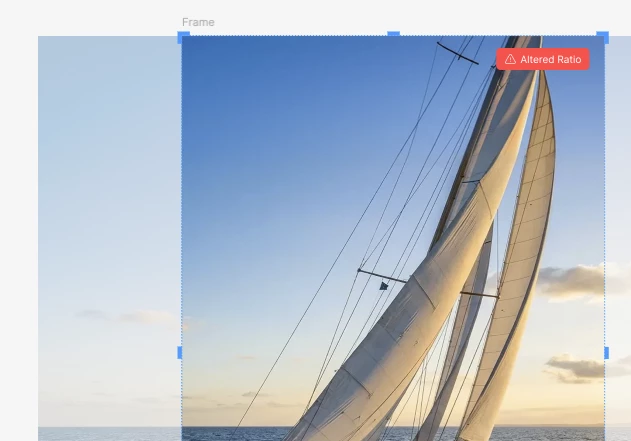
Distortion alert: Tell when an image has been scaled/skewed outside of its source proportion/dimensions.
Background:
When a new image is imported to replace an existing cropped image, the imported image can often be skewed (the workaround is to select Fill for the mage fille and reselect Crop and the skewing issue will go away). This also can happen to copying/pasting image fills.
The skewing is often subtle, and can sneak into production before it is caught. Designers should be alerted to the anomaly.
Possible Solutions:
One of the following options (or all) could alert designers of the issue:
Option 1: Bottom of screen message during/after import:

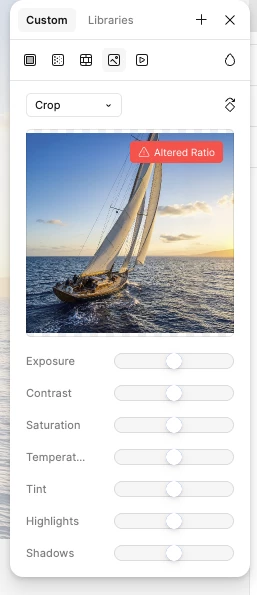
Option 2: Indicator on the image/crop tool:
Option 3: Indicator on the image itself when selected (maybe more subtle than this one, but even a colored info dot could flag the issue):