Create Folders/Categories/Tags for files

  • January 26, 2021
  • 295 replies
  • 78598 views

Show first post

295 replies

Travis2
  • Active Member
  • November 29, 2023

The funniest thing about this three-year-old thread is we’re all designers so we’re using Figma to sketch out ideas, going “Hey Figma, maybe do it like this? 😀,” trying so hard to be helpful, but we’re solving for the concept of folders and subfolders, a base-level functionality that has existed in digital UIs since the 1980s.


Sandra
  • November 30, 2023

How have they done nothing about this since 2021? This is the single worst thing about Figma imo, it’s absurd. Such an amazing tool, but it’s lacking something as simple as folder organization? Every software has it, everybody uses it. My Drafts are so crowded I just need to have a bunch of folders on the Dashboard that group various Figma files and that’s it. My design life would be so much better. 😔


Sandra
  • November 30, 2023

Exactly! #3 years!!! We are not asking them to invent teleportation. I really cannot think of a more basic mundane feature than this…


helmeseanu
  • New Member
  • December 2, 2023


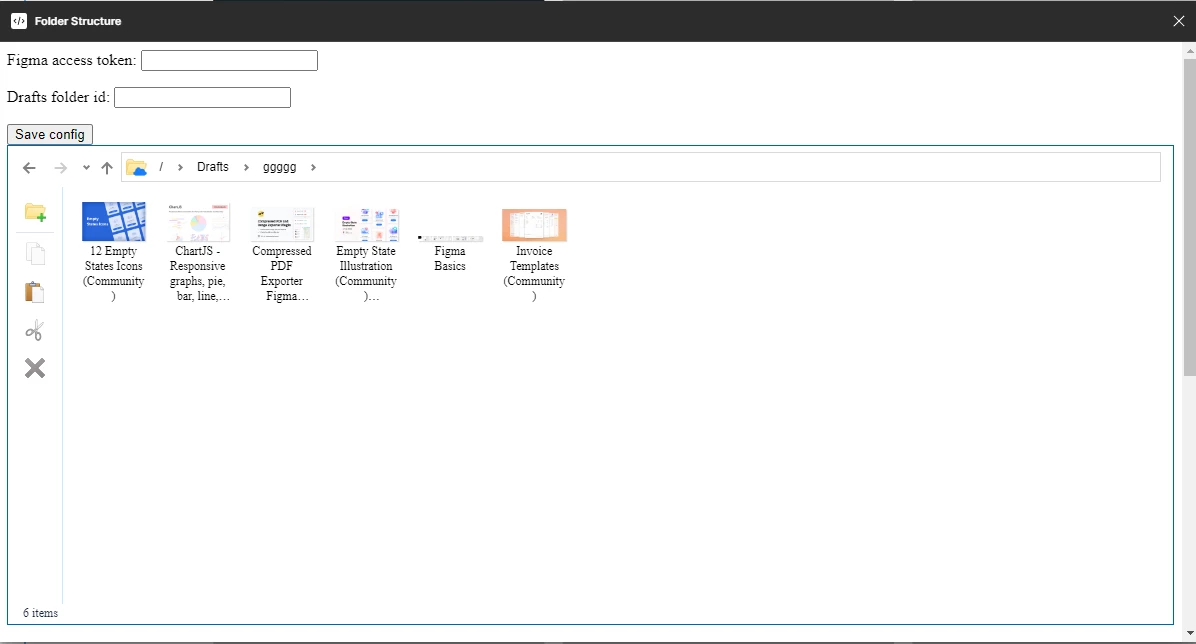
Working on a plugin to solve this


Yesunew_Hailu

This will be great!


helmeseanu
  • New Member
  • December 4, 2023

Currently in review, waiting for approval.


helmeseanu
  • New Member
  • December 4, 2023

Vijayakumar_Rajaram

Adding Tags to Figma files will be helpful to find files based on tag names.

For example, I have 200 design files that containing different parts of our product UI.
I want to filter out files that has tables. I’ll add tags on file name like ‘table’. That will help me when finding a file.


Marshall1
  • New Member
  • December 18, 2023

Proper folder structure and file tagging is critical.


Kirill_Yudin

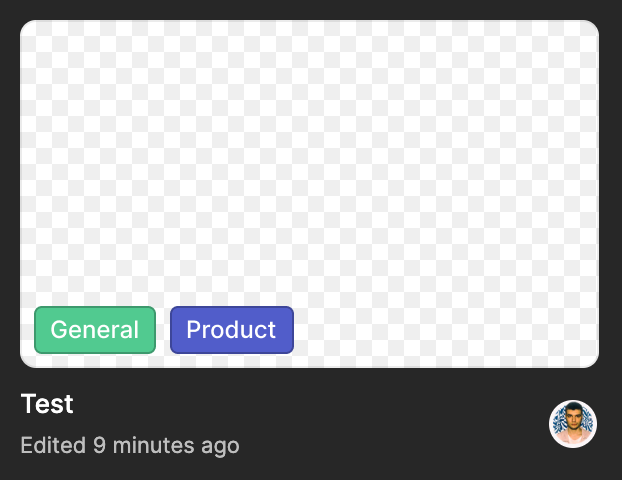
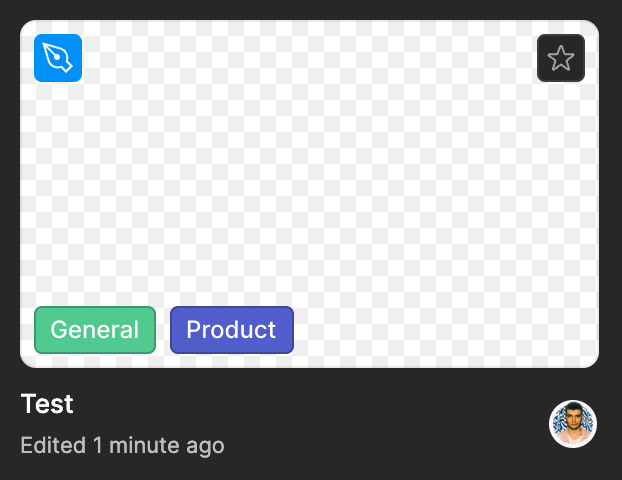
Let me tag files like this

image
image


Tagging would be great! And visible tags in search response. If you search for a specific page nested in a file, the design file will appear in search but the search does not provide any validation that the file in search will in fact contain what you’re looking for - so our cross-functional partners only trust the search if the title they typed appears. So our design file count is exploding for their findability when we actually need to use pages instead. // We’d also use all our corporate acronyms as tags and nicknames as tags.


  • December 20, 2023

This would be life changing!!!

We have different projects going on for a single client and they all live within one folder. To be able to group files within a project folder would be life changing! It would be nice to also be able to ensure that we can keep track of any external files that we share that’s client-facing.


Glen5
  • January 8, 2024

Cannot understand how this isn’t a feature already.


Anton_Andrianov2

Even Pixso already has Folders… Figma catch up! 🫠


Grayson_Price

I see a handful of posts in this forum with the same request, but they’ve all been closed so I’m just creating a fresh one. It’s very straightforward, but it would be an enormous burden lift if we could have folders and subfolders within a project. It seems very strange that even with an organizational license this is not available, it’s pretty fundamental to digital work. We don’t need any extra permission settings with all these folders, it would work for us to keep those at the Project level. We just have so many files that in other systems like Sharepoint, we would naturally organize by audience, campaign, project type, etc. But with the current format we have to choose one of those categories to organize by, and leave the rest to file naming conventions, which is extremely unreliable and almost impossible to enforce.


Coronel_Oliveira

One of the functions that I’ve been waiting for in Figma for a long time is a way to organize files by category/folder/directory or things like that.

On the home page there are some ways to organize the files using filters such as: alphabetical order, the date the file was created, FigJam files or design files, but there is no definitive way to organize the files.

For people like me who have dozens or even hundreds of different files, it becomes a tiring task having to go through them one by one to find what I need.

My suggestion is that the ux research team contact the development and design team and analyze the possibility of developing a way in which the user can organize files by categories, for example: the user has the ability to create a category to store only pre-made 3D image files, another category to store icons, another category to store style guides and design system, and so on.


Coronel_Oliveira

Recently I posted a topic here on the forum about feedback on a need and fortunately I received positive feedback informing that a solution is being studied to be made viable.

But on the other hand the thread was closed immediately and I couldn’t share a simple solution that I designed as a suggestion and would like to share.

If you want to take a look, go ahead:

Figma – 21 Feb 24

(In case anyone doesn’t remember what the subject is about, I’ll quickly summarize:

I and a few other people here on the forum suggested a way to organize files on the Figma home page.)


Jack_Reeves
  • New Participant
  • February 25, 2024

Now everyones back to work after the Adobe merger can someone please add this feature. Seriously? 3 years and still no way to organise large projects?


Rice_Erin
  • March 1, 2024

How is this not a thing? Can anyone at Figma provide a timeline for when this may become available? Is this being researched? In development? I need to make some decisions about how to structure our team this week.

My “team” is a subset of my very large organization. Our team of 20+ designers work on multiple internal applications. I would like to create a project for each app, but each of those applications then needs several subfolders, because some of those applications are very very large and complex, with multiple product groups working on one application.

I’m not really sure what to do without the ability to organize at a deeper level.


eRios
  • New Member
  • March 1, 2024

Hello there, I’ve got a request within projects & files: The larger our projects get the more I find that I’m running into a desire to group files within a project into their own groups within the current project.

For example, I open up a new project A → Then later find I’ve created lots of projects that are related to one another and would be easier to find if they were together. Especially for the rest of my team who does not spend as much time as I do in Figma.

I’ve got things in place to help make my work identifiable as fast as possible, but I still feel that grouping things together would be really helpful for wayfinding.

Thank you in advanced for your time and consideration!


Figma team, if you are listening, please just let me structure my files using folders. Stop trying to re-invent an already universally understood organization scheme.


Elyriades
  • Active Member
  • March 21, 2024

Снимок экрана 2024-03-22 в 00.17.27

Button Your teams isnt interactive, why do you add it? and under it placed drafts tab, you can made it like PROJECTS or FILES tab, with filters from drafts and recent tabs. Just make smth with it. Why do you make recents and drafts that is files in diferent sections, moreover, they made it so that drafts are under a non-interactive and completely unnecessary element, which, among other things, also means not what drafts represent. You can make Projects and under it 2 tabs: recent, drafts. When I first downloaded Figma it was misleading, same as now


  • Figmate
  • March 25, 2024

Hi @Elyriades, Thanks for sharing your thoughts! I found the other community member asking for something similar here. So I merged your post to have all the feedback in one place! Feel free to Vote up top!

Thanks,


Figma please add this feature asap - I need to create sub folders in my projects to better organise files - this would be so so helpful. Lets get this feature shipped asap 👍🏼


abhishekjunghare

3 years since the first request, 1000+ votes, but no update.