

Anna_Palgan
April 30, 2021

Change colour of the dot sticker

  • April 30, 2021
  • 13 replies
  • 5129 views

1. Describe the bug/issue you’re running into?
I love the orange dot sticker. I dream of color-coding it. Please make it happen!

Overall, I love the new FigJam tool. Love it love it love it. Just make default stickers more editable.

2. Are you able to consistently reproduce it? If so what are the steps?
I just put a dot on the screen and desperately want to right-click it and pick from selection of different colours.

3. Share a screenshot, recording, console log, link to the file, etc.
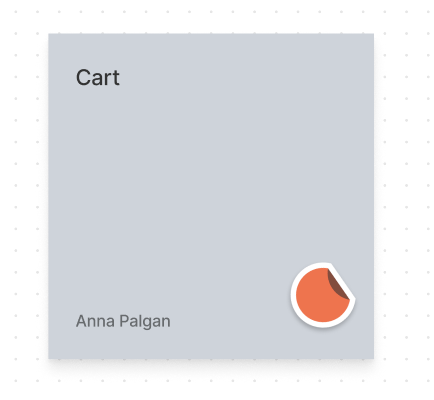
image

4. Is the issue only happening in desktop app or a specific browser , or both?
Desktop app

5. What OS/version and/or browser/version are you using?

13 replies

Alex_Wiley
March 28, 2023

Out of interest, how on earth did that manage to pass any UX tests at Figma?

I’ve literally sent this to multiple people and non of them could figure out why the colour of the dot randomly changes.

I think you need to make this a lot clearer!

Fiona6
April 7, 2023

Found a workaround - duplicate FigJam file on your browser tab so there’s like 6 versions of you to get more colours. Hope this helps for now!

February 6, 2024

It’s so sad that I can’t change the colour. I need to go through the work of creating a new circle in the colour I want, then copy-pasting it in all the places I want it in my file. I wish I could just stamp away like I did the circle with my initial. I have other people on my team, I need more stamps to tell them and their work appart!