

Bulk update the description when making changes to "Ready for dev" frames
When we make changes to multiple screen that were marked “Ready for dev” (for example, when updating or swapping a component across several screens), the “Ready for dev” symbol turns yellow indicating a change was made. When clicking on it, we can add a description (of what changed) and update the status so it goes green again.
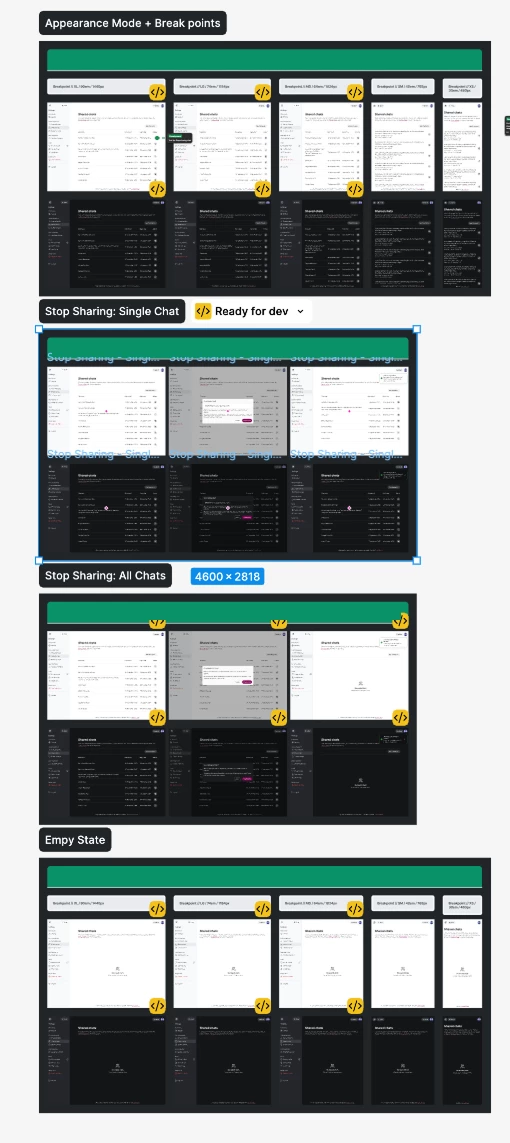
Problem is, there is no way to update the change description in bulk. I copy the change note and click on individual screens, paste the note and then update it. This is very tedious.
The alternative is to select multiple screens, remove the status, and then mark them as “Ready for dev” again. But in this case, we can’t add a description.
The change description is a useful feature that adds value through the changelog in dev mode. I think there should be a way to select multiple screens and just update the description in one place so that it gets updated in bulk.