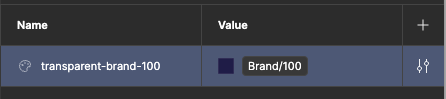
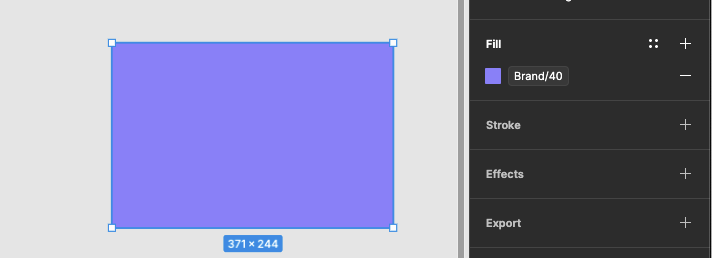
When aliasing a color variable to another (img 1), or using it directly on an element (img 2), we should be able to override the opacity without the need to create a variable for each transparency variation:
I’ve also asked this question several times in webinars (e.g. last week’s) and all questions except mine have been answered… I don’t understand why and am beginning to believe in a conspiracy 😃
I ran into this issue during my first attempt at applying opacity on a drop shadow using a color token (fail). Then I tried to apply opacity to a style using the color token (fail). Last ditch effort was attempting to apply opacity on the color token itself (fail), which is how I found myself in this thread. It’s a bummer.
Having talked to a few Figma devs/community people about this, they are well aware of the ask (it has been one of the top asks for years).
I don’t understand how this doesn’t drive Figma devs themselves crazy when they use the tool, but for some reason it just hasn’t been a high priority for them.
Maybe we will see this at Config, but I highly doubt it.
+1 for this feature and the ability to bind color opacity to its own number variable.
So many color systems depend on semantic opacity definitions that this really feels like a must-have. For example, Material 3 has hover opacity (8%), focus/pressed (12%) and dragged (16%). Tailwind lets you define opacity on a per-color basis, but if you want parity between a set of variables and all the Tailwind color classes (plus your custom colors), your number of color variables would increase by more than an order of magnitude due to needing to define a color variable for each opacity level. There are other examples, but those are a couple of the most popular use cases.
Being unable to define and use variables for alpha channel values (1) makes us less efficient as designers and (2) creates a disconnect between designers and developers in terms of what is designed and what is implemented.
We really need this. Right now, we have to detach base color variables from the source library just to add opacity. We also have to manually maintain a map with notes as the source library can be updated.