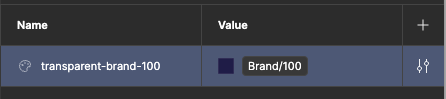
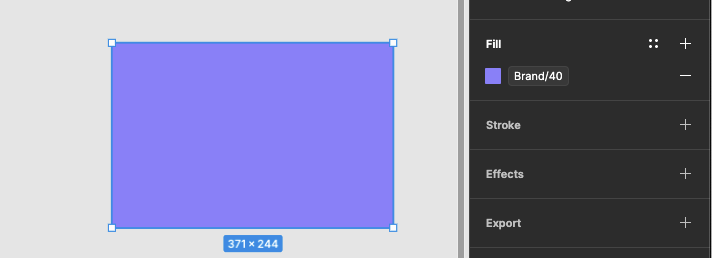
When aliasing a color variable to another (img 1), or using it directly on an element (img 2), we should be able to override the opacity without the need to create a variable for each transparency variation:
So how many years has it been now that we’ve been requesting this the most basic feature that should’ve been there in variables from the start? 🤨
@djv Figma, come on, guys. You were the chosen ones! It was said you would destroy the Sith, not join them! Please stop wasting time and money on the AI rush and get back to your roots – creating a product that solves users’ problems.
So how many years has it been now that we’ve been requesting this the most basic feature that should’ve been there in variables from the start? 🤨
Figma, come on, guys. You were the chosen ones! It was said you would destroy the Sith, not join them! Please stop wasting time and money on the AI rush and get back to your roots – creating a product that solves users’ problems.
It’s become a bi-yearly pilgrimage to the Figma forums to wine about the lack of alpha control in color variables. Come on Figma! It can’t be that hard.
Hello everyone, like most of you here, I got tired of losing my token aliases or manually creating 100+ duplicate variables just to handle hover states, alert tints, or Material Design elevations.
I built a Figma plugin called Sheer to completely bridge this gap. It adds an automated, non-destructive opacity modifier layer to your system:
To be honest, I had some little hope this would be implemented with this year’s Config updates 😔
Me, too. Design tokens are basically the source of truth that helps keep the AI in check, and pretty much all the talks dealing with AI being able to recreate more faithfully relied on design systems underpinned by tokens, so here’s to hoping Figma does the right thing and finish out the half baked parts.