

Question
Add Back and Forward Navigation Buttons to Figma Prototype Preview in Figma App
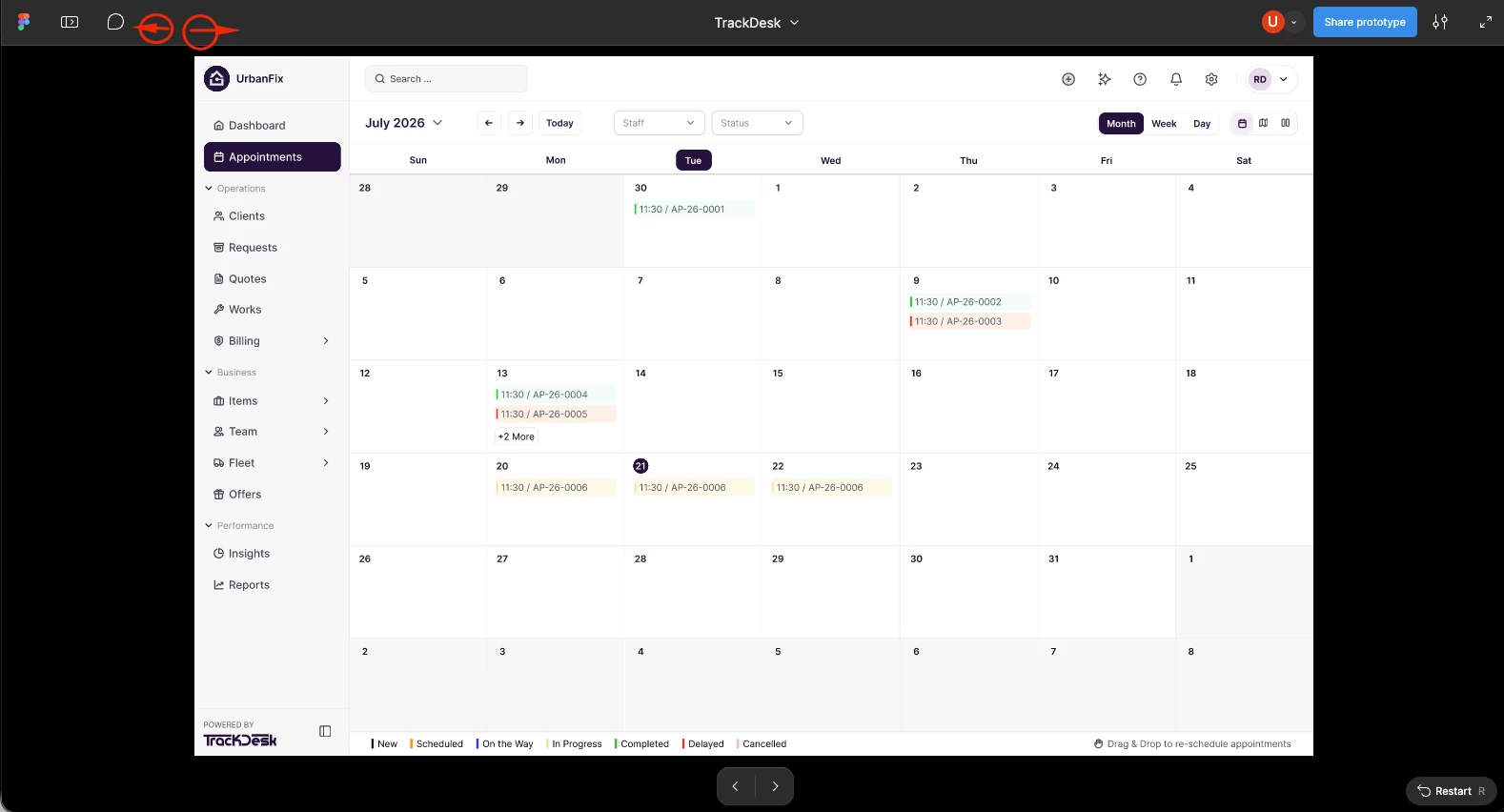
Currently, when viewing a prototype in Figma, it would be very useful to have Back and Forward navigation buttons, similar to those available in web browsers.
These buttons would allow users to navigate between previously viewed and next prototype screens without needing to restart the prototype or manually navigate through the flow again.
This feature would be especially helpful when reviewing multiple screens, testing user flows, and presenting designs to clients. It would make prototype testing faster, smoother, and more convenient.
Suggested functionality:
- Back: Return to the previously viewed screen.
- Forward: Move to the next screen in the navigation history.
- Enable these controls directly in the prototype preview.
Adding this feature would significantly improve the prototype review experience for designers, developers, and clients.