

TextFit for Figma Buzz — automatically fix overflowing copy after Bulk Create or localization
Hi everyone 👋
I recently released TextFit for Figma Buzz.
I built it around a problem I kept seeing in Buzz workflows: you create a branded template, then use Bulk Create, localization, or simply change the copy — and suddenly some headlines no longer fit the original layout.
TextFit lets you:
- Freeze the original text areas so longer copy doesn’t push the layout
- Scan one asset, a selection, or all assets for text overflow
- Fix overflowing text automatically by reducing the font size until it fits
- Set a minimum font size
- Revert TextFit’s typography changes if needed
A typical workflow is:
Freeze → Bulk Create / localize / change copy → Scan → Fix
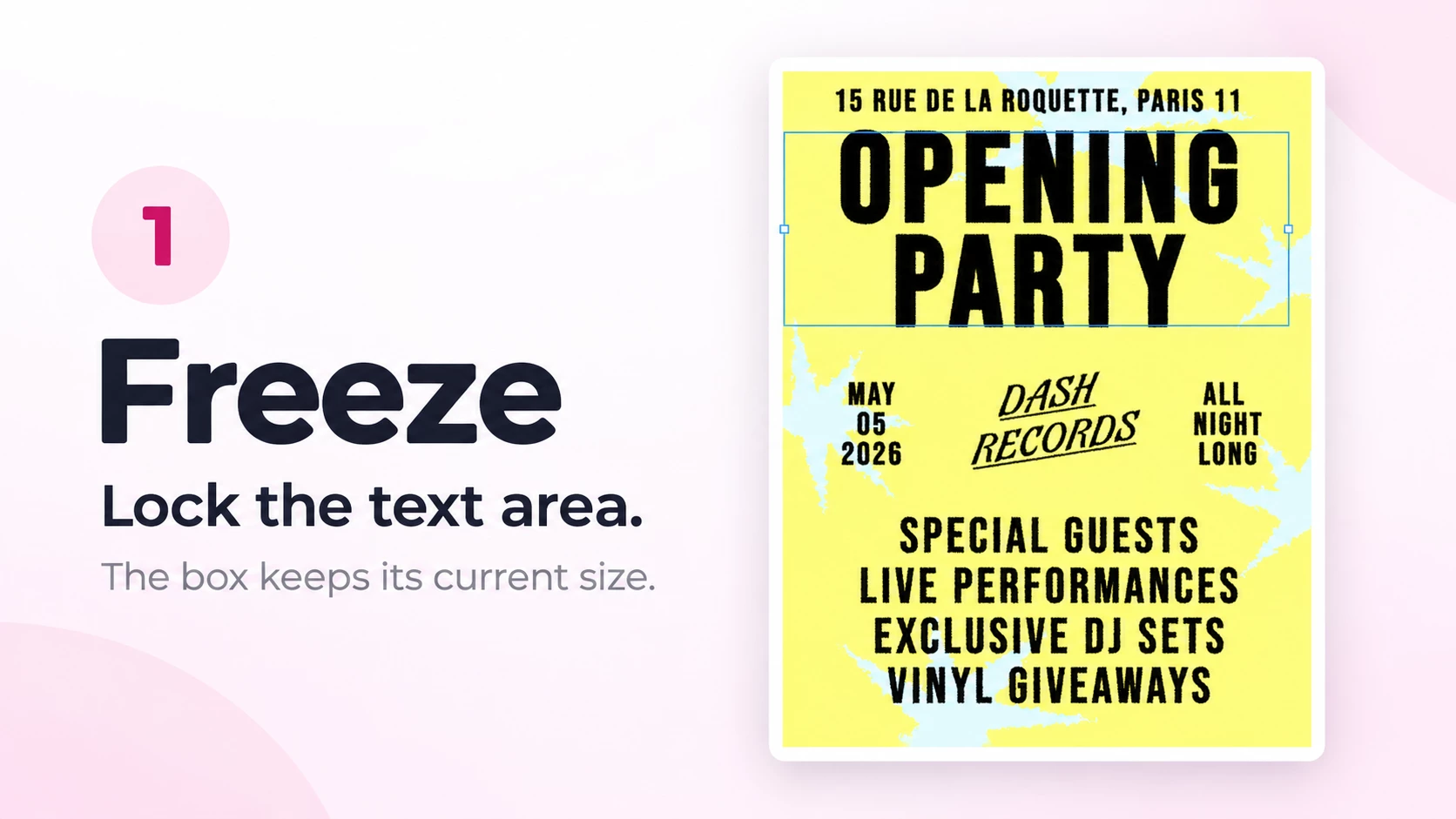

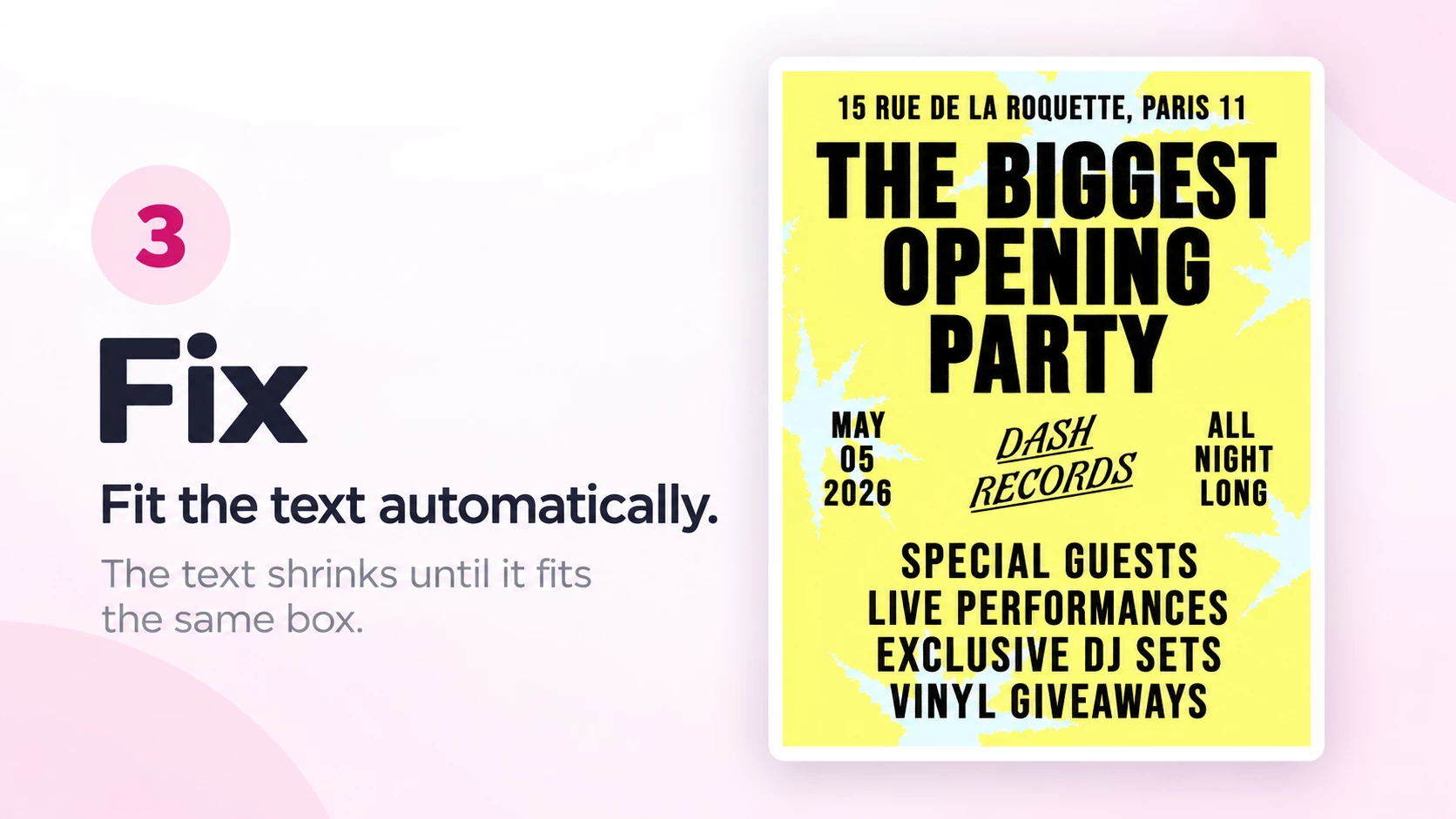
It’s particularly useful when generating lots of campaign variants or translating assets into languages where the copy becomes longer.
You can try every feature free for 7 days. After that, it’s a $7 one-time purchase:
https://www.figma.com/community/plugin/1685810922519235112/textfit-for-figma-buzz
I’m the developer and it’s very new, so I’d especially appreciate feedback from anyone using Buzz Bulk Create, localization, or high-volume marketing templates.
If you try it, I’d love to know: does the Freeze → Bulk Create → Scan → Fix workflow fit naturally into the way you use Buzz, or is there a step you’d want handled differently?