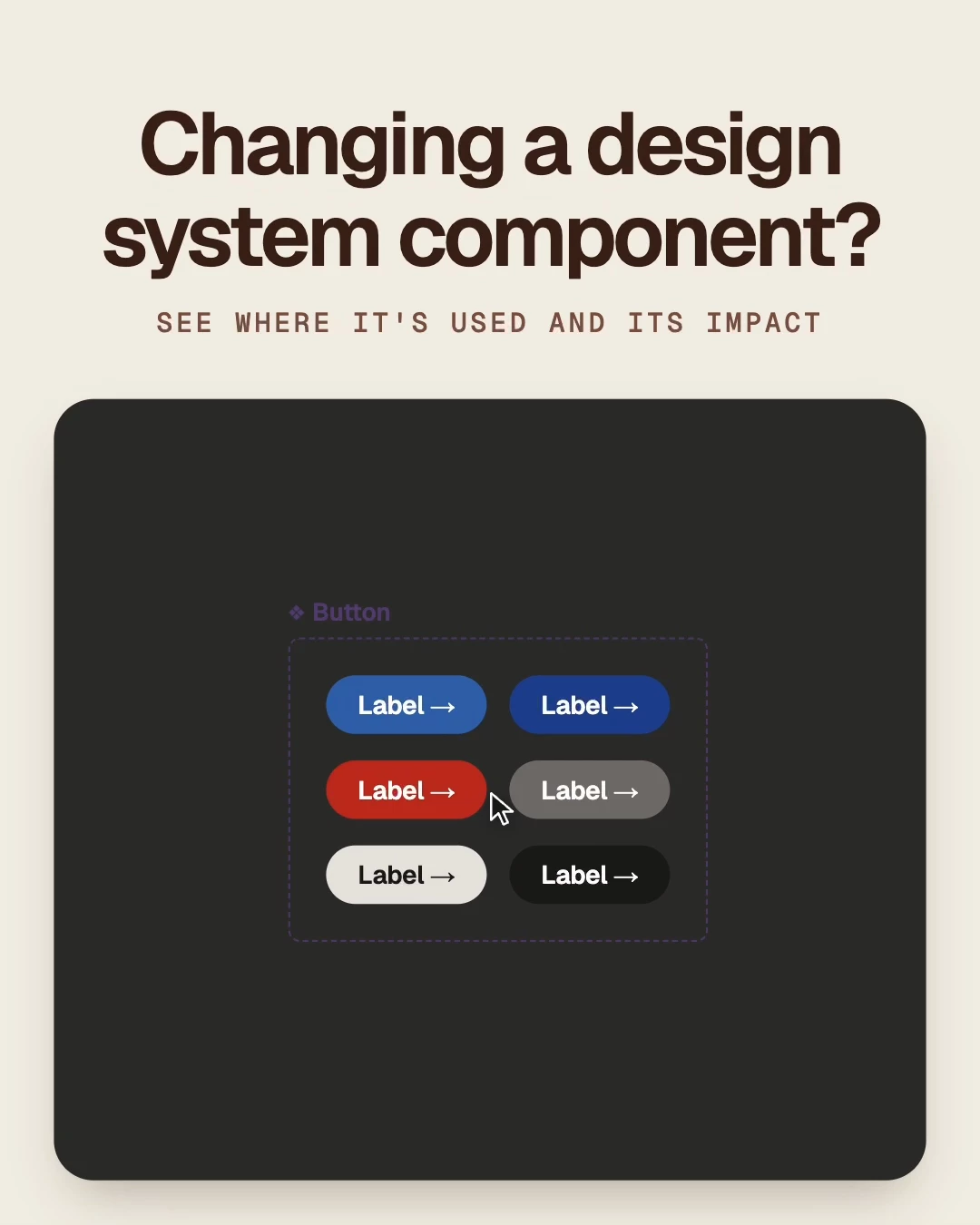
Sourceline: see which team files use a component before you change it
Hi everyone. I built Sourceline because Figma shows a component's variants, but not which of your team's files use it. People have asked for this in Suggest a feature since 2021: https://forum.figma.com/suggest-a-feature-11/see-where-component-is-used-find-component-instances-across-files-17758
Sourceline is a widget you place next to a main component in your library file. It shows:
- How many team files and instances use the component
- Which of those files are active, quiet, or inactive
- A High, Medium, or Low impact badge, before you publish a change
- Every file that uses it, latest edit first, with its Dev Mode status
You set it up once per library file. Results are saved in the file, so teammates see them without signing in. Later scans read only the files that changed.
Two limits to know: the first scan takes about 4 minutes for every 60 files, because of Figma's API rate limit, and instances nested inside other instances are counted where their main component lives.
It's free: https://www.figma.com/community/widget/1686375993972598287/sourceline
If you run a design system, I'd like to know where the numbers surprised you, and what you'd want it to show next.