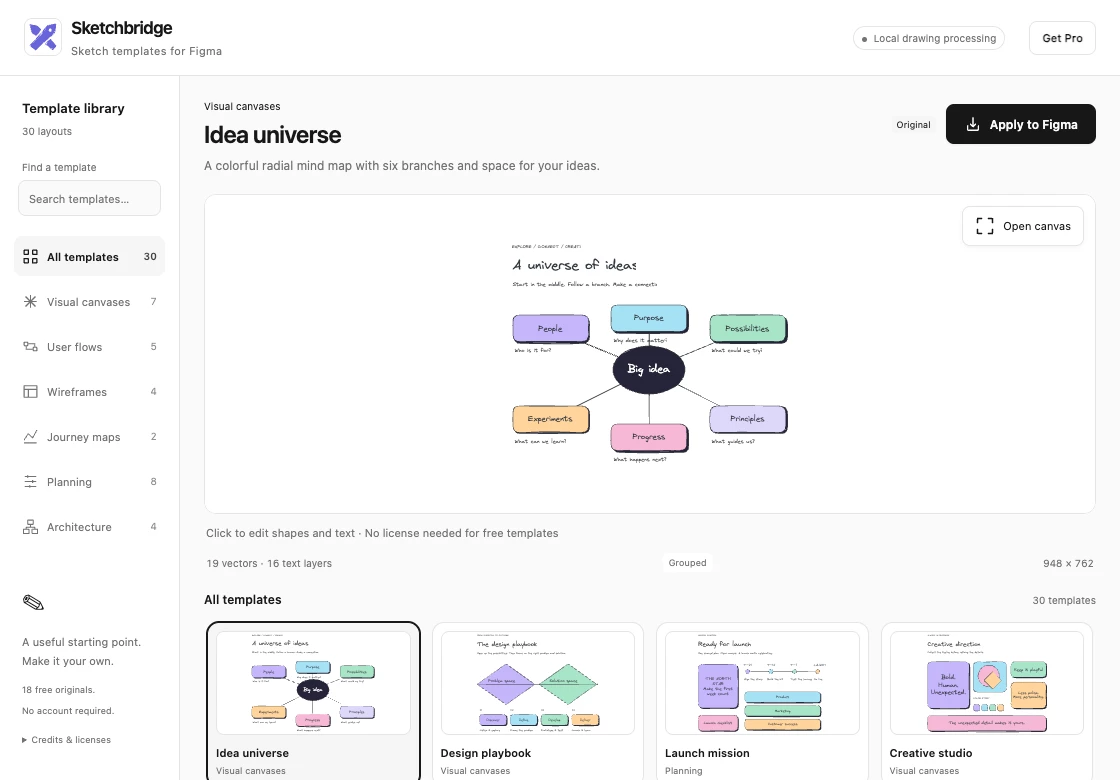
Sketchbridge: edit hand-drawn flow templates, then bring editable text and vectors into Figma
Hi everyone — I'm the developer of Sketchbridge, a Figma Design plugin built around the open-source Excalidraw editor.
I made it for the early stages of product work: sketch a user flow, wireframe or journey map, then keep working with editable objects in the design file.
One example is the free Signup flow template. Open it in the plugin, change the steps, labels and colors on the canvas, click Done, and choose Apply to Figma. The result contains native text and vector paths that you can adjust in Figma.
There are 18 free original templates covering brainstorming, user flows, wireframes, journey maps, planning and architecture. Canvas editing is also free; no purchase is required to use those templates.
For transparency, there is an optional $9.99 one-time pack of 12 additional templates for SaaS, AI workflows and workshops. Free and paid templates use the same editing and conversion tools.
Current limits: this works in Figma Design. Arrows become vector paths and won't reconnect automatically when you move nodes. Font appearance depends on fonts available in Figma. Local Excalidraw file/JSON import is a separate plugin.
You can try it here:
https://www.figma.com/community/plugin/1688822850652245866
The listing is called “Excalidraw Canvas & Templates — Sketchbridge.”
I'd love feedback on where sketch-style diagrams fit into your Figma workflow. Which starting template would you use first, and what would you want to adjust after insertion?