

New plugin Framify Video Exporter: Export Figma frames and layer effects as video files. No screen recorder needed.
Hey Figma community 👋
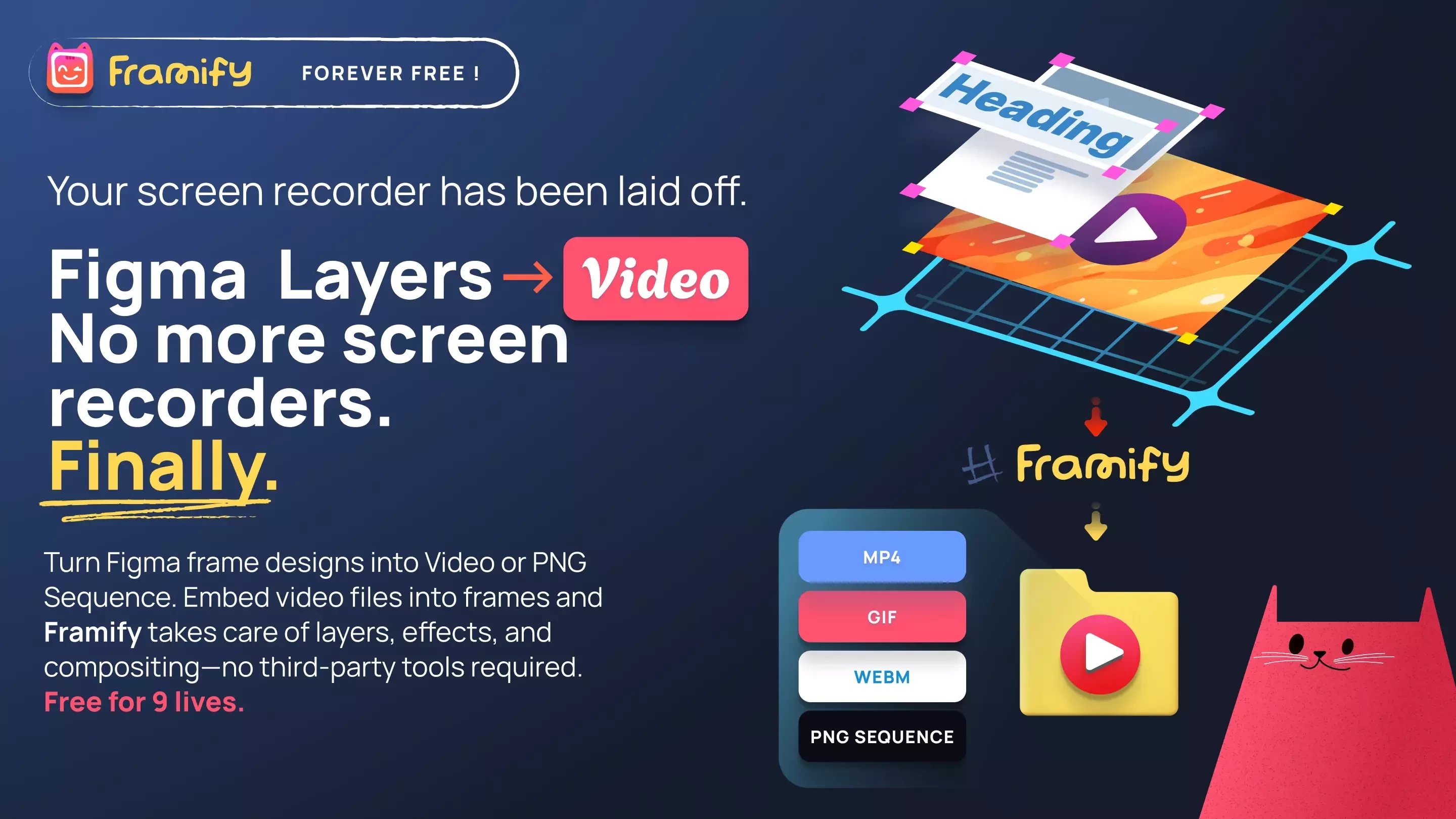
I want to share something I built out of pure frustration Framify Video Exporter, a free plugin that lets you export any Figma frame with video layers and layers with Figma effects as a proper video file (MP4, GIF, WEBM), right from the plugin panel.
The backstory: I kept screen recording my own mockups to share with clients. Shaky cursor, wrong frame rate, glass effects looking completely broken. There had to be a better way. So I built one.
It already has over 200 actives users in two weeks since the launch! Which is super exciting.
What makes Framify different
The big thing — and the reason I'm actually proud of this — is that Framify uses Figma's own renderer to export each frame. Not a canvas approximation. Not a screenshot hack. Figma renders every frame itself, which means:
- Glass effects, backdrop blur, layer blur, refraction — all preserved in the export
- Your frosted glass UI looks in the video exactly how it looks in Figma
- Layer order is pixel-perfect — bezels and overlays always sit above your video
What you can do with it
- Export as MP4, WebM, GIF, or PNG sequence (ZIP)
- Multiple video layers in a single frame — each with its own mask, transform, and settings
- Any mask shape supported — circles, custom paths, boolean shapes
- Flip, rotate — full transform matrix preserved
- Control FPS, duration, bitrate, and output scale
- 100% local — your files never leave your machine
- Free. No account. No watermarks.
This is my first public plugin release and I'd genuinely love to hear how it fits (or doesn't fit) into your workflow. Especially curious if anyone's using glass-heavy UI mockups — that's where it really shines.
Give it a try and let me know what you think 🙏
https://www.figma.com/community/plugin/1612301991977504572/framify-video-exporter