

Introducing JMPY.me: Your All-in-One Link & QR Management Plugin for Figma!
We are thrilled to announce that JMPY.me is now available to help you streamline your workflow across the entire Figma ecosystem! Whether you are designing, presenting, or collaborating, you can now generate branded, trackable links and fully customized, dynamic QR codes without ever leaving your canvas.
🚀 Why JMPY.me?
Generic URLs can look untrustworthy and hurt your click-through rates. JMPY.me is an AI-native link management platform built specifically for creators, designers, and marketing teams. We make it effortless to turn your canvas URLs, slide decks, or specific frame coordinates into professional assets that drive engagement and save your time. Create and insert in canvas immediately with one click.
🎨 Key Features at a Glance
-
Universal Compatibility: Works seamlessly across Figma Design, FigJam Boards, Figma Slides, and Figma Buzz.
-
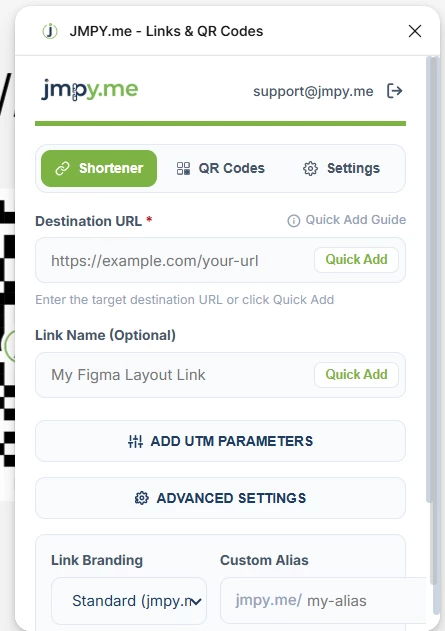
Branded Short Links: Instantly shorten long URLs using your own custom domains. Perfect for keeping your professional branding consistent.
-
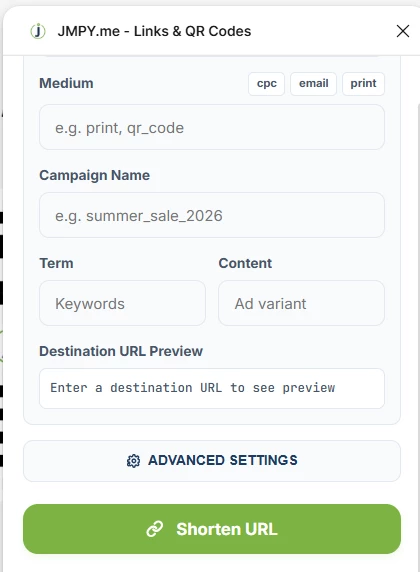
Custom Alias & UTMs: Take full control over your link structure. Create custom aliases for easy memorization or append UTM parameters directly within the plugin to track campaign performance with precision.
-
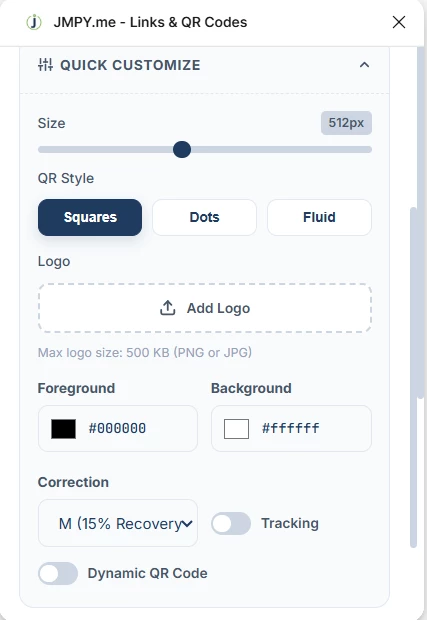
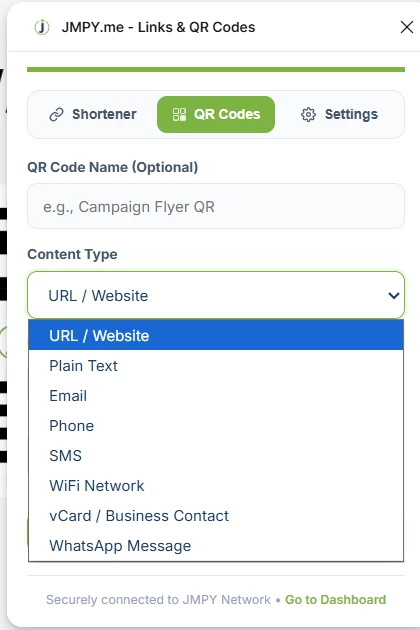
Dynamic QR Codes: Generate high-quality QR codes directly on your canvas.
-
Style to Match: Customize colors to match your brand palette.
-
Add Logos: Embed your logo directly into the QR code for instant brand recognition.
-
Edit & Track: Since these are dynamic, you can update the destination URL at any time without changing the printed QR code.
-
-
Real-time Analytics: Gain valuable insights into your audience. Track click-through rates (CTR) and scans with city-level, device, and referrer data—all managed from your dashboard.
-
Zero Latency: Built on a global edge network to ensure your audience gets where they need to go, instantly.
-
Insert the qr code or short url into canvas with one click.
🛠️ How to Get Started
-
Install the JMPY plugin from the Figma Community and connect it to your jmpy account.
-
Select any canvas layer, slide, or node (or use the entire file).
-
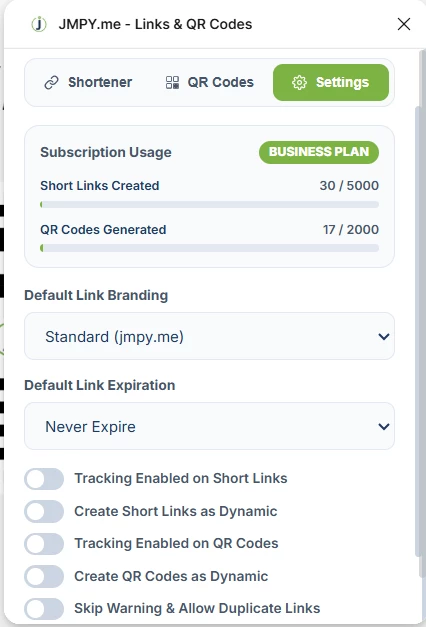
Configure your preferences: set your branding, customize your QR style, and add your tracking parameters.
-
Click "Add to Canvas" to place your ready-to-use link or QR code exactly where you need it!
Join the Community
We’ve built this for you—the designers, the presenters, and the builders. We can't wait to see how you use JMPY.me to level up your presentations and design workflows!
Get it from here.
https://www.figma.com/community/plugin/1652124319511508893
We will love to hear your feedback.