IconNova: Turn Icons into a Production-Ready System inside Figma
Hi everyone,
I’ve been working on a Figma plugin to simplify how designers and developers handle icon systems.
The goal was to remove the friction between design and production and make the process faster and more consistent.
With IconNova, you can:
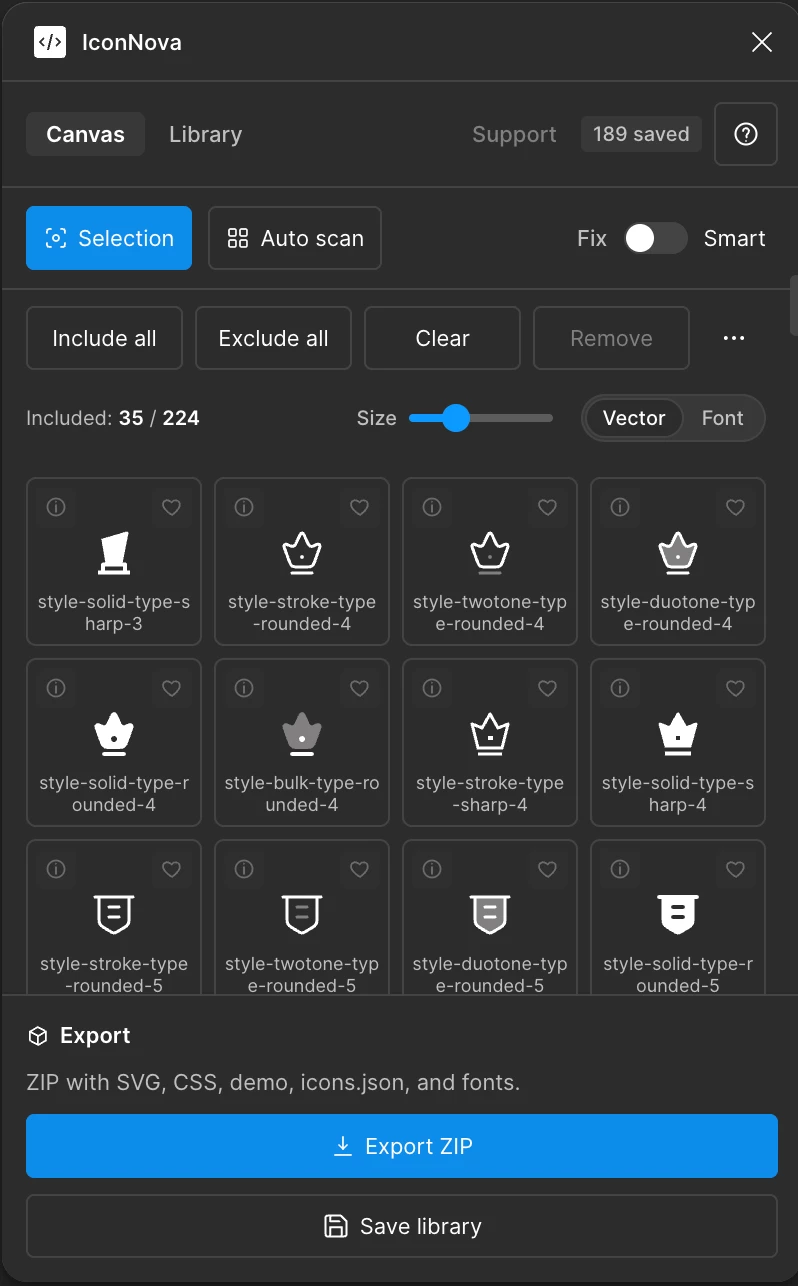
• Convert icons into SVG, JSON, CSS, and web fonts
• Generate a structured icons.json with stable codepoints
• Export a ready-to-use package for development
• Browse and copy icons in multiple formats (SVG, React, Vue, fonts)
• Handle large icon libraries with better performance and control
Recent updates include:
• Improved Dev Mode support
• Smarter icon detection from complex selections
• Faster export with clearer feedback
• Favorites system for quick access
• Drag and drop support for SVG and icons.json
• Cleaner UI and better preview experience
Would love to hear your feedback 👇