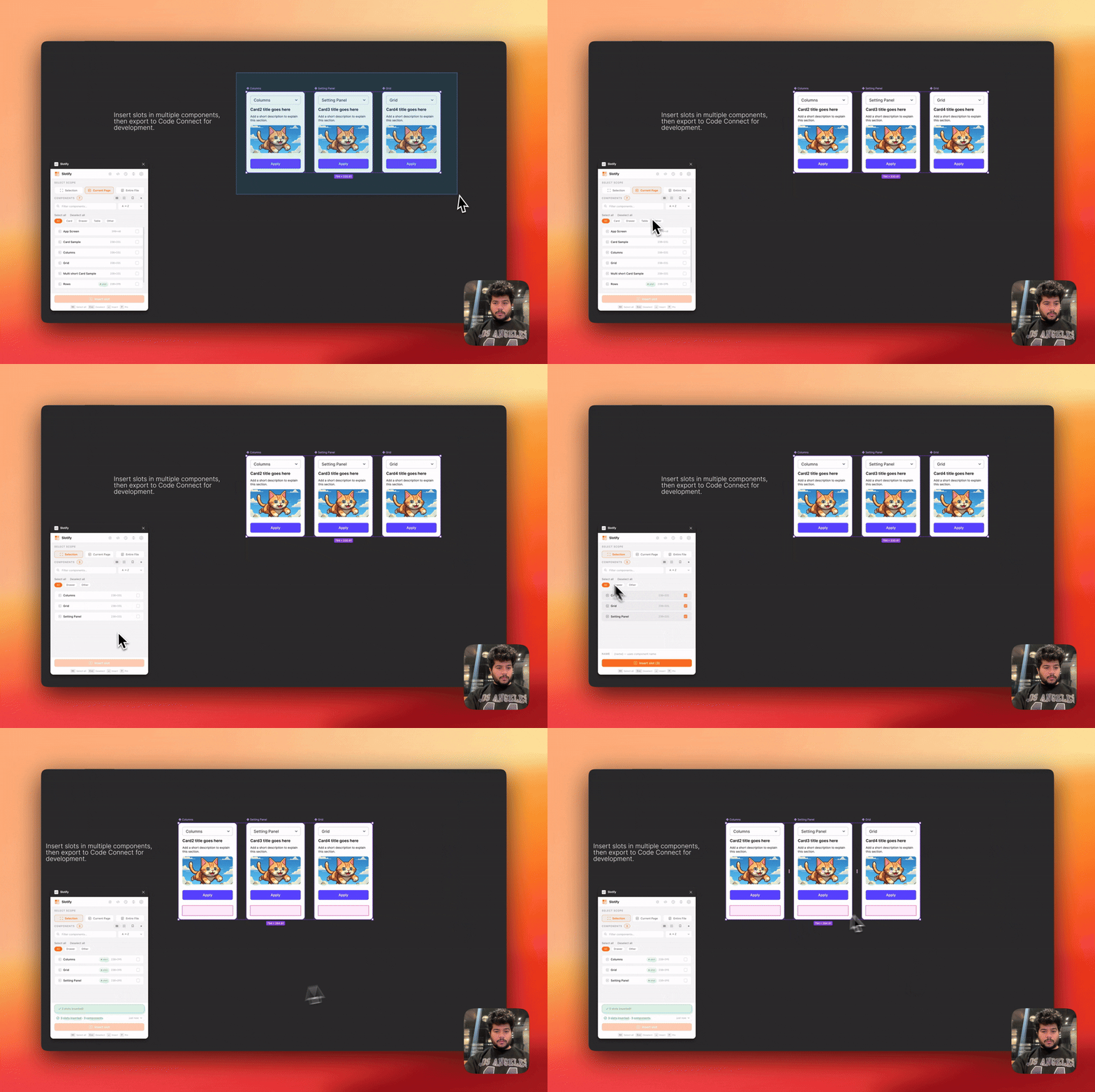
I got tired of slotting components one by one, so I built Slotify!
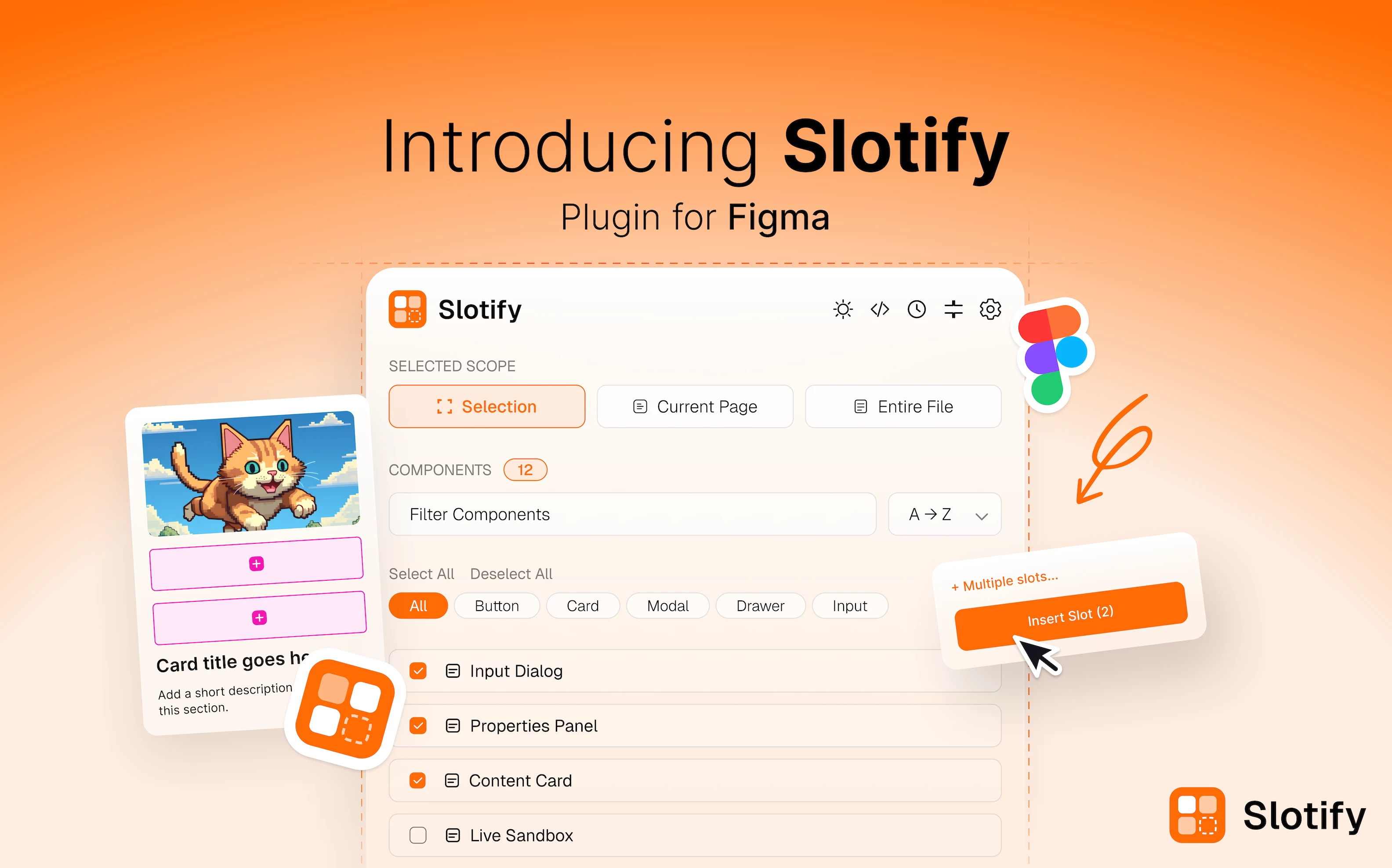
Hey Figma community 👋
I just shipped Slotify — a free plugin I built after spending way too
long adding slots to components one by one across a large component library.
If you've ever had to slot 30+ components manually, you know the pain.
Slotify fixes that in one click.
👉 Install free here:
https://www.figma.com/community/plugin/1620735141653308129/slotify
─────────────────────────────
✦ WHAT IT DOES
─────────────────────────────
- Bulk-insert slots across your Selection, current Page, or entire File
- Use {name} tokens — slot names auto-fill per component (e.g. "Button Slot")
- Anchor a slot to any child layer — position and width follow it automatically
- Add multiple named slots to one component using presets
(Card: Title + Image + CTA, Two-slot: Header + Body, and more)
- Undo the entire last batch instantly if something looks off
─────────────────────────────
✦ CODE CONNECT BUILT IN
─────────────────────────────
Slotify has a built-in Code Connect panel — scan your page for slotted
components and generate figma.connect() snippets instantly.
Supports: React TSX · React JSX · Vue 3 · Angular · Svelte · Web Components
Then publish straight to your repo with the Code Connect CLI.
─────────────────────────────
✦ WHO IT'S FOR
─────────────────────────────
→ Design system teams managing large component libraries
→ Designers handing off to developers via Code Connect
→ Anyone tired of repetitive slot work
─────────────────────────────
👉 Install free here:
https://www.figma.com/community/plugin/1620735141653308129/slotify
This is my first Figma plugin — would genuinely love feedback from
people working with design systems or Code Connect. What features
would make this more useful for your workflow?